

 1
Start with text or a reference
Describe the image from scratch, or open Image Editing and attach the images that should guide the edit.
Build product shots, posters, and compositing assets with ByteDance Seedream 5.5. Control local edits with references and export transparent PNGs when you need a clean cutout.
PROMPT GALLERY
Inspect a prompt, its settings, and any source image. Choose Recreate to use the same setup in the image generator.
AI IMAGE WORKFLOW
Seedream 5.5 is ByteDance’s image generation and editing model. It is designed for precise local edits across rounds, cleaner small text in multiple languages, and reference-guided compositions. Choose 1K, 1.5K, or 2K for generation and editing.
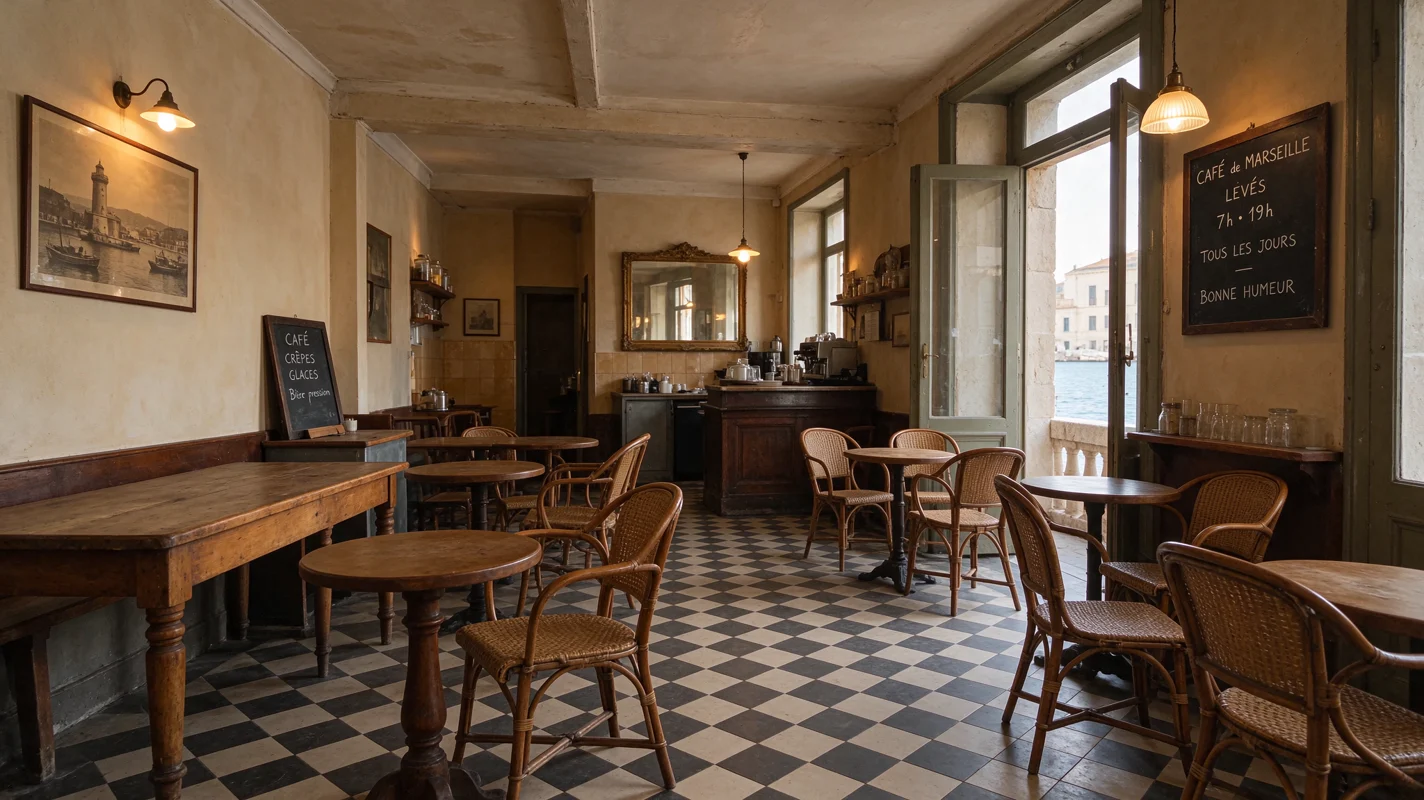
Move from the first composition to a usable production asset.
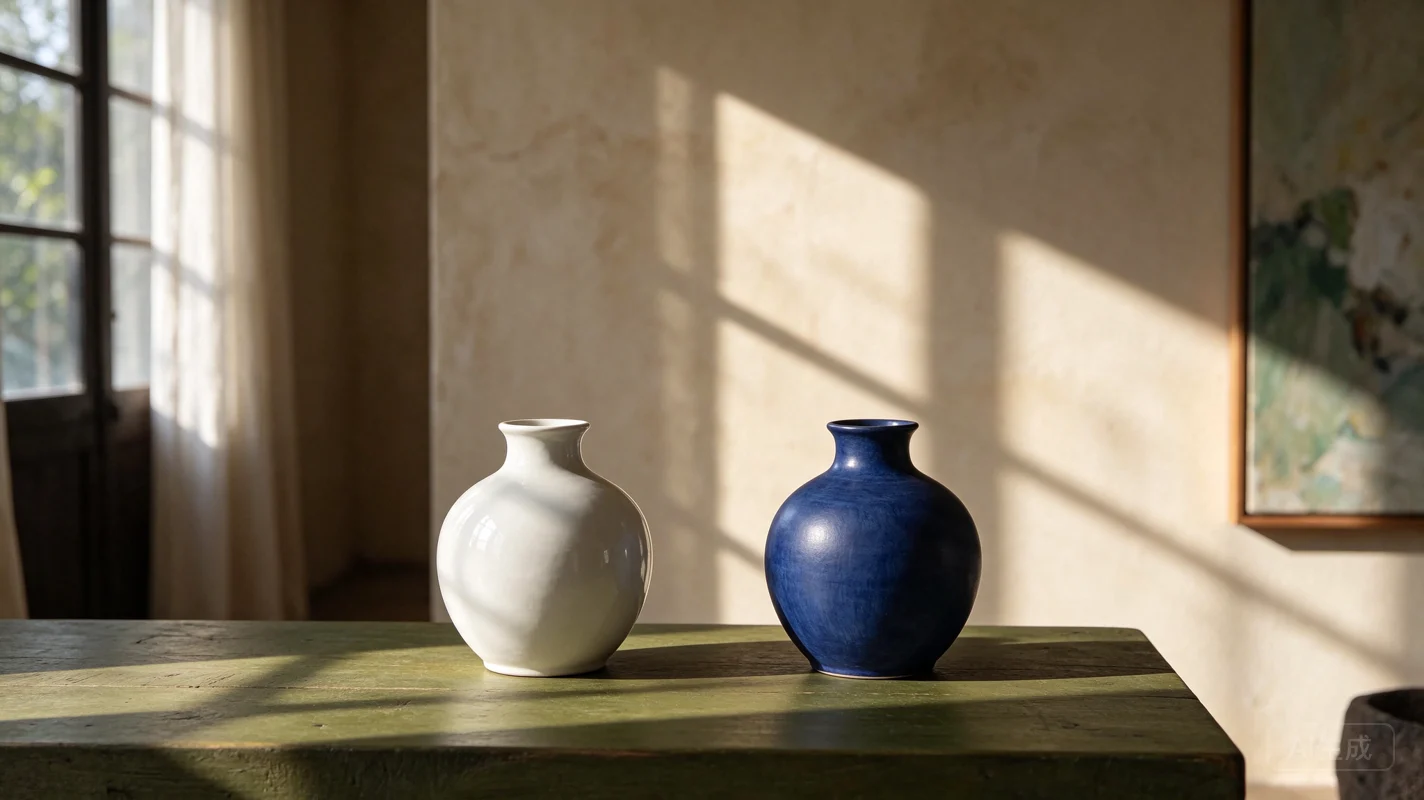
Describe the part to replace and name the details to preserve. Attach references for tighter control of the result.
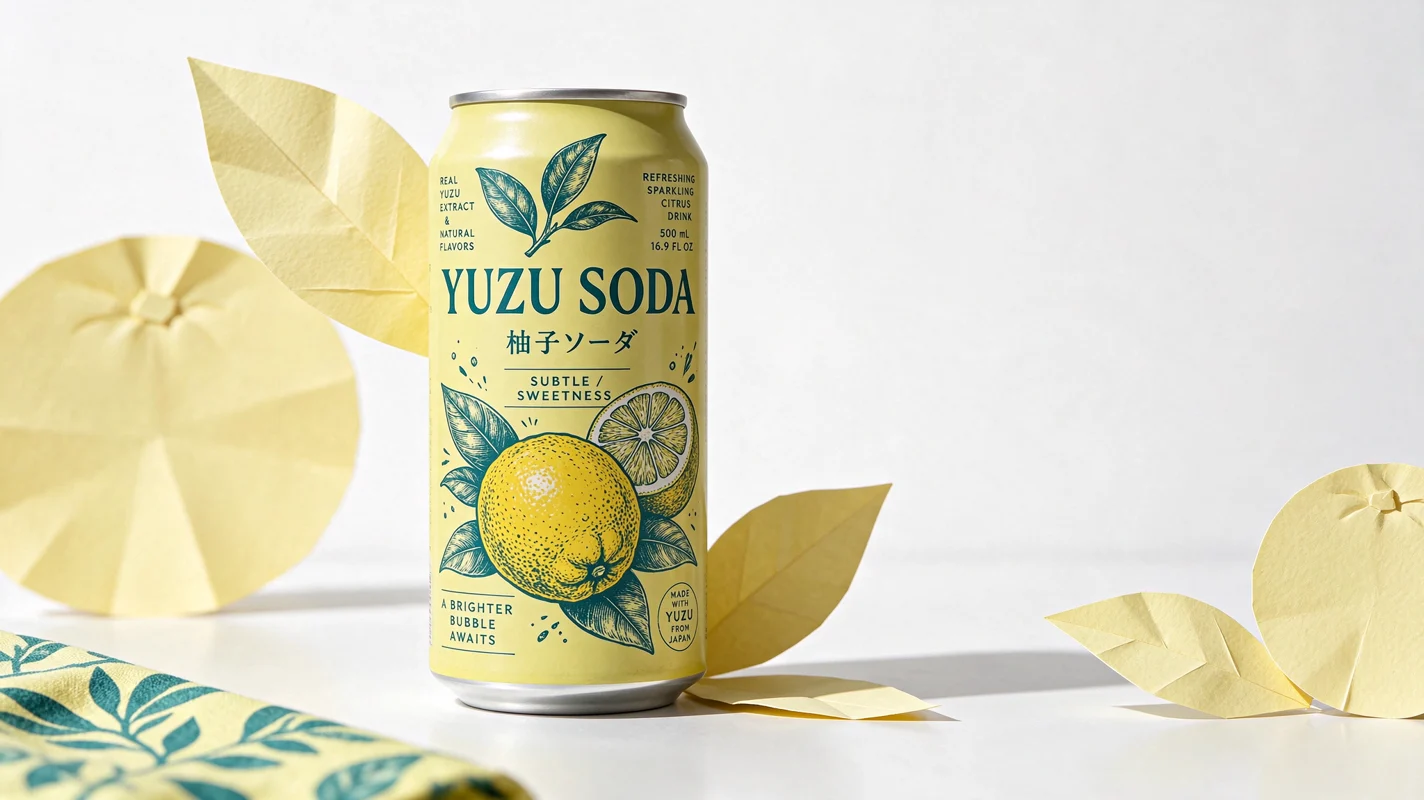
Quote the exact text in your prompt and describe where it should sit. Check spacing and readability at the intended display size.
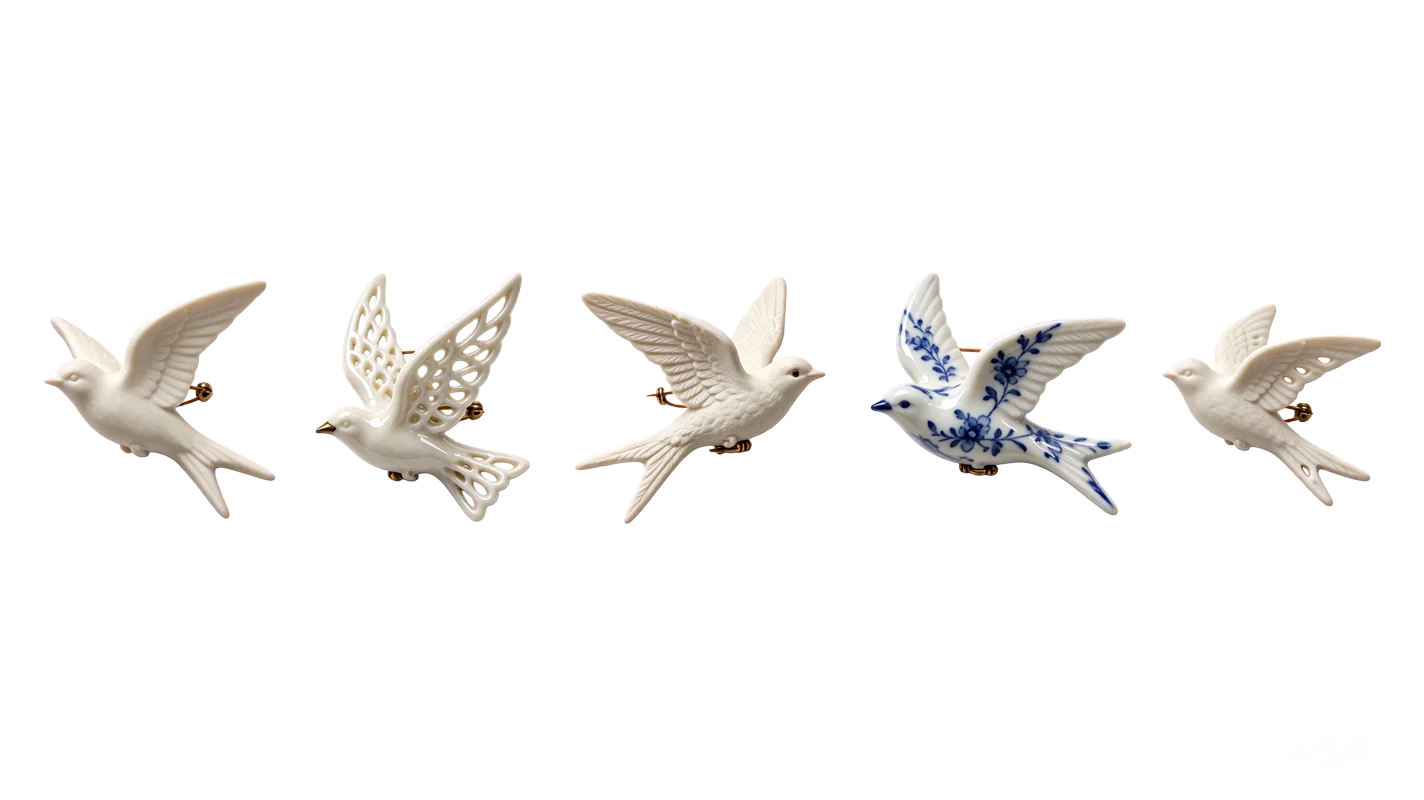
Choose a transparent background to produce a PNG cutout for layouts and composites. Use an opaque background or JPEG for flat delivery.
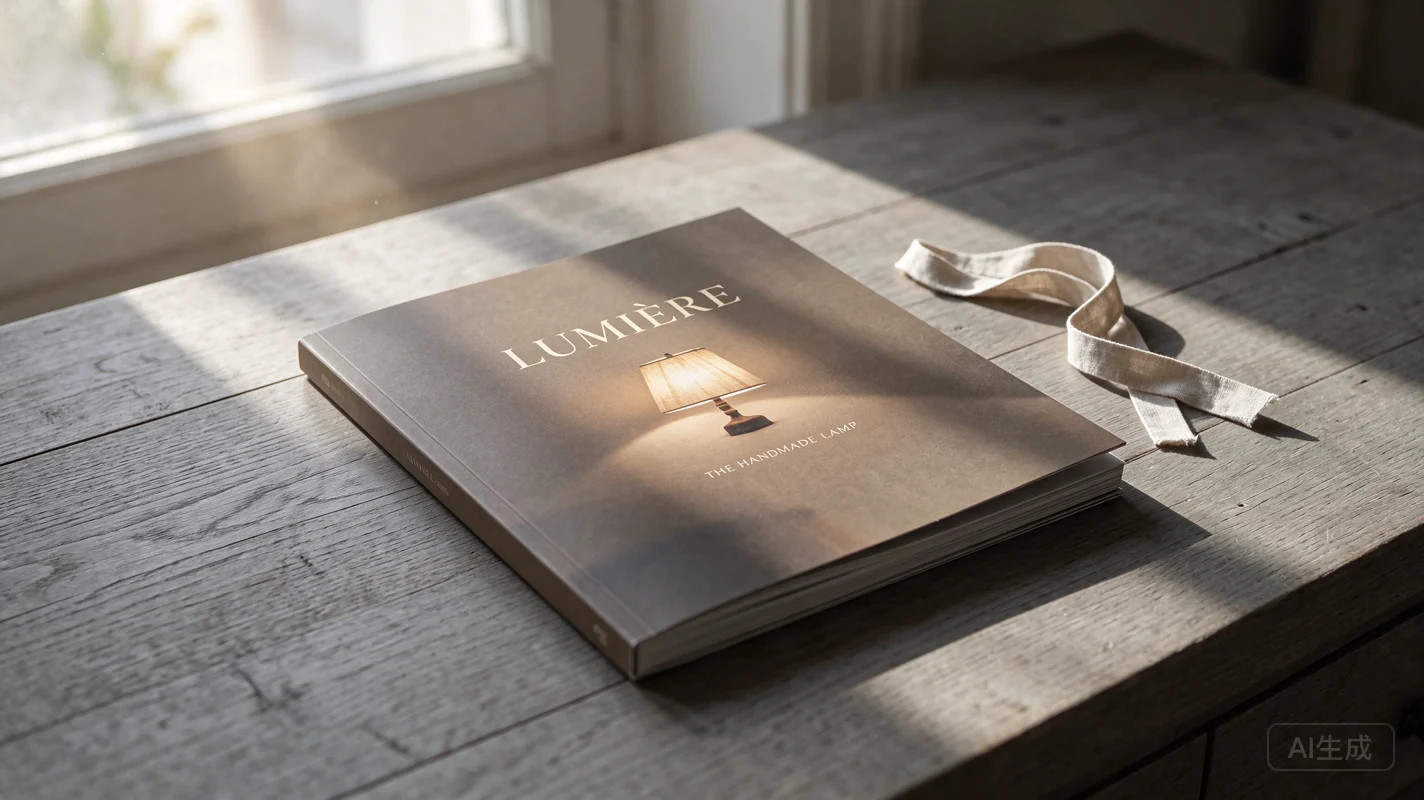
Pick 1K for quick layouts, 1.5K for review, or 2K when the printed detail or crop needs more room.
| Capability | Seedream 5.5 | Seedream 5.0 Pro | Seedream 5.0 Lite |
|---|---|---|---|
| Resolution | 1K / 1.5K / 2K | 1K / 2K | 2K / 3K / 4K |
| Reference Images | 10 | 10 | 14 |
| Aspect Ratios | 1:1, 4:3, 3:4, 16:9, 9:16, 3:2, 2:3, 21:9 | 1:1, 4:3, 3:4, 16:9, 9:16, 3:2, 2:3, 21:9 | 1:1, 4:3, 3:4, 16:9, 9:16, 3:2, 2:3, 21:9 |
| Inputs | Text, Image | Text, Image | Text, Image |
| Function Mode | Generate / Edit | Generate / Edit | Generate / Edit |
| Output format | PNG / JPEG | PNG / JPEG | PNG / JPEG |
Specify the details you want to keep as carefully as the ones you want to change.
1Describe the image from scratch, or open Image Editing and attach the images that should guide the edit.
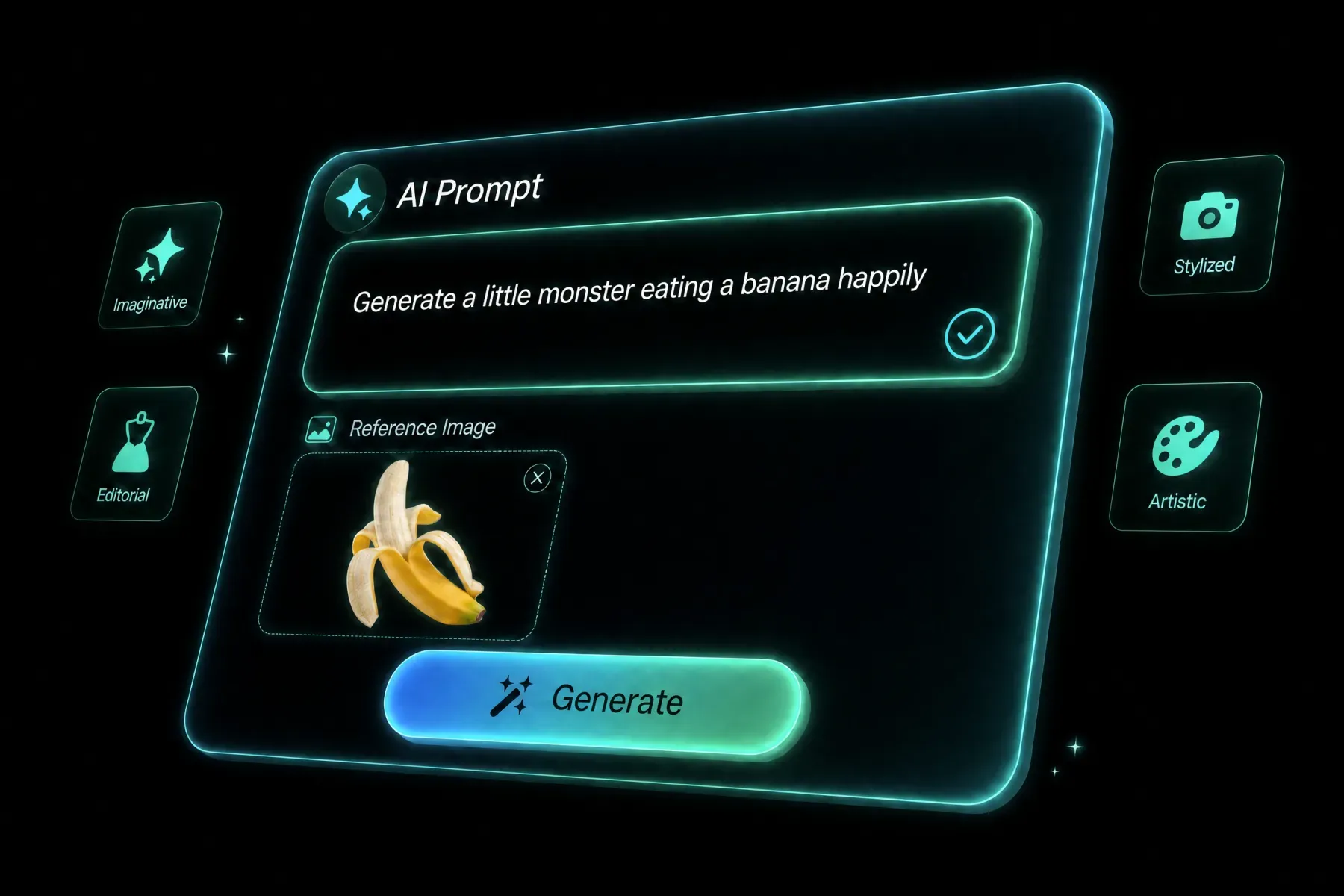 2
Choose a ratio, 1K, 1.5K, or 2K. Select PNG for transparent backgrounds and quote any required on-image copy.
 3
Preview the output at full size. Carry the approved result into the next edit and describe one concrete change.
See how scene details, product materials, and small text hold up in finished images.
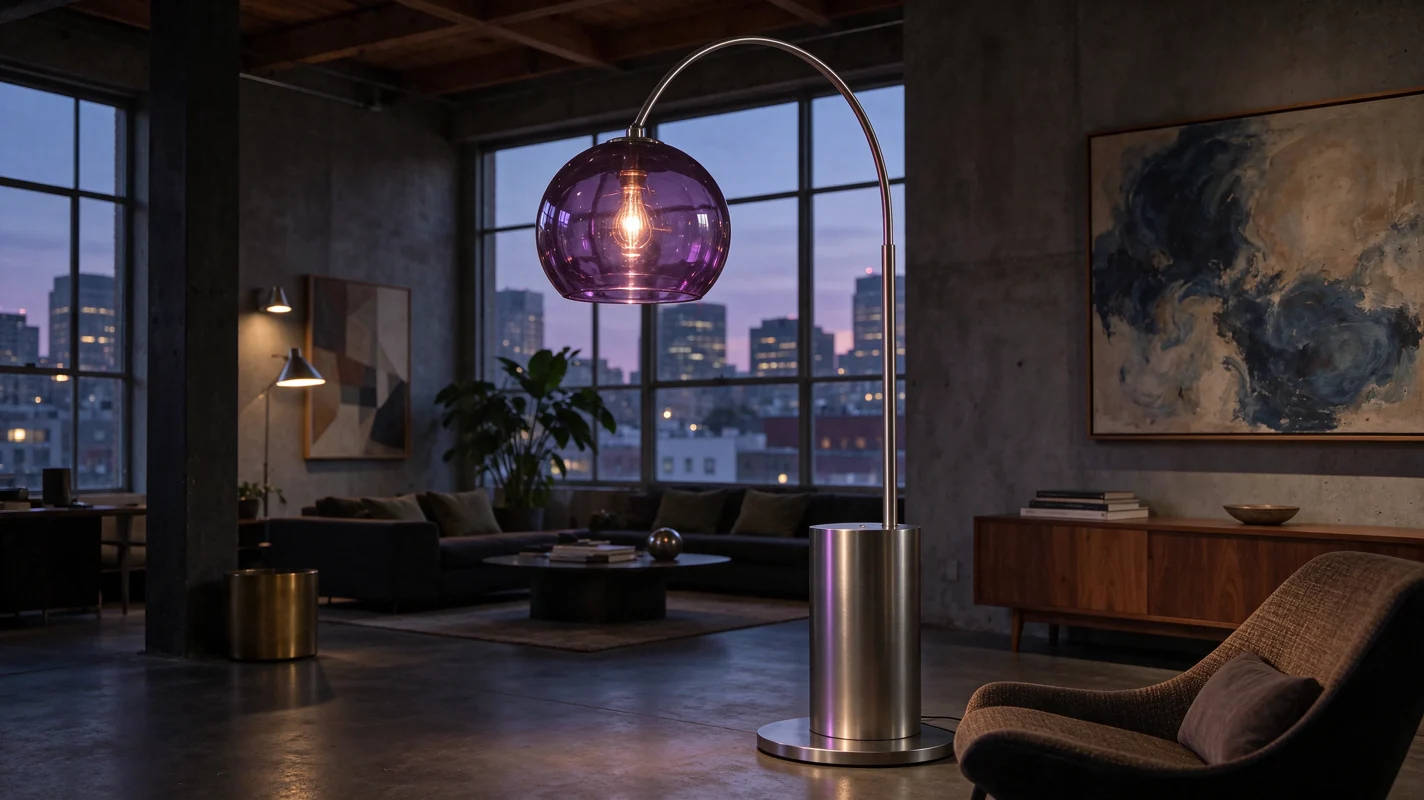
Build images that can survive another round of changes.
Draft product and campaign images with the exact copy quoted in the prompt.
Create a product cutout and composite it into multiple layouts.
Change material, light, or color while keeping the surrounding composition.
Try alternate materials and type treatments before preparing delivery.
Generate or edit images at 1K, 1.5K, or 2K with eight aspect ratios. Choose PNG or JPEG for standard images, and PNG for transparency.
Yes. Add your image, describe the area or object to change, and name the elements that should stay as they are. You can use up to ten reference images.
Seedream 5.5 uses credits on paid plans. An output is 7 credits at 1K or 1.5K and 12 credits at 2K. Each reference image adds 3 credits.
Yes. Choose Transparent under Background. The generator sends a PNG request to retain the alpha channel.
Seedream 5.5 is available in credit mode on paid plans.
Choose PNG or JPEG, or PNG when you need a transparent background.
Compare other AI models available in the Sora 2 creative workspace.
Generate a first image or bring a reference into Seedream 5.5 for a targeted edit.
Create with Seedream 5.5