




 1
Choose a workflow
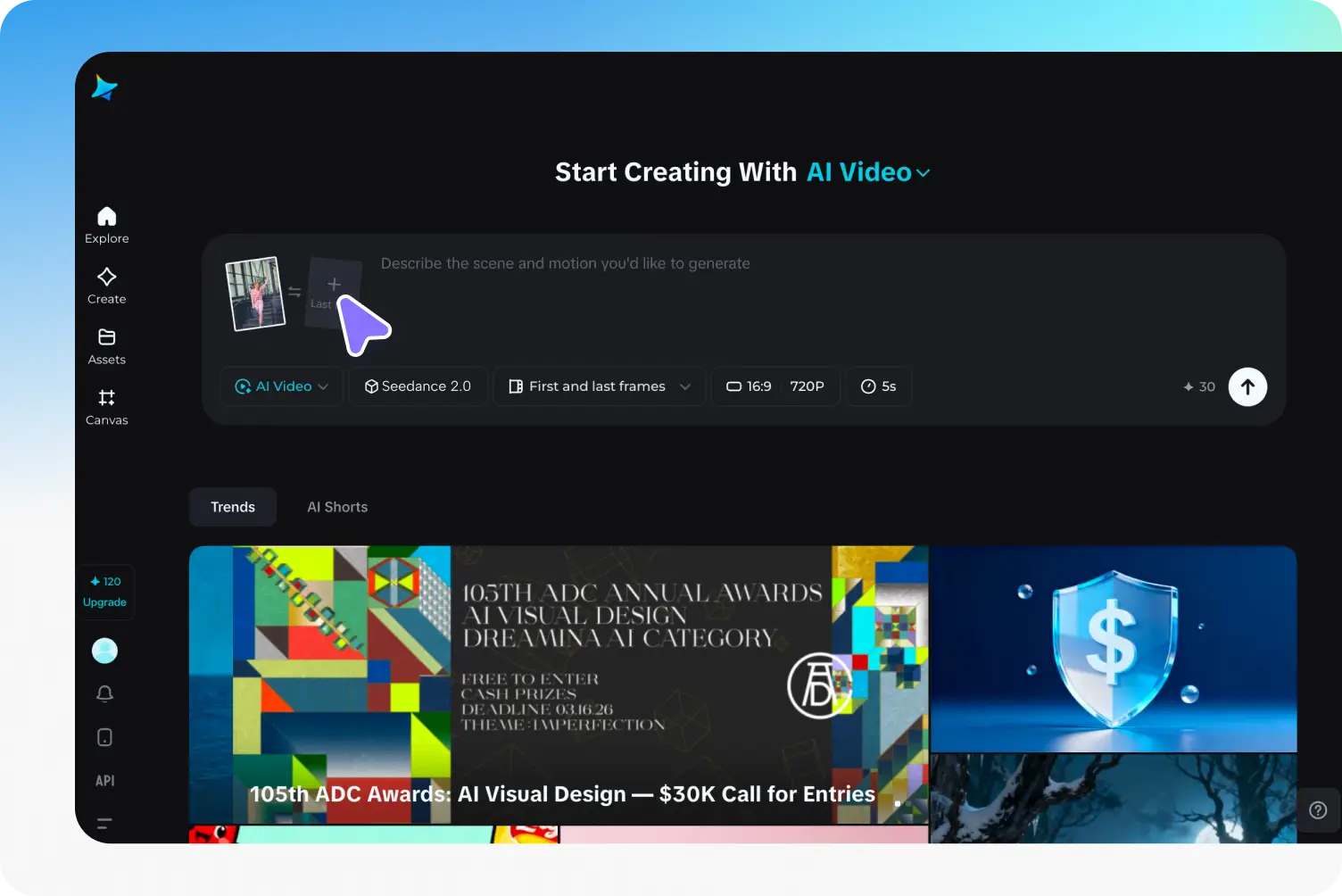
Select general generation, first and last frames, references, editing, or extension in the generator.
Try more cuts, compositions, and camera moves with ByteDance’s faster Seedance 2.5 model. Build a clip from a prompt or guide it with images, video, and audio.
PROMPT GALLERY
Open a clip to see the exact prompt and shot settings. Use Recreate to load them into the video generator.
AI VIDEO WORKFLOW
Seedance 2.5 Flash is ByteDance’s speed-focused video model. Text, stills, moving references, and audio can inform the same clip. Sora 2’s default channel enhances 480p to 720p, and the VIP channel offers native 480p and 720p.
Keep the camera, framing, and sound in view from the first draft.
Choose a fixed frame for a draft, or use first and last frames as visual anchors and let the model follow the source framing.
Describe a voice, room tone, or a sound effect alongside the action. You can turn generated sound off for a silent cut.
Bring up to ten images, five videos, and five audio clips into a reference workflow. Use a source video to edit a shot or extend it.
Use 720p for a daily draft or select native 480p and 720p in VIP when you need that specific source format.
| Capability | Seedance 2.5 Flash | Seedance 2.5 | Seedance 2.0 Fast |
|---|---|---|---|
| Resolution | 720p / VIP 480p | 720p / 1080p / 4K / VIP 480p | 720p / VIP 480p |
| Duration | 4–30s | 4–30s | 4–15s |
| Reference assets | 10 images / 5 videos / 5 audio | 30 images / 10 videos / 10 audio | 9 images / 3 videos / 3 audio |
| Aspect Ratios | 16:9, 4:3, 1:1, 3:4, 9:16, 21:9, Adaptive | 16:9, 4:3, 1:1, 3:4, 9:16, 21:9, Adaptive | 16:9, 4:3, 1:1, 3:4, 9:16, 21:9, Adaptive |
| Inputs | Text, Image, Video, Audio | Text, Image, Video, Audio | Text, Image, Video, Audio |
| Native audio | Yes | Yes | Yes |
| Function Mode | Generate / Frames / Reference / Edit / Extend | Generate / Frames / Reference / Edit / Extend | Generate / Frames / Reference / Edit / Extend |
Start with the shortest shot that tests the idea you care about.
1Select general generation, first and last frames, references, editing, or extension in the generator.
 2
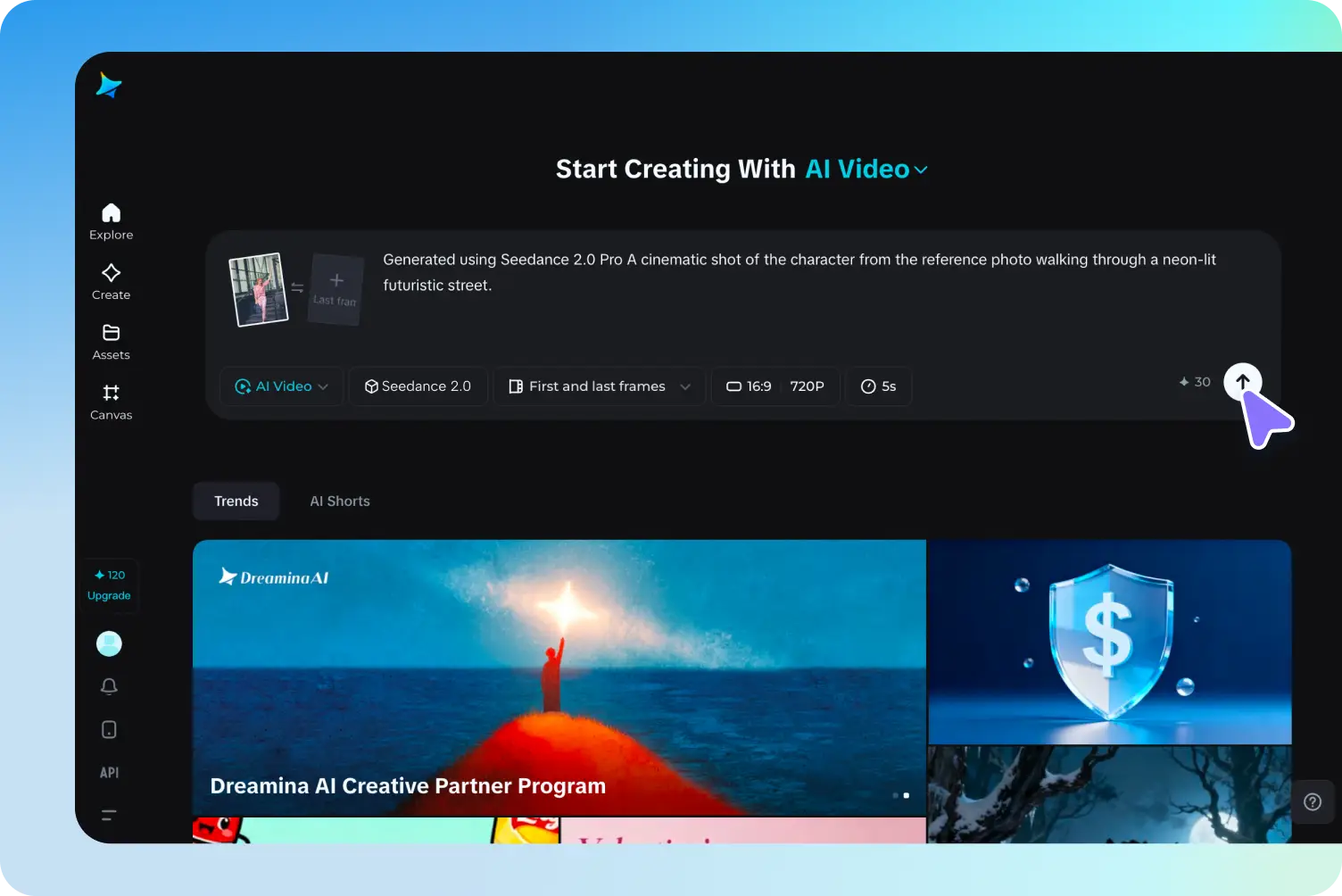
Describe the subject, motion, lighting, and sound. Add the images, video, or audio needed for the chosen workflow.
 3
Pick the shortest useful duration, check the aspect ratio and credit estimate, then generate and review the result.
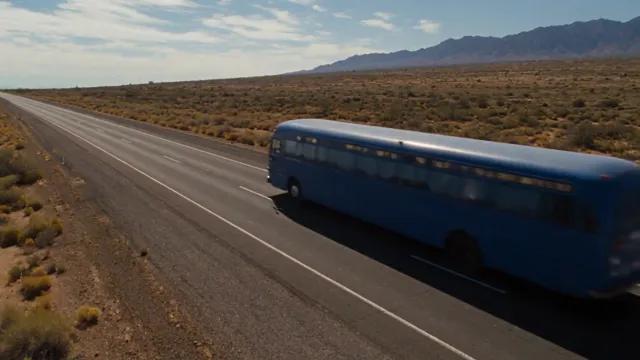
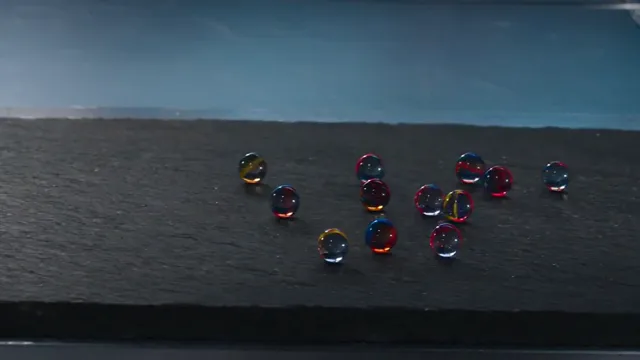
See how the model handles atmosphere, camera movement, and sound in distinct scenes.
Use fast clips to test decisions before you commit to a longer cut.
Storyboard a vertical opener and test whether the subject reads before the first cut.
Try lighting and motion cues for a packshot using a short clip.
Check what a reference contributes to a shot before adding more inputs.
Compare shot directions before committing to a full cut.
Flash is built for faster iteration and supports native 480p and 720p. Use Seedance 2.5 for 1080p or 4K and larger reference sets.
Choose a duration between 4 and 30 seconds for generated clips. Editing follows the input video duration. An eligible Ultra plan includes Unlimited at 720p for up to 10 seconds monthly or 15 seconds yearly, for 365 days.
Use a prompt on its own, one or two frame images, or up to 10 reference images, 5 reference videos, and 5 audio references in the reference workflow.
Flash generates audio when enabled. For native 4K, select the standard Seedance 2.5 model.
Yes. Use Frames to Video to place both the opening and closing frames.
Yes. Choose Extend and upload the clip you want to continue.
Compare other AI models available in the Sora 2 creative workspace.
Plan a shot, set the duration, and run your first Seedance 2.5 Flash clip.
Create with Seedance 2.5 Flash