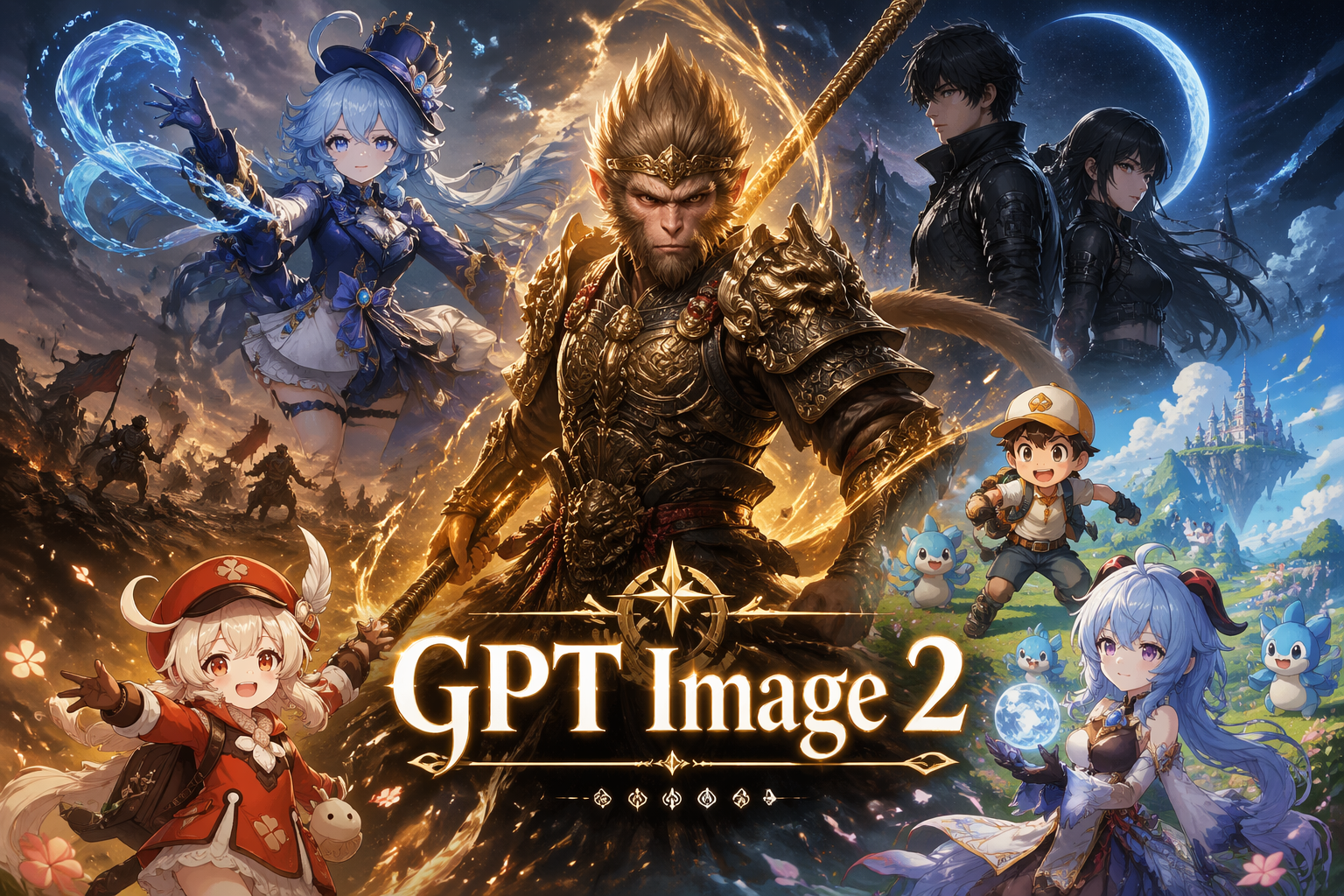
GPT Image 2

×Sora 2
GPT IMAGE 2The Most Powerful AI Image Model
OpenAI’s next-generation GPT-Image-2 AI image generator for creating stunning, high-quality images in seconds.
CREATIVE EXAMPLES
Explore GPT Image 2 Examples
Open a prompt-bearing template at full size, inspect the creative direction, then use Recreate to move the prompt and settings into the generator.
AI IMAGE WORKFLOW
What is GPT Image 2?
Create AI images with GPT Image 2 online. Generate cleaner text, UI-ready visuals, reference-guided edits, posters, mockups, and branded graphics on Sora 2.
- Inputs
- Text, Image
- Resolution
- 1K, 2K, 4K
- Aspect ratios
- auto, 1:1, 2:3, 3:2, 3:4, 4:3, 4:5, 5:4, 9:16, 16:9, 1:2, 2:1, 9:21, 21:9
- Reference images
- Up to 16
- Function Mode
- General, Editing
- Generation time
- ~10 sec
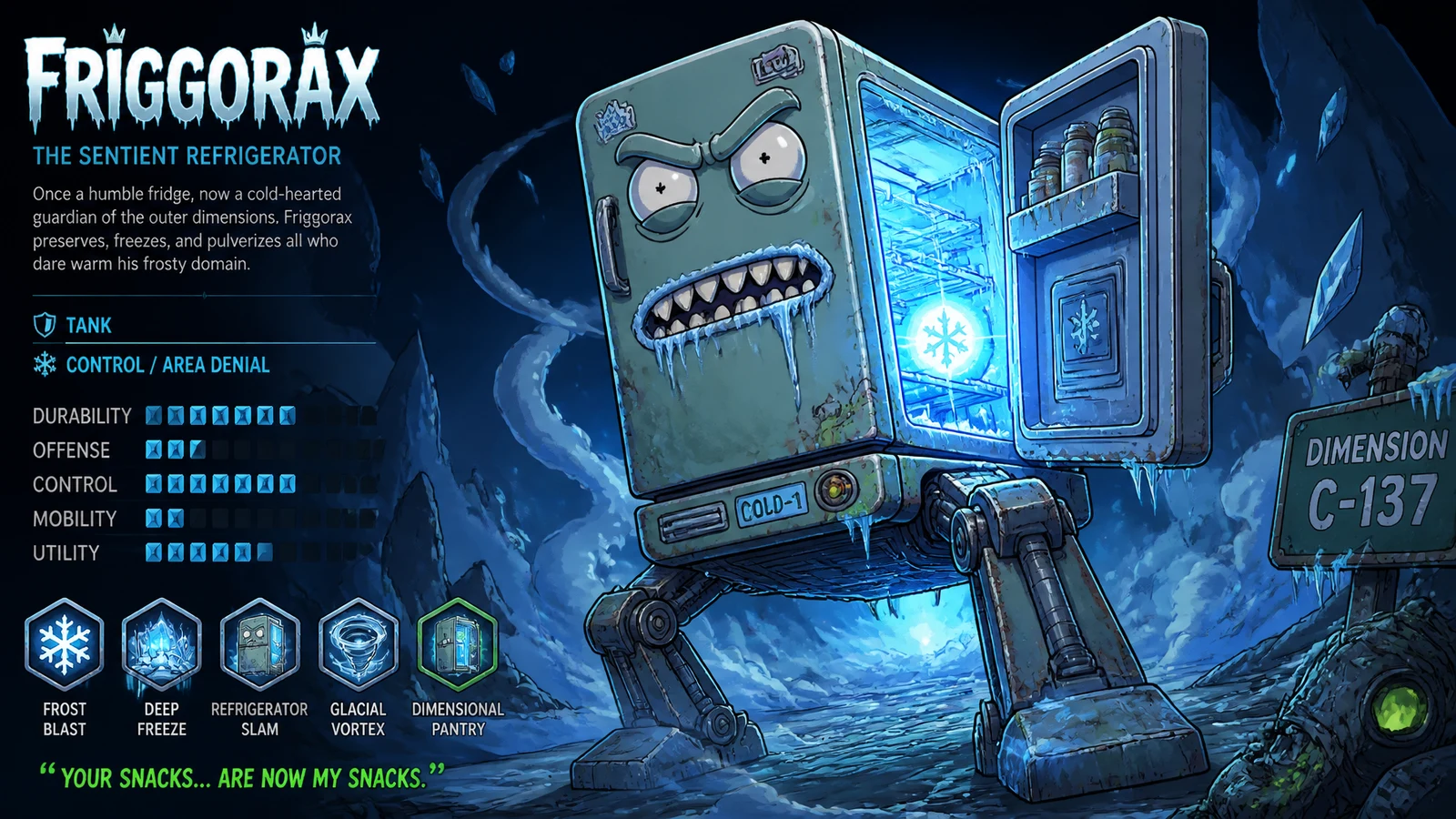
Key Features of GPT Image 2
From hyper-realistic portraits to complex UI mockups — GPT Image 2 doesn't just generate images, it understands what you're building.
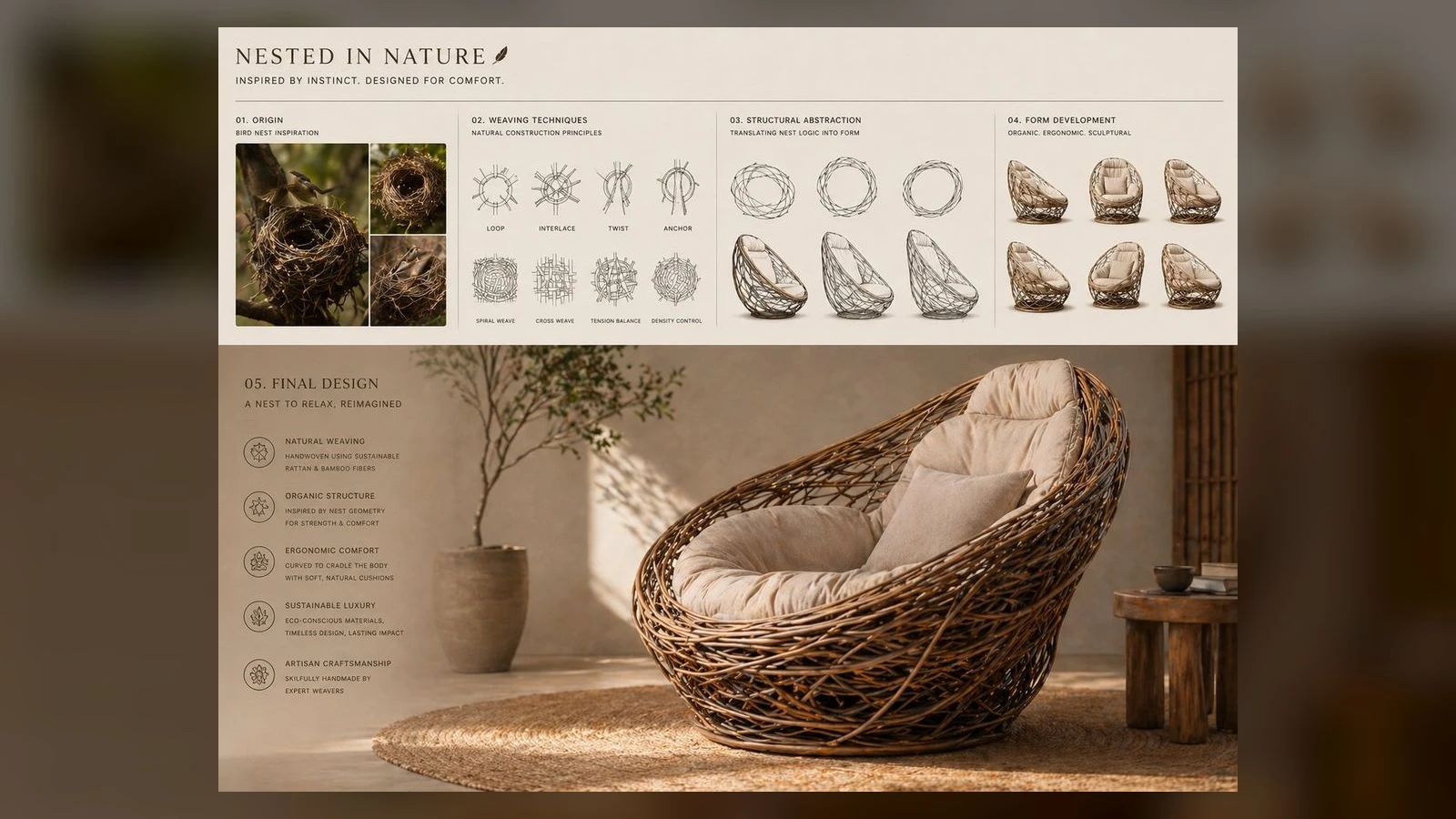
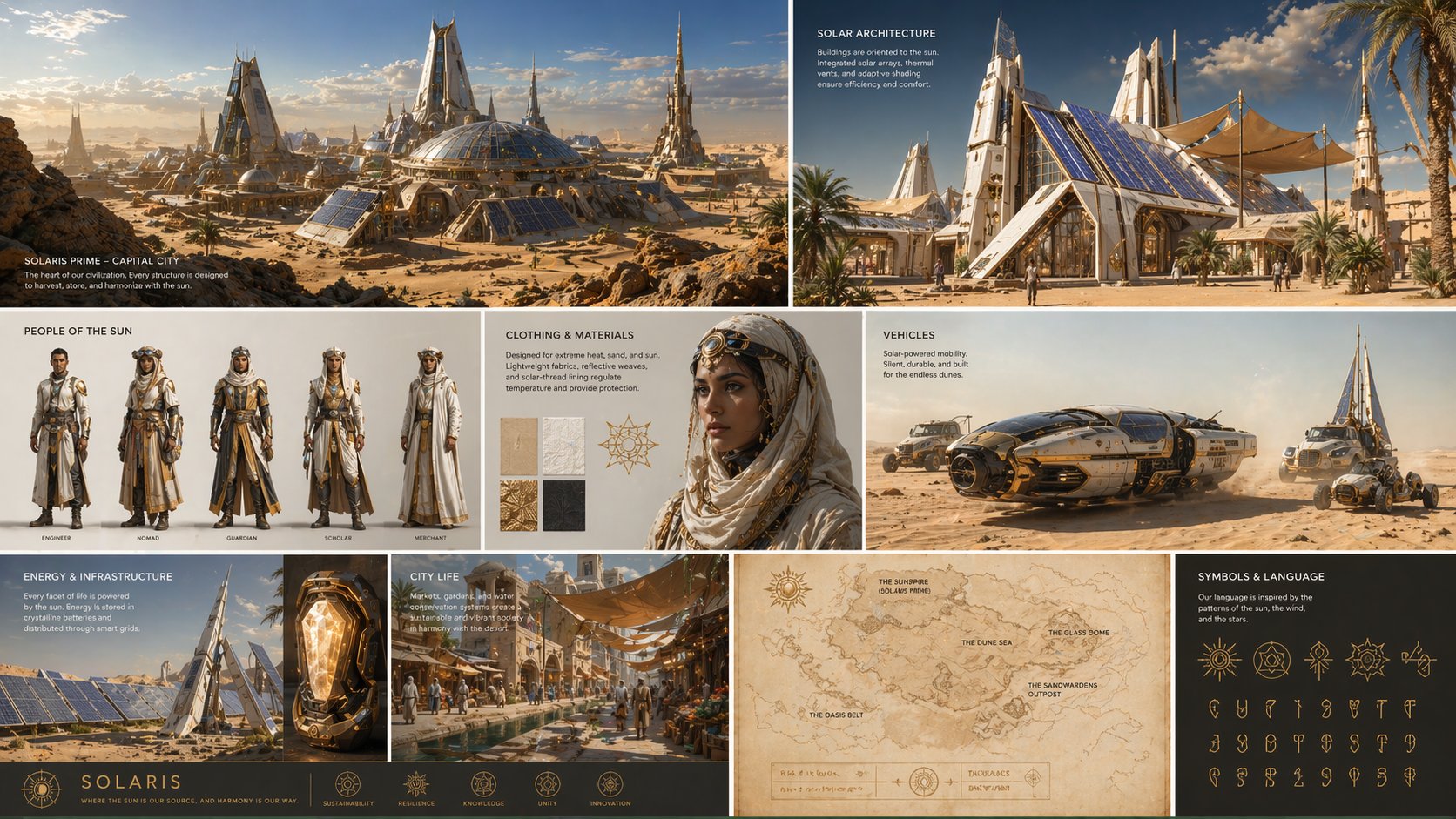
Text Rendering
Near-Perfect Text Rendering
GPT Image 2 makes a monumental leap forward, capable of rendering coherent long-string sentences, multi-word phrases, and stylistically consistent text. It masterfully handles case sensitivity and complex punctuation, ensuring that sleek UI mockups or multilingual product labels are production-ready without manual correction.
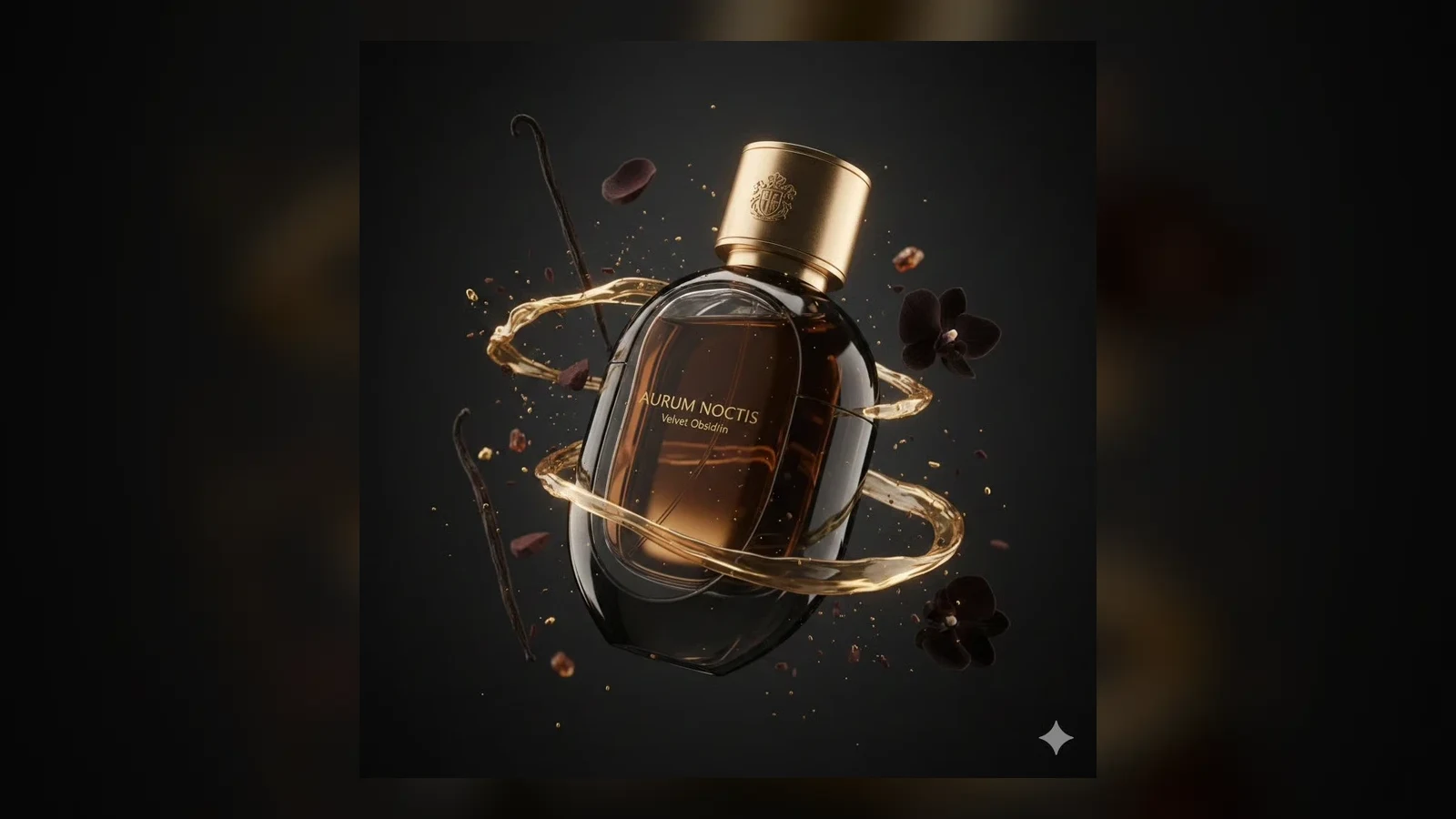
World Knowledge
World-Knowledge Driven Realism
Thanks to its deep integration of world knowledge, GPT Image 2 drastically reduces common AI hallucinations. It can generate more accurate anatomy diagrams, maps, and other structured visuals that depend on real-world logic.
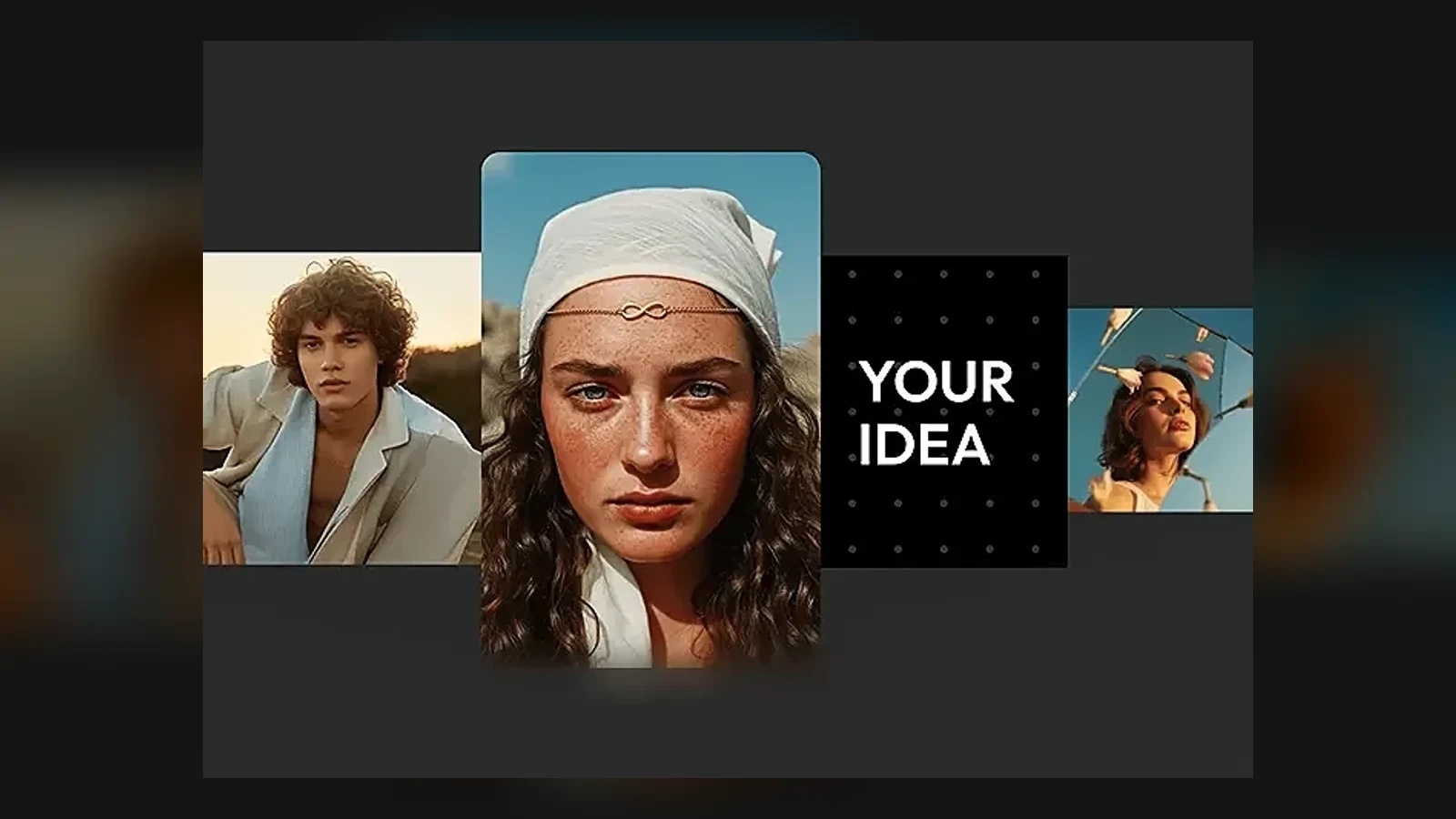
Instruction Following
Unmatched Prompt Adherence
GPT Image 2 handles long, high-complexity prompts well. You can specify visual hierarchy, exact colors, character details, and layout constraints in one request while keeping the overall scene coherent.
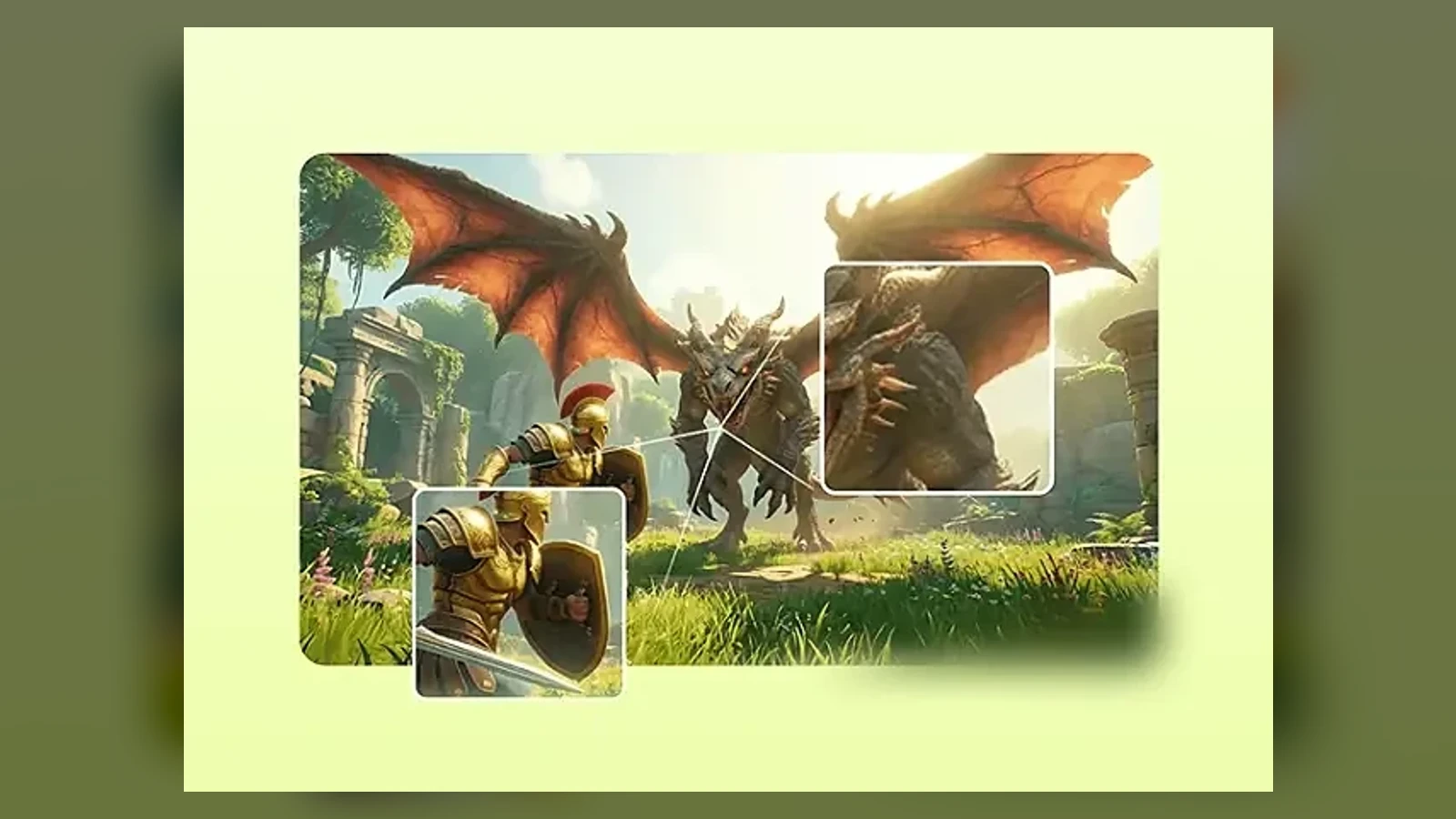
Style Range
Full-Spectrum Visual Design
One model can cover photoreal portraits, flat brand illustration, watercolor, ink wash, pixel art, isometric 3D, low-poly, vaporwave, anime, comic styles, and more without extra tuning or LoRA setup.
Precision Editing
Pixel-Level Precision Editing
GPT Image 2 supports surgical edits that preserve the original scene. Added or changed elements blend more naturally into the image lighting, shadows, and style instead of shifting the whole composition.
Output Quality
Production-Ready 4K Output
Built for professional workflows, GPT Image 2 supports up to 4096×4096 output and flexible aspect ratios. The results stay sharp enough for large-format visuals, polished digital campaigns, and detailed presentation assets.
GPT Image 2 vs Other AI Image Models
| Capability | GPT Image 2 | Nano Banana Pro | Midjourney v7 |
|---|---|---|---|
| Architecture | Autoregressive Multimodal | Chain-of-Thought Gemini 3 Pro | Diffusion Model |
| Text Rendering | Near-perfect, supports complex typography and multilingual text | OCR-level precision (94%), supports multi-language layout | Limited, struggles with long text and non-English characters |
| Maximum Resolution | 4096×4096 (4K) | Up to 4K | 2048×2048 (Pro Tier) |
| Editing Capabilities | Conversational, pixel-level precision editing | Scene-aware, region-specific editing | Local inpainting with moderate control |
| Knowledge Integration | Built-in world knowledge, eliminates common hallucinations | Real-time Google Search integration | Training data dependent, no real-time access |
| Generation Speed | Under 3 seconds for 4K | 10-30 seconds (4K) | 30+ seconds |
| Input Types | Text, Image | Text, Image | Text and image prompts or references |
| Aspect Ratios | 14 presets including auto | 10 presets | Custom --ar; 1:1 default |
| Function Mode | General, Editing | General, Editing | Not specified |
| Max References | Up to 16 | Up to 14 | Multiple image prompts; one Omni Reference |
How to Create Images with GPT Image 2
Use the same three-step flow creators rely on: choose a visual direction, refine the prompt or reference, then generate and export.
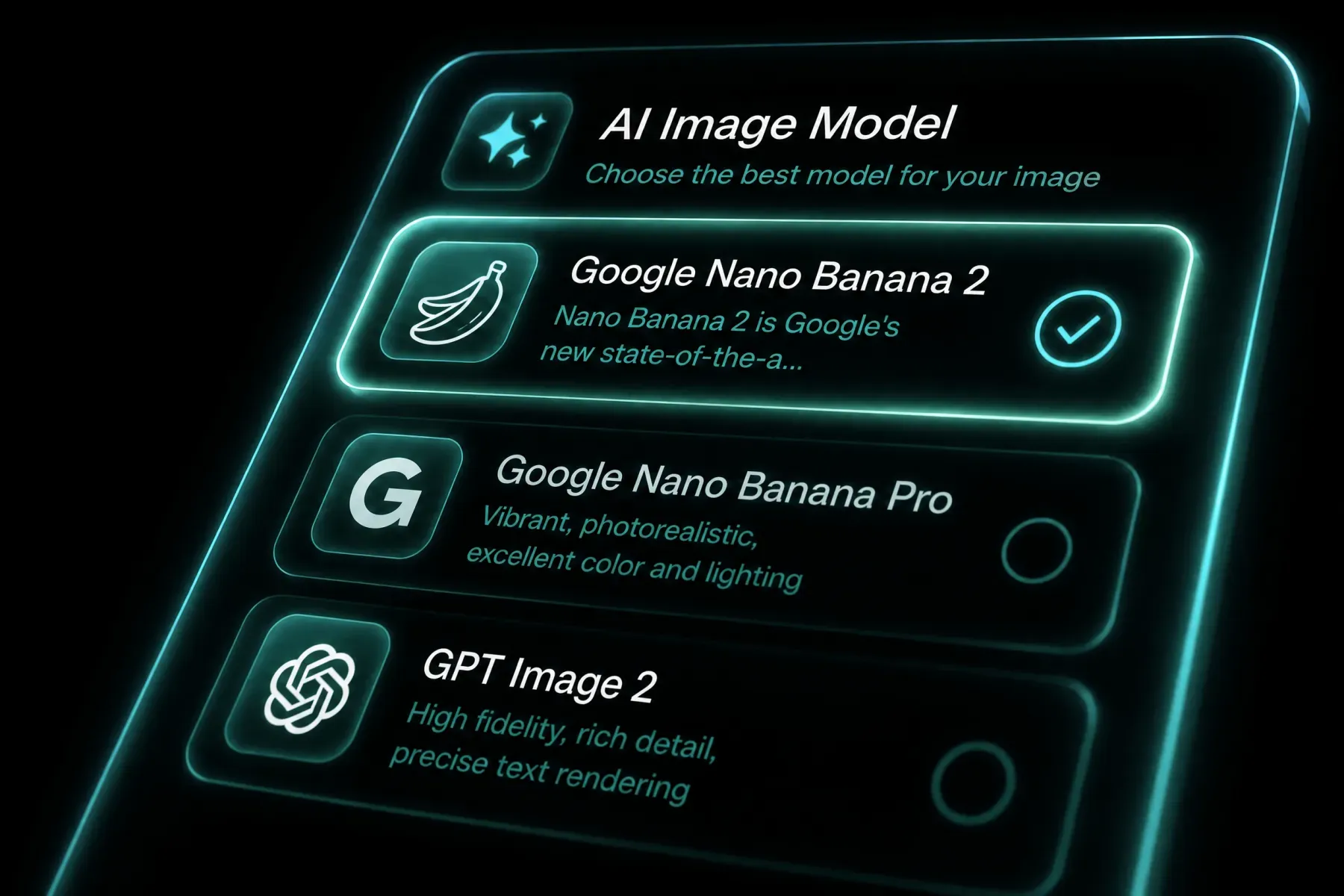 1
1Choose A Starting Direction
Pick GPT Image 2 in the Sora 2 generator, then decide whether you are starting from a fresh prompt, a reference image, or an existing asset you want to edit. For brand work, it helps to gather layout references, product photos, or typography examples first.
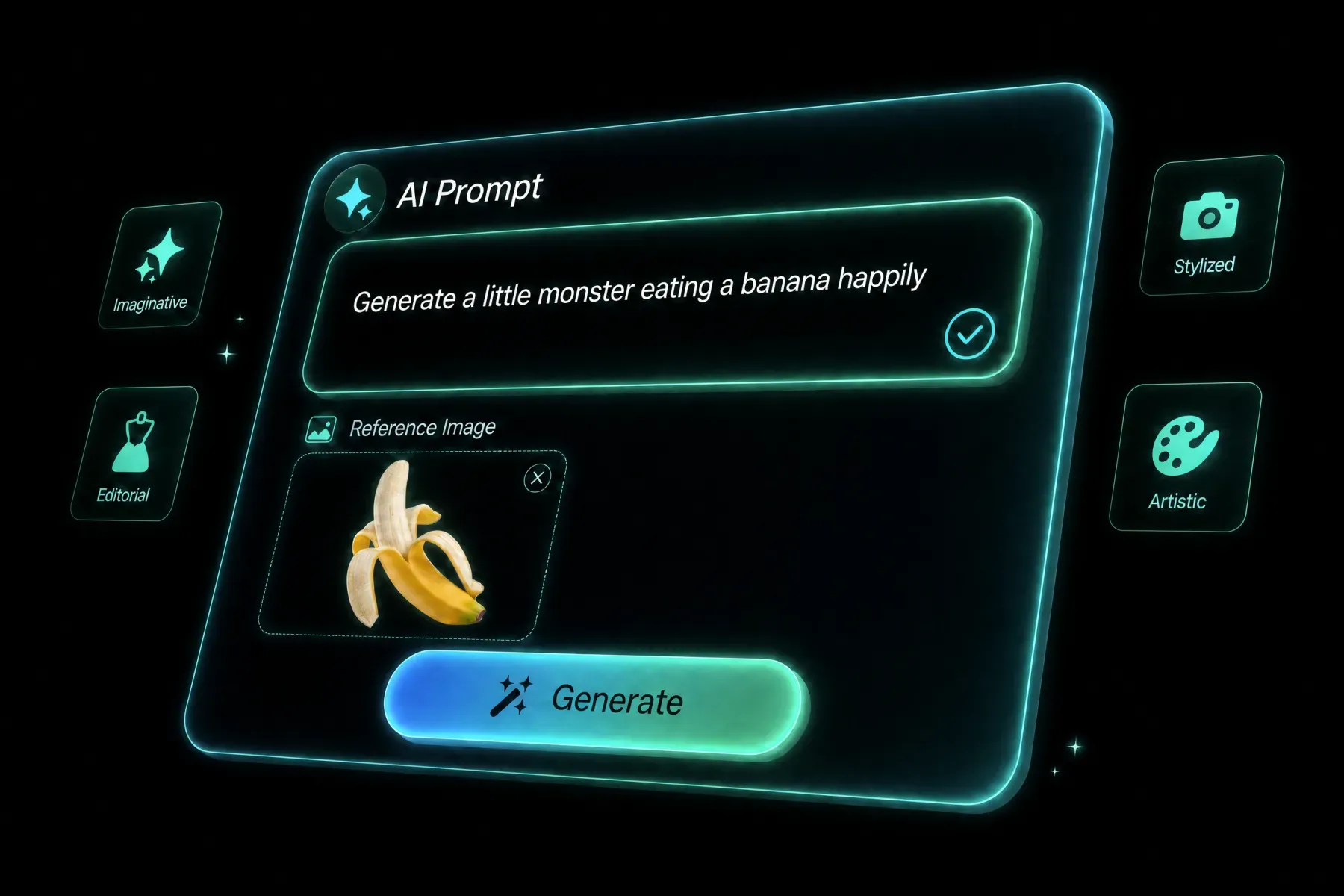 2
2Refine Prompt And Reference Inputs
Describe the exact visual goal: subject, composition, text, mood, materials, lighting, and aspect ratio. If you are editing an image, upload the source and clearly explain what should change and what must stay locked.
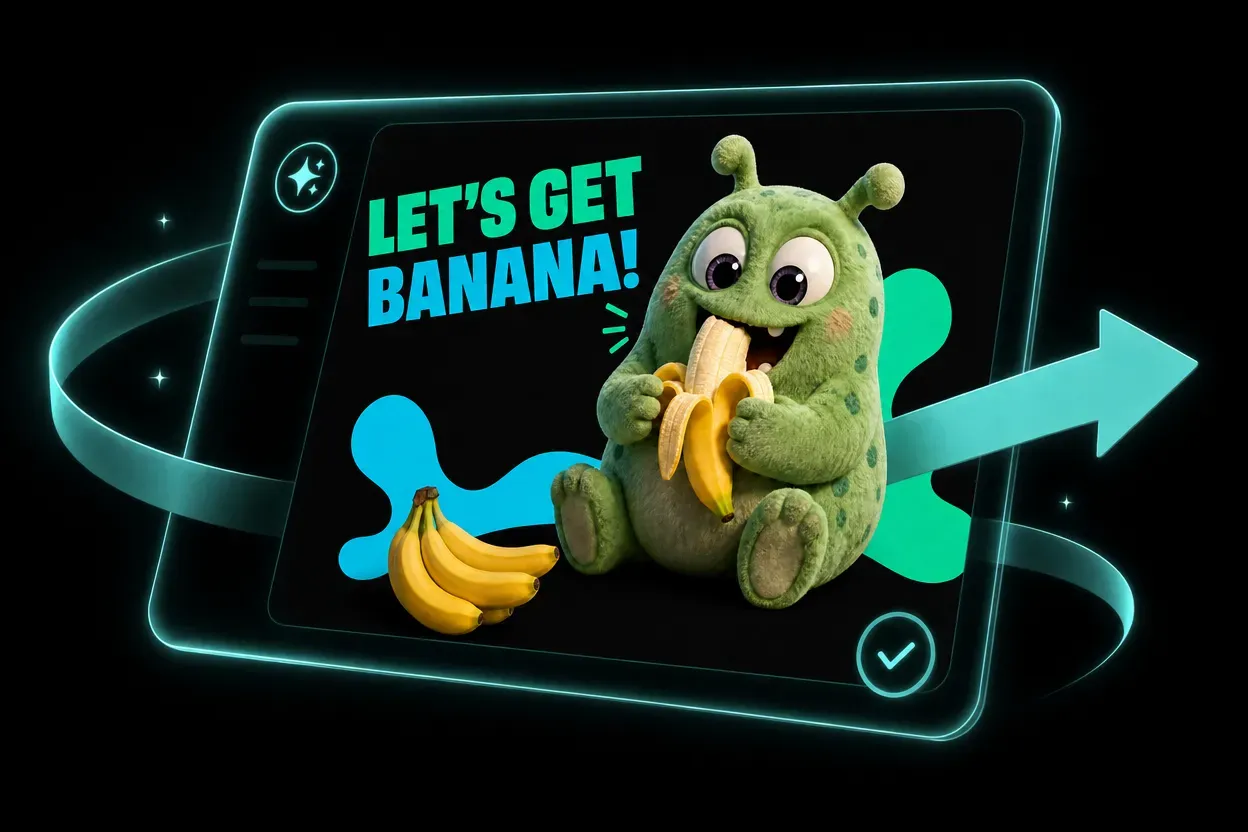 3
3Generate, Review, And Export
Generate the image, inspect text clarity and layout balance, then iterate on weak spots like spacing, label wording, or product framing. Once the result is stable, export the final asset for campaign, ecommerce, or presentation use.
Popular GPT Image 2 Use Cases
See how prompts, references, formats, and model choices become practical creative directions.
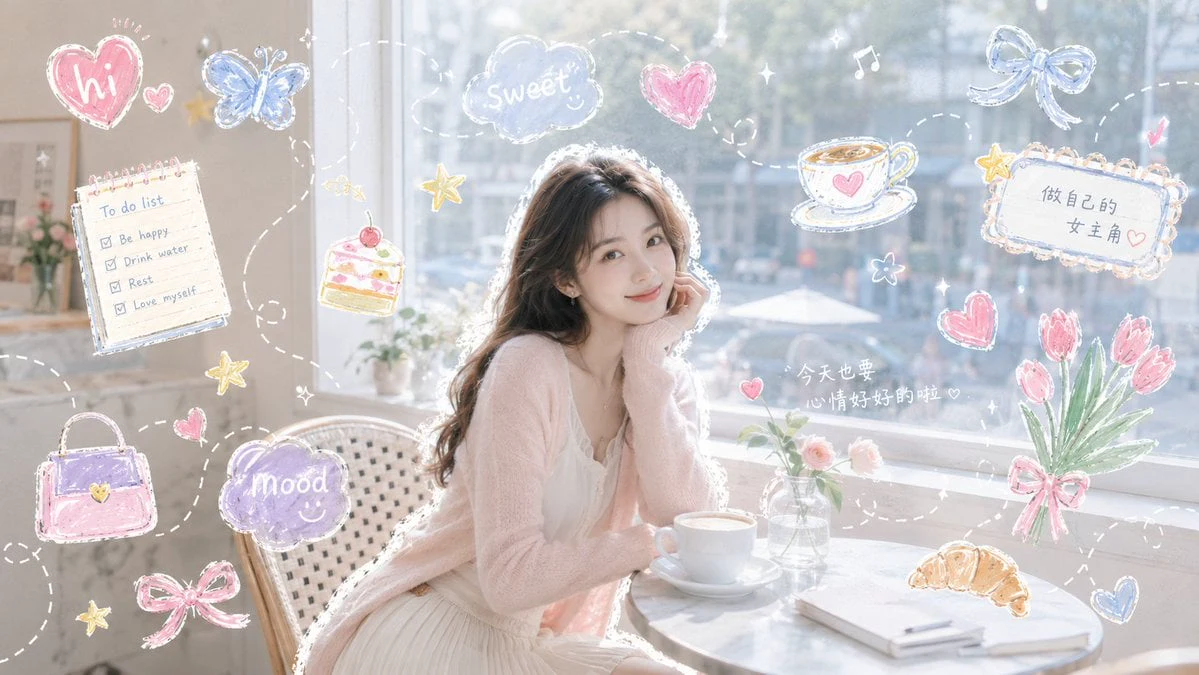
Best Fit
Built For Professional Visual Workflows
GPT Image 2 is strongest when the output needs to feel presentation-ready, brand-safe, and structurally clear instead of merely eye-catching. It fits professionals who need accurate text, dependable layouts, and faster first drafts they can actually ship.
Marketing
Campaign Assets, Launch Visuals, And Paid Creative
Use GPT Image 2 to draft hero banners, launch posters, paid social ads, and promo graphics with cleaner copy rendering and more consistent brand presentation.
Product & UX
UI Mockups, Product Concepts, And Interface Scenes
It is well suited to app concepts, onboarding scenes, landing visuals, and interface storytelling where layout precision and embedded text matter as much as image quality.
Ecommerce
Product Imagery, Packaging, And Merch Direction
Generate listing visuals, packaging drafts, label concepts, and seasonal merch explorations while keeping product identity, hierarchy, and typography under tighter control.
Publishing
Editorial, Presentation, And Research Visuals
A strong fit for infographics, slide covers, explainers, diagrams, and report visuals whenever legibility, structure, and production-readiness matter as much as style.
Frequently Asked Questions
GPT Image 2 is OpenAI's latest image-generation model for text-to-image creation and reference-guided editing. On Sora 2 it is positioned for sharper typography, stronger instruction following, polished layouts, and commercial-looking visual output.
It is especially strong for posters, branded social graphics, product shots, packaging concepts, UI mockups, presentation visuals, and other assets where layout, readability, and precision matter as much as style.
That is one of its main strengths. GPT Image 2 is designed to handle labels, headline text, interface copy, and more structured visual layouts better than lighter consumer-style image models.
Yes. A common workflow is to upload a reference image, describe the exact changes you want, and keep the rest of the composition as stable as possible. That makes it useful for color swaps, background changes, product refreshes, and layout revisions.
Yes. It is a strong fit for storefront visuals, packaging concepts, hero imagery, and merchandising drafts because it balances realism with controllable layout and typography.
Be concrete. Include subject, framing, lighting, material cues, text requirements, color direction, and the final use case. If you are editing an existing asset, explicitly say what must remain unchanged and what should be replaced.
Yes. You can start from a prompt only, or pair the prompt with a reference image to steer style, composition, or product identity more tightly.
It is a good choice for marketers, designers, founders, ecommerce operators, and content teams who need concept images that are much closer to usable deliverables than a rough inspiration board.
Explore More AI Models
Compare other AI models available in the Sora 2 creative workspace.
NOW LIVE ON SORA 2
THE FUTURE OF IMAGE:GPT IMAGE 2 CREATIVE ENGINE
Move from rough idea to client-ready visual fast: posters, packaging, social creatives, UI mockups, product imagery, and more.
Create with GPT Image 2