
 1
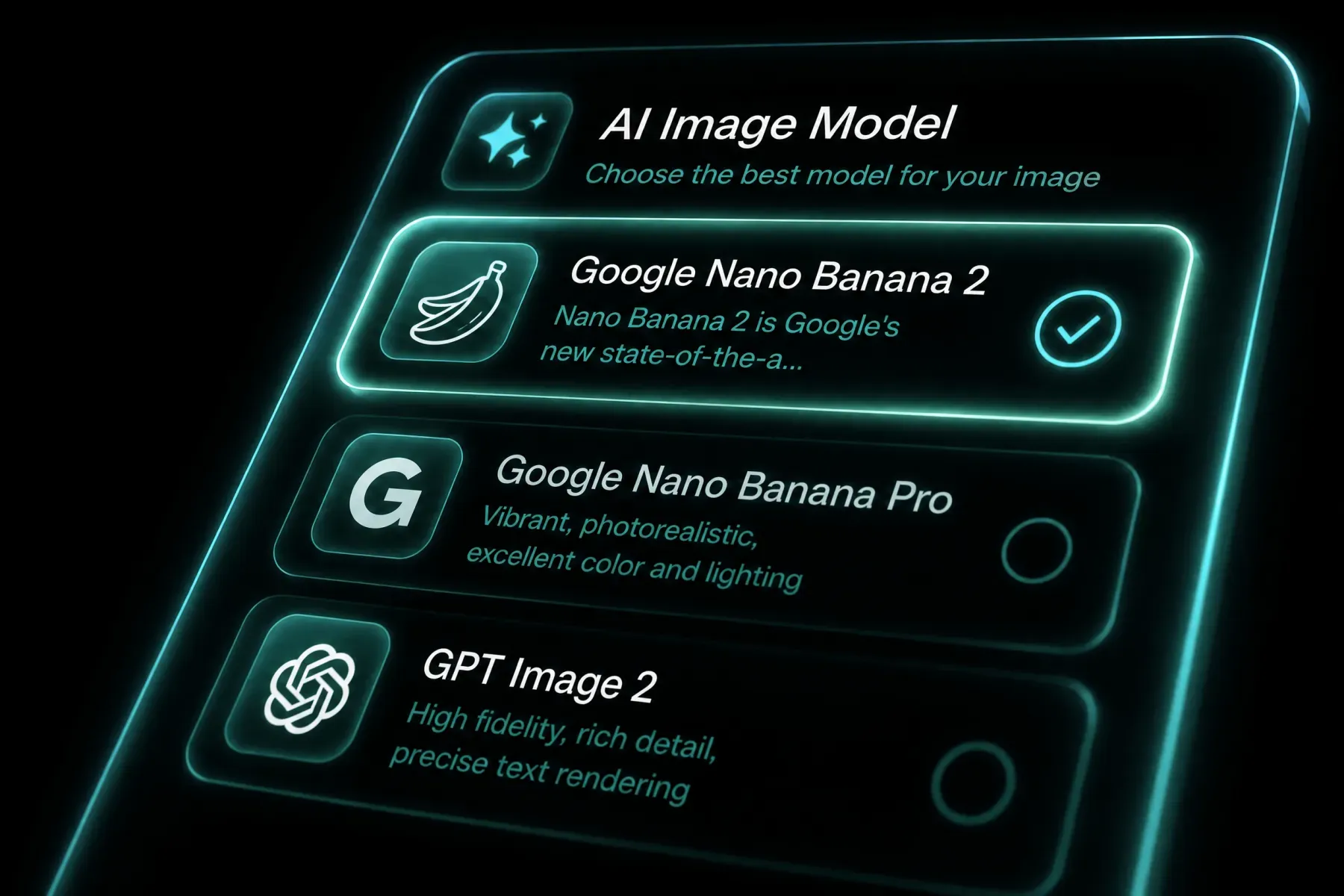
Choose the model
Open the generator with BotGo Image 2.5 Flash selected and confirm the workflow mode.
High-quality visuals, generated instantly. Fast generation: Turn a text idea into a polished image.
AI IMAGE WORKFLOW
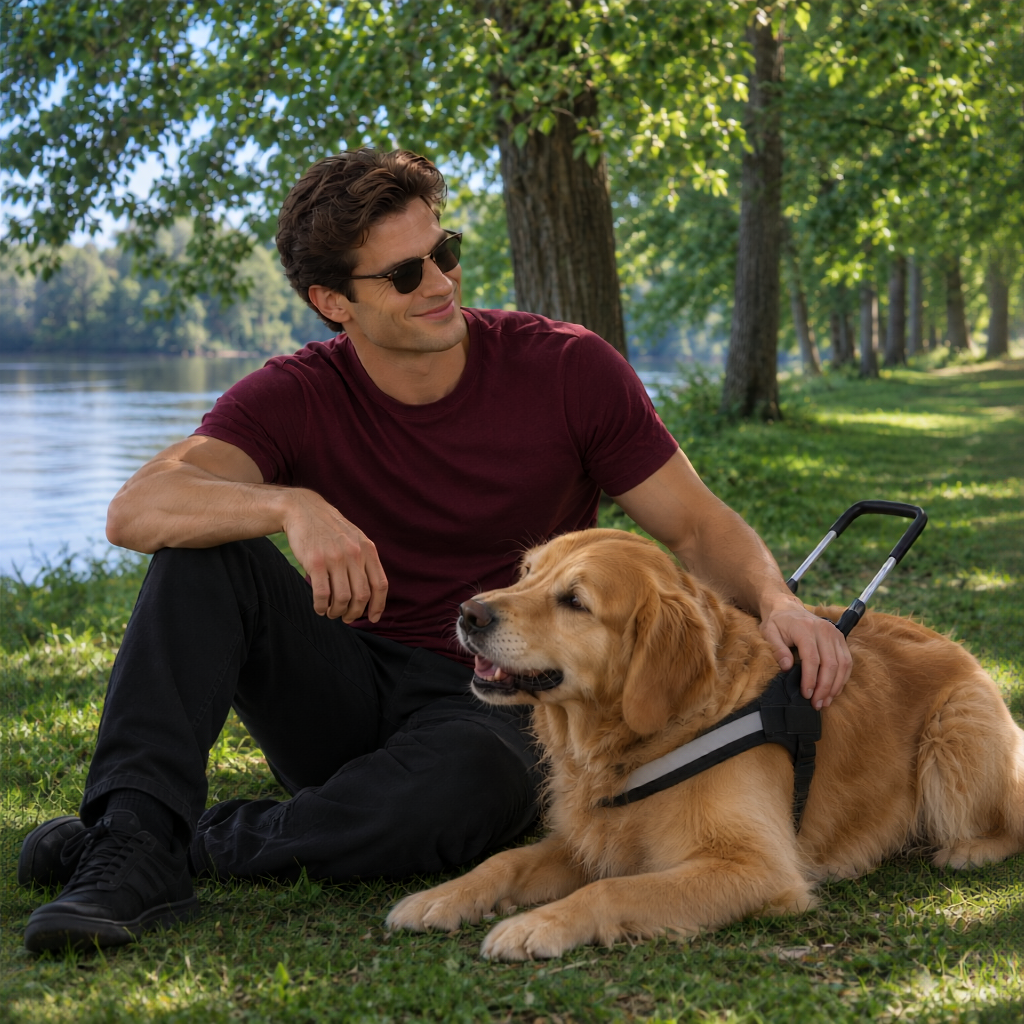
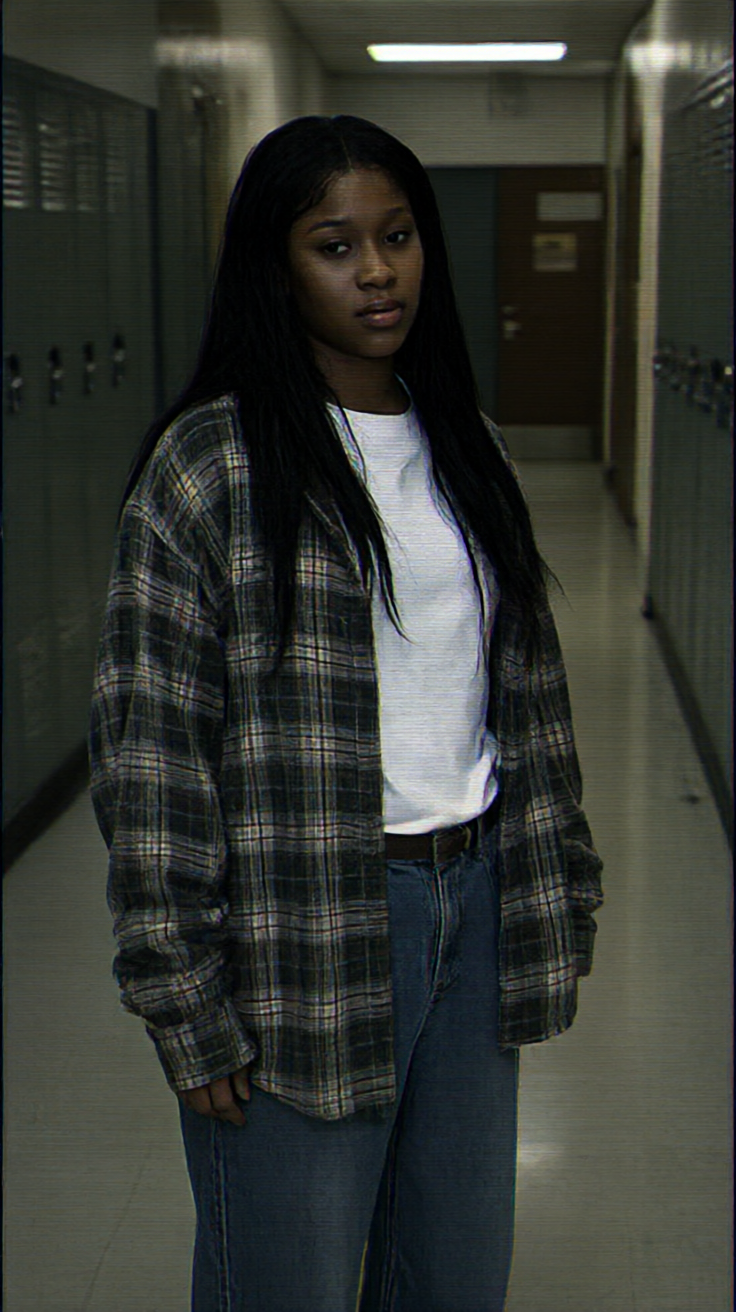
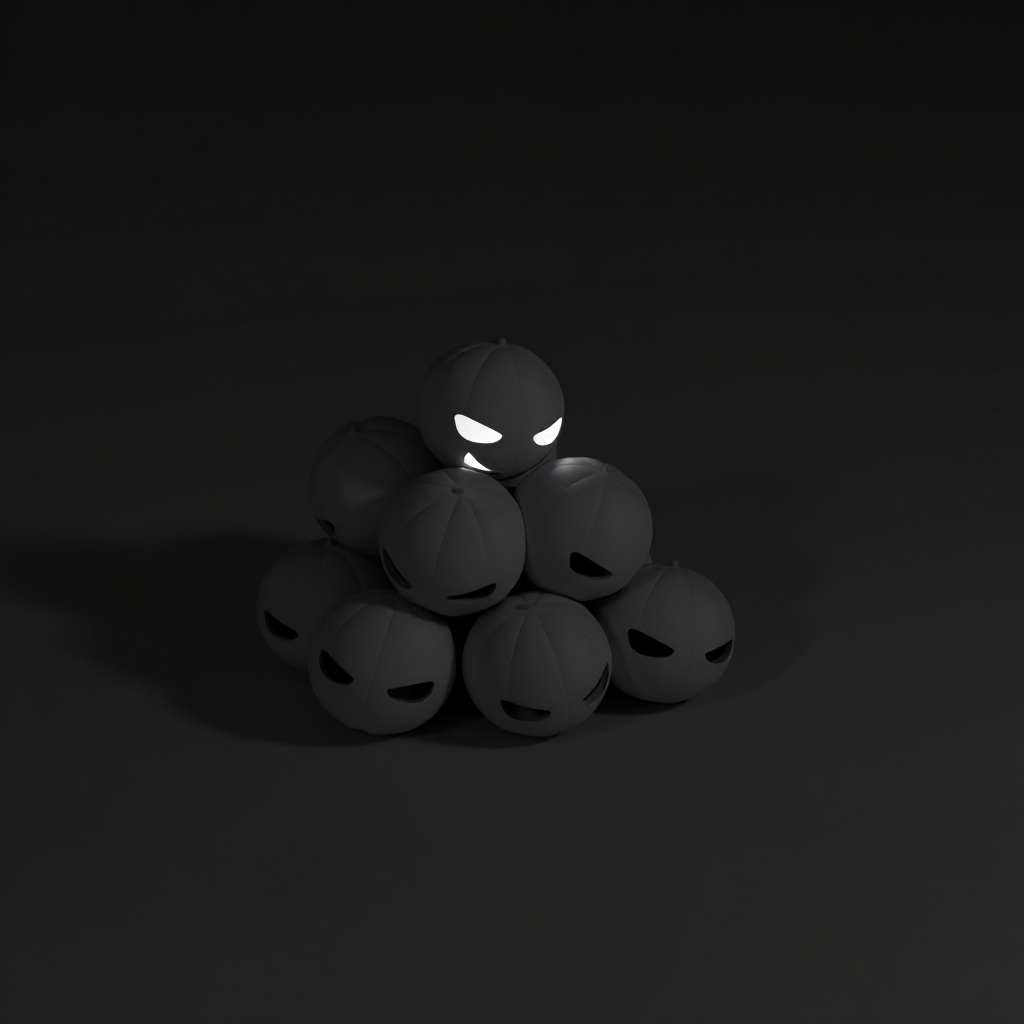
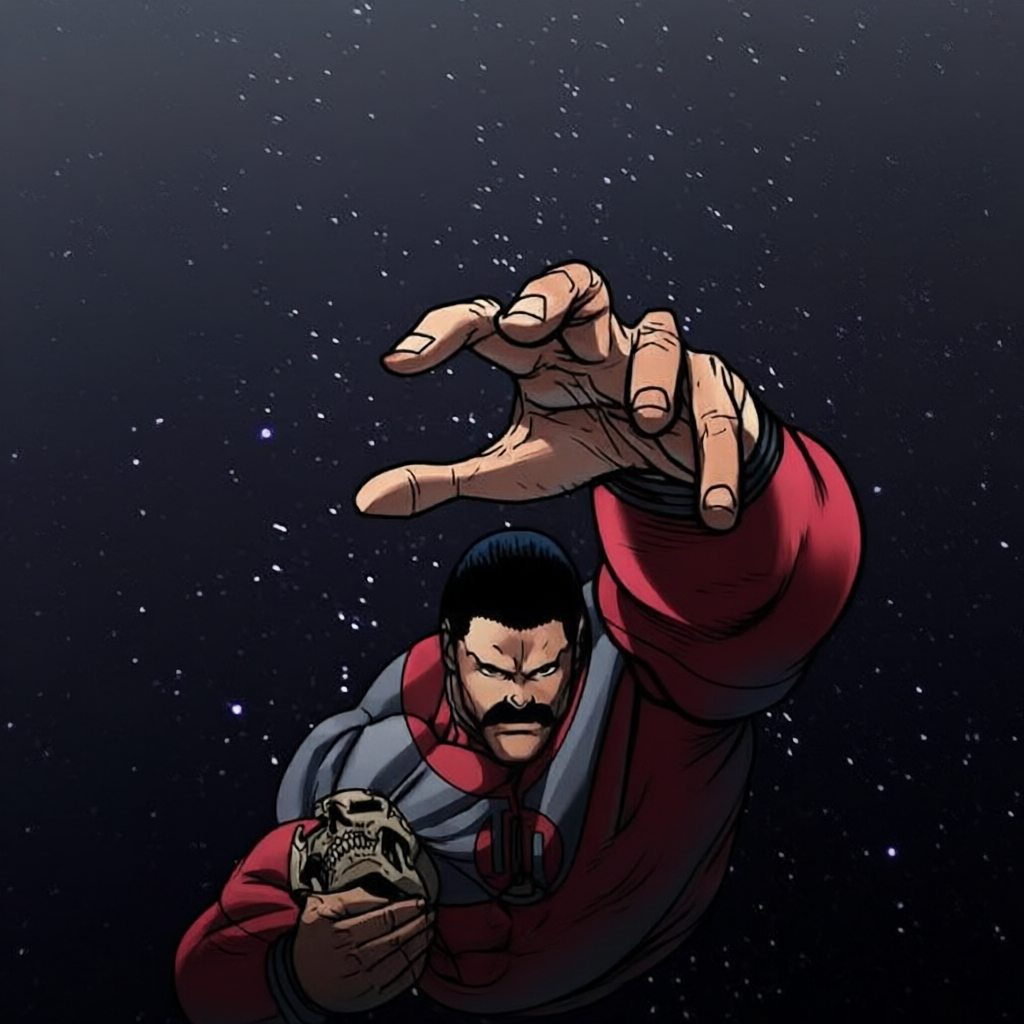
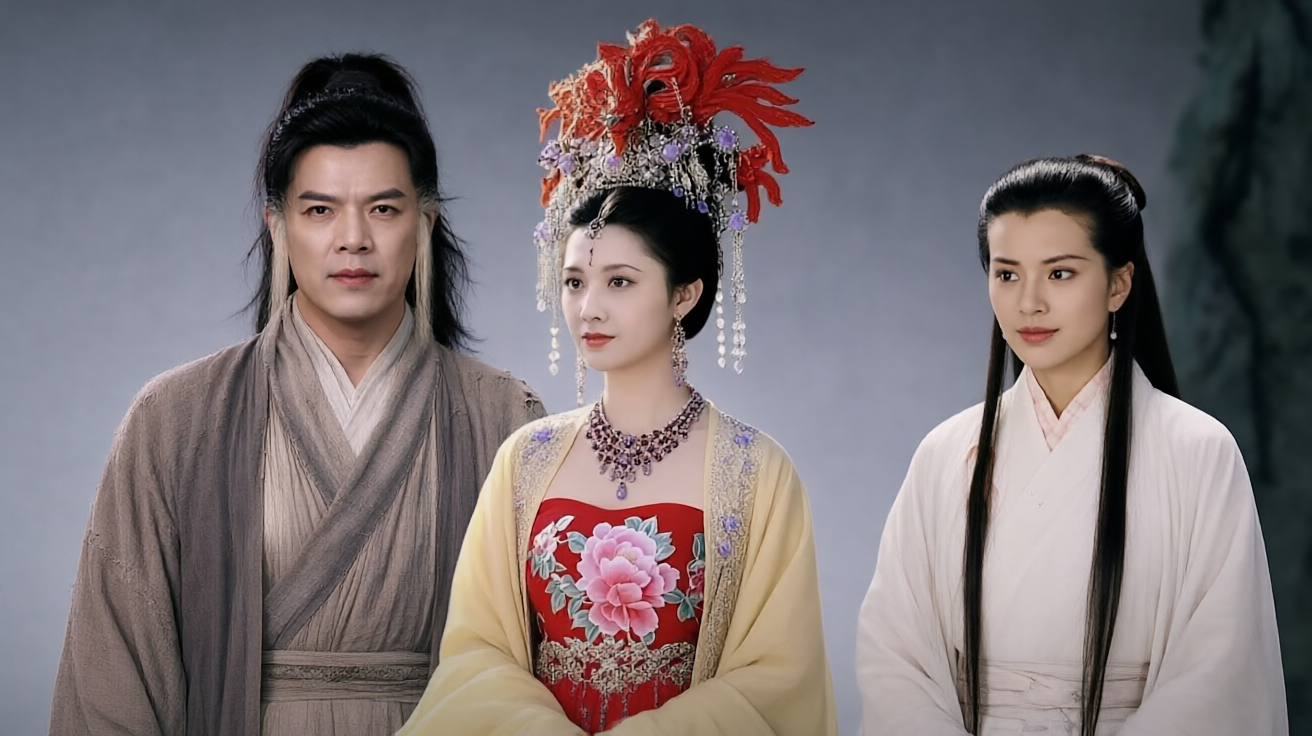
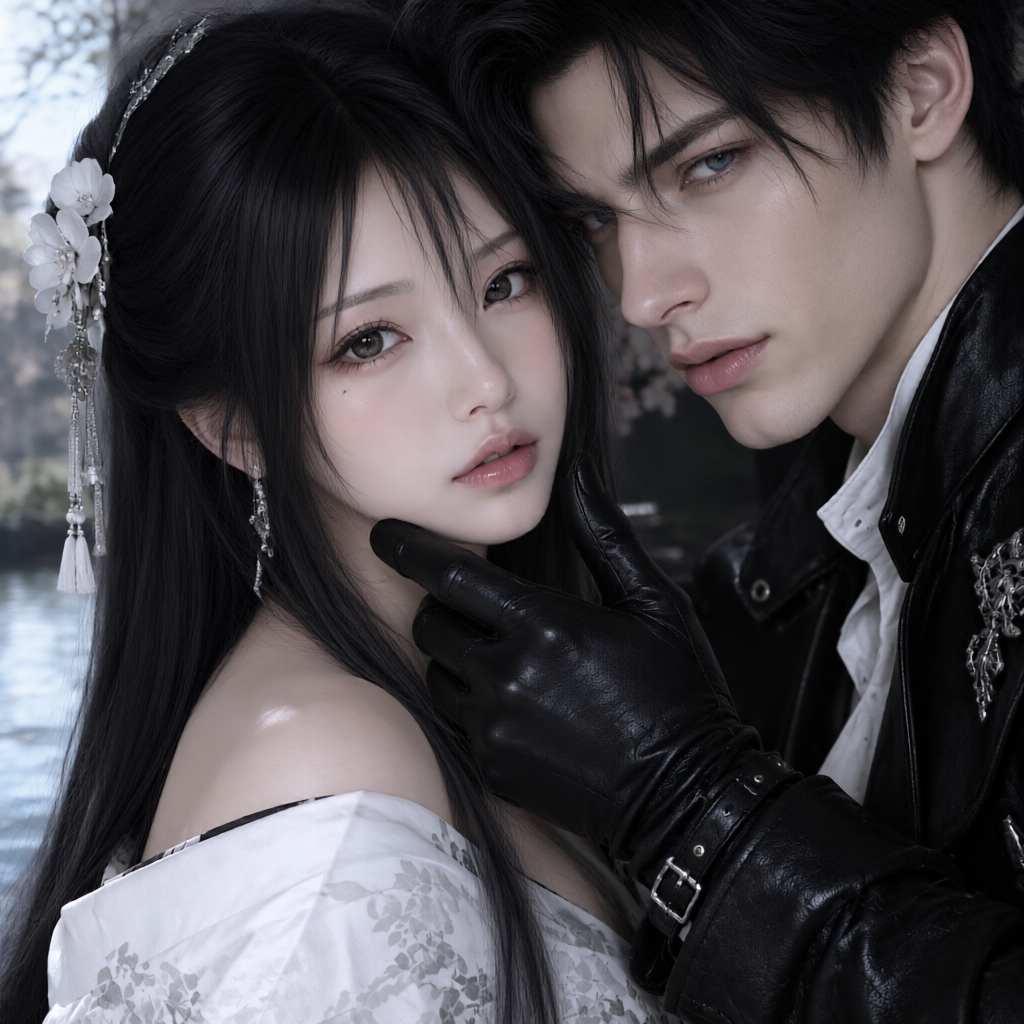
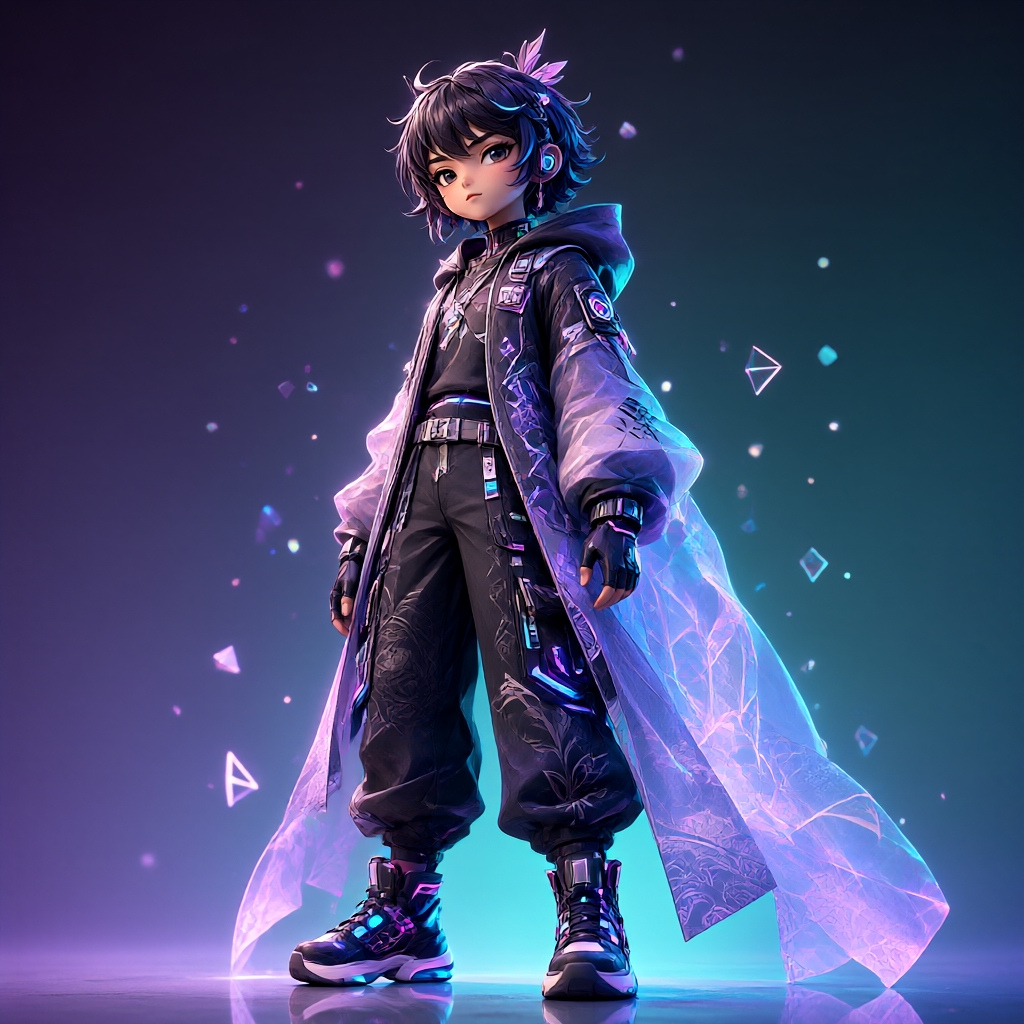
High-quality visuals, generated instantly. Create from a text prompt, transform an existing image, or combine reference images in one workflow. The model is tuned for detailed scenes and stronger prompt alignment while preserving the source composition during guided edits.
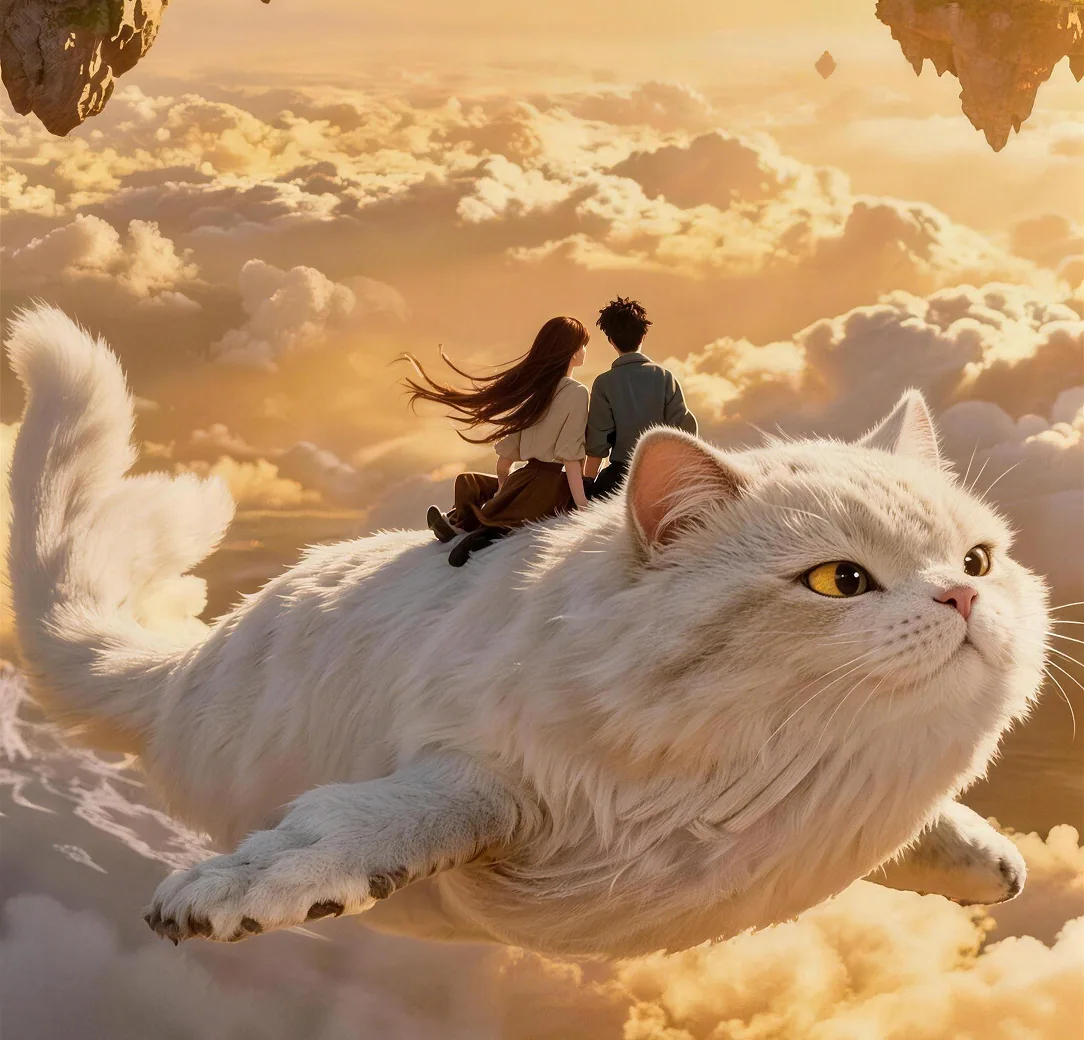
Explore the inputs, controls, and creative workflows available with BotGo Image 2.5 Flash on Sora 2.
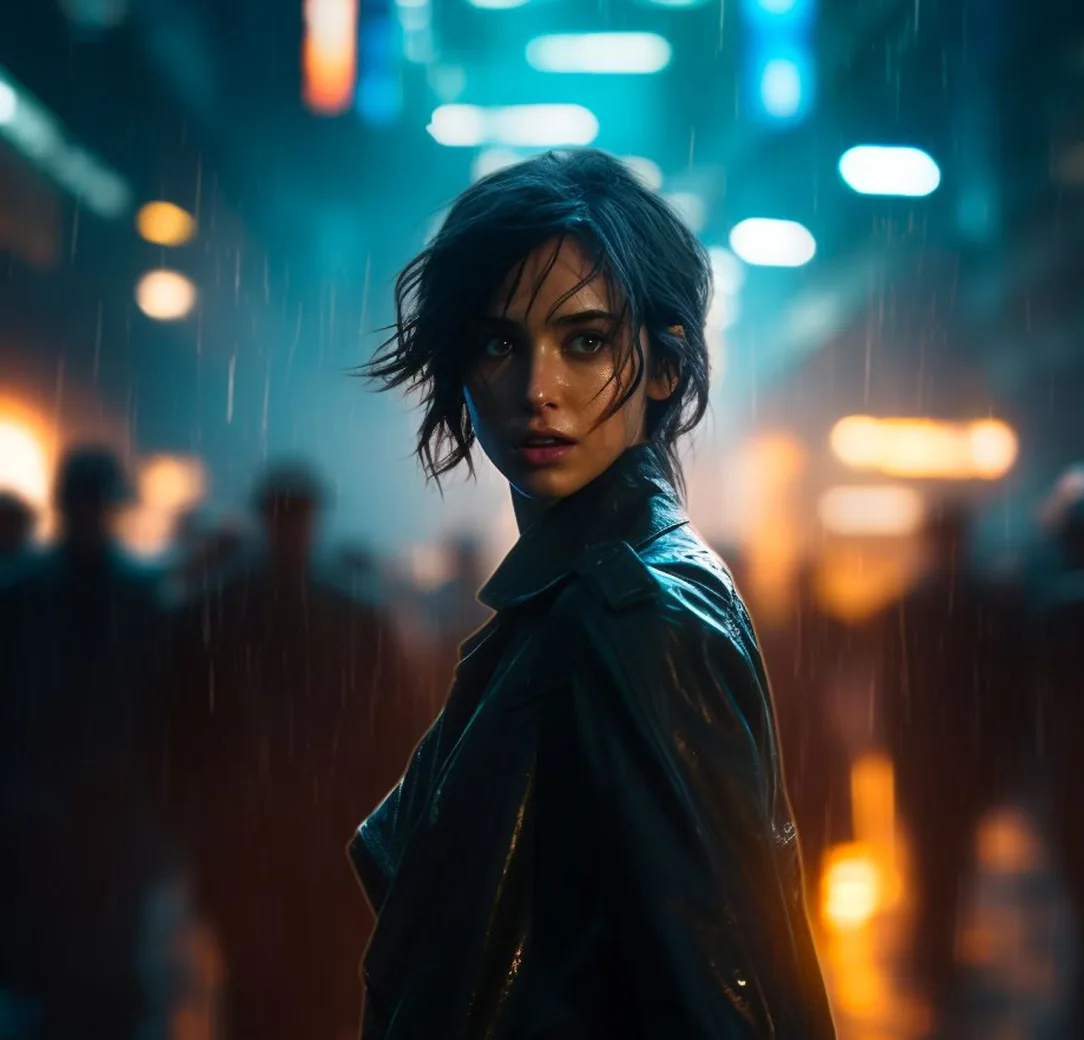
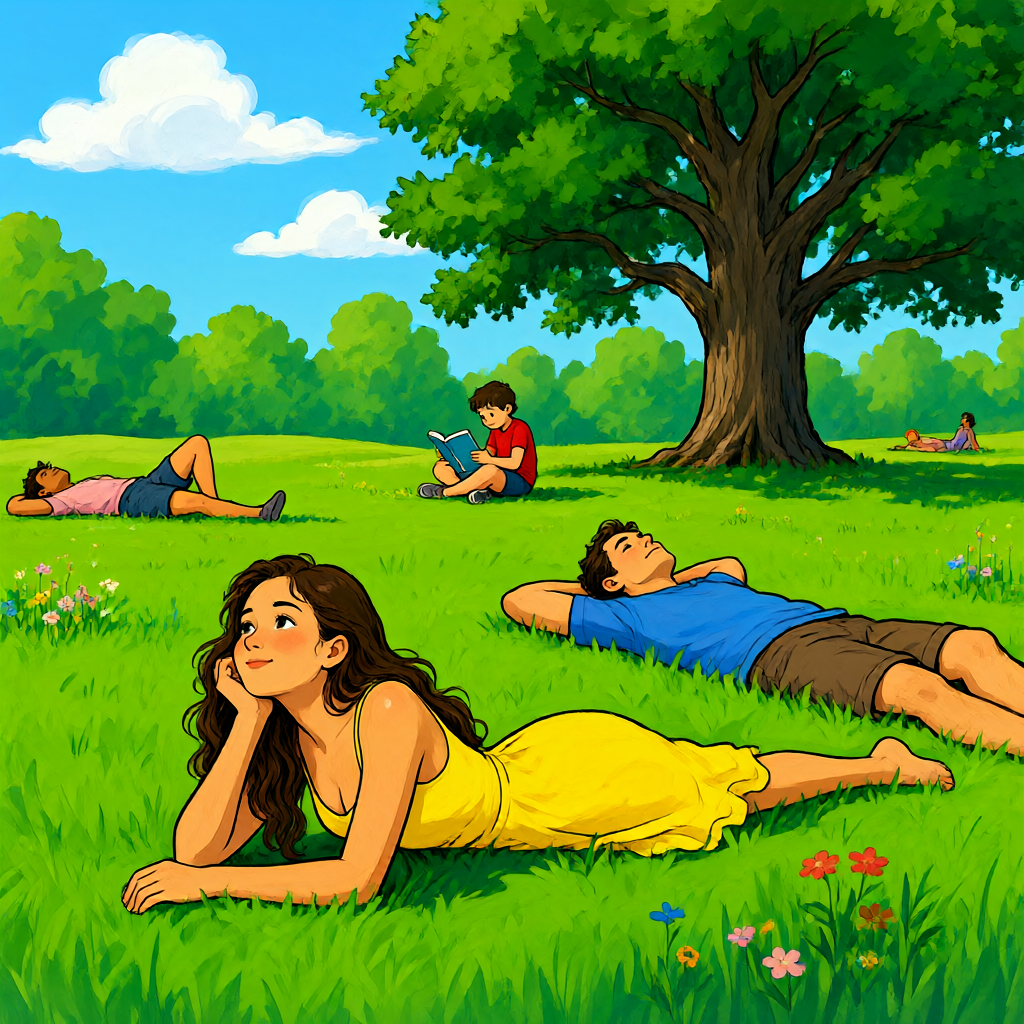
Turn a text idea into a polished image. Describe the subject, environment, lighting, and composition to direct the result. For dense scenes, name the main subject and important secondary details so the visual hierarchy stays clear.
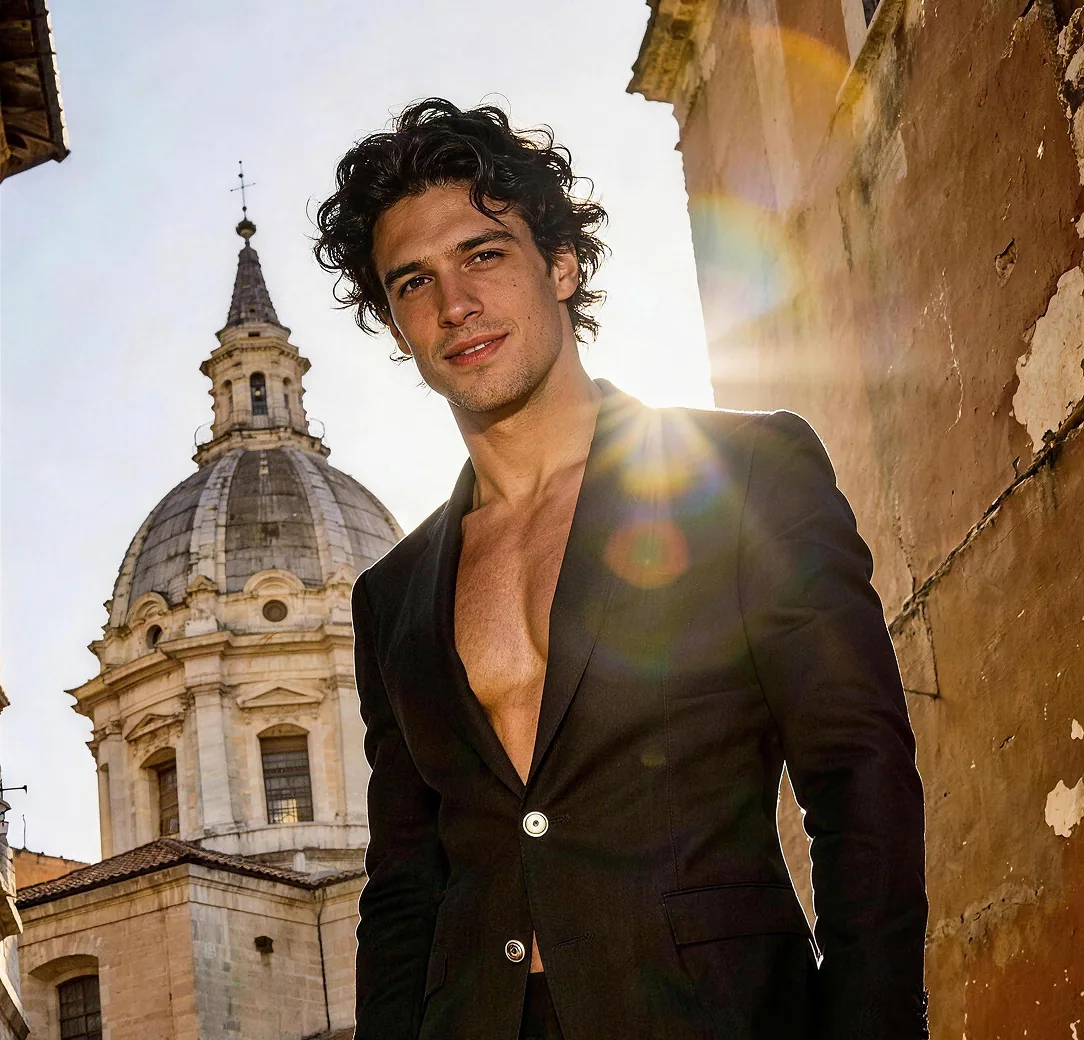
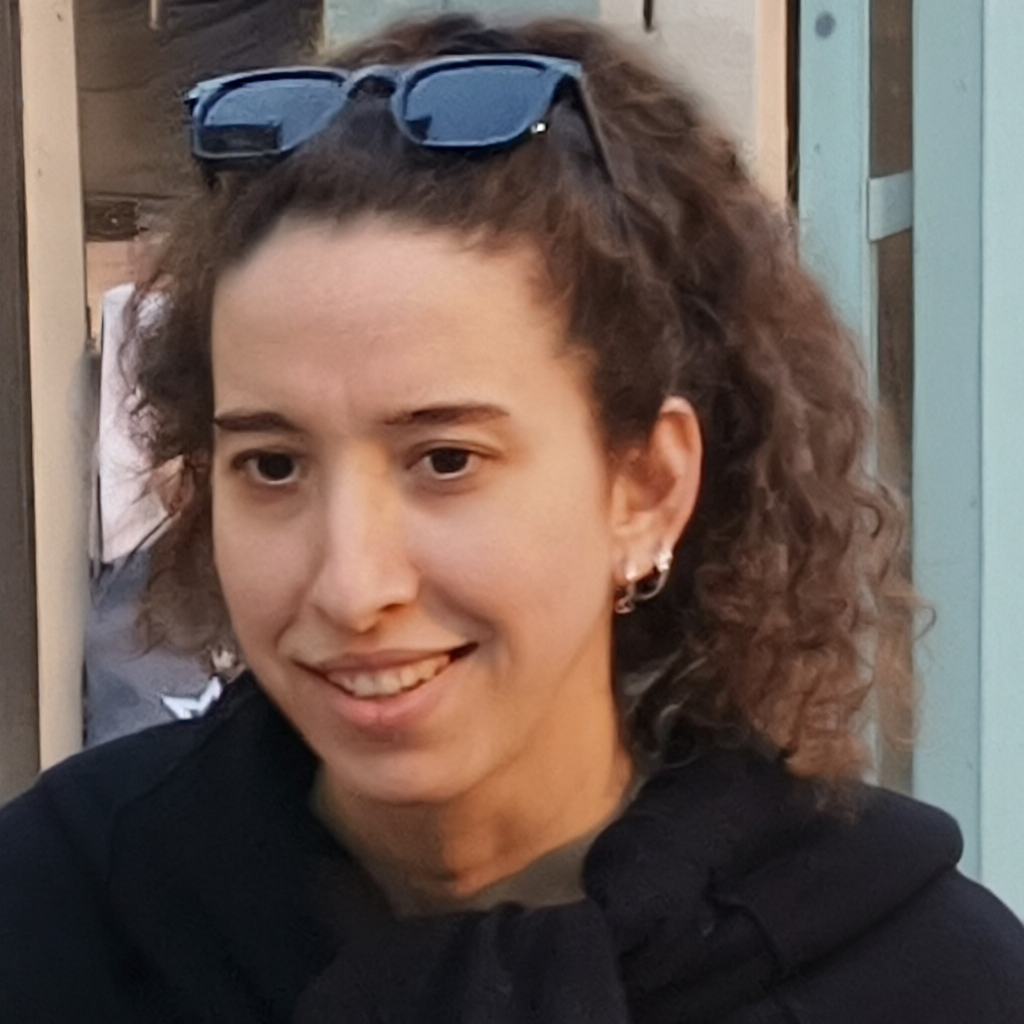
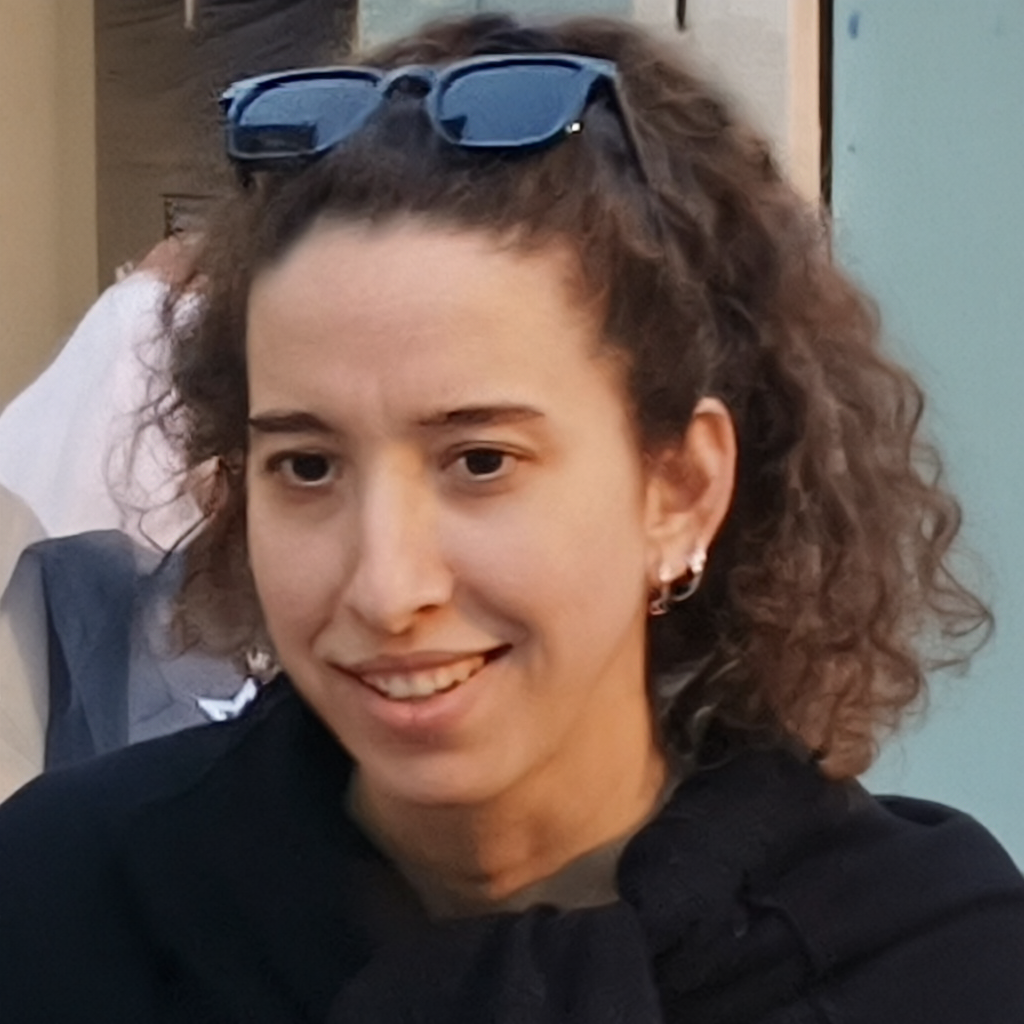
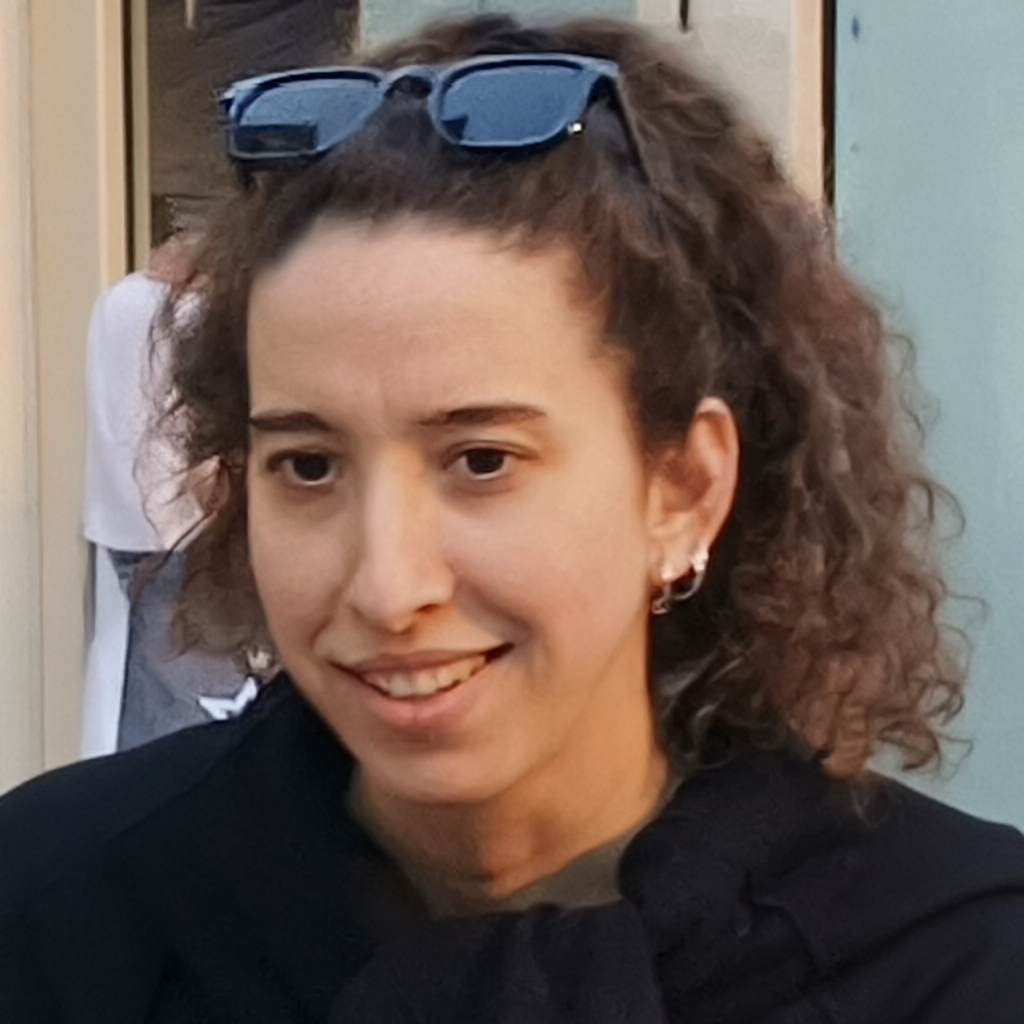
Change an existing image with a prompt. Upload an image and describe exactly what should change and what should remain. This helps preserve the original subject layout while you change a background, lighting, material, or visual style.
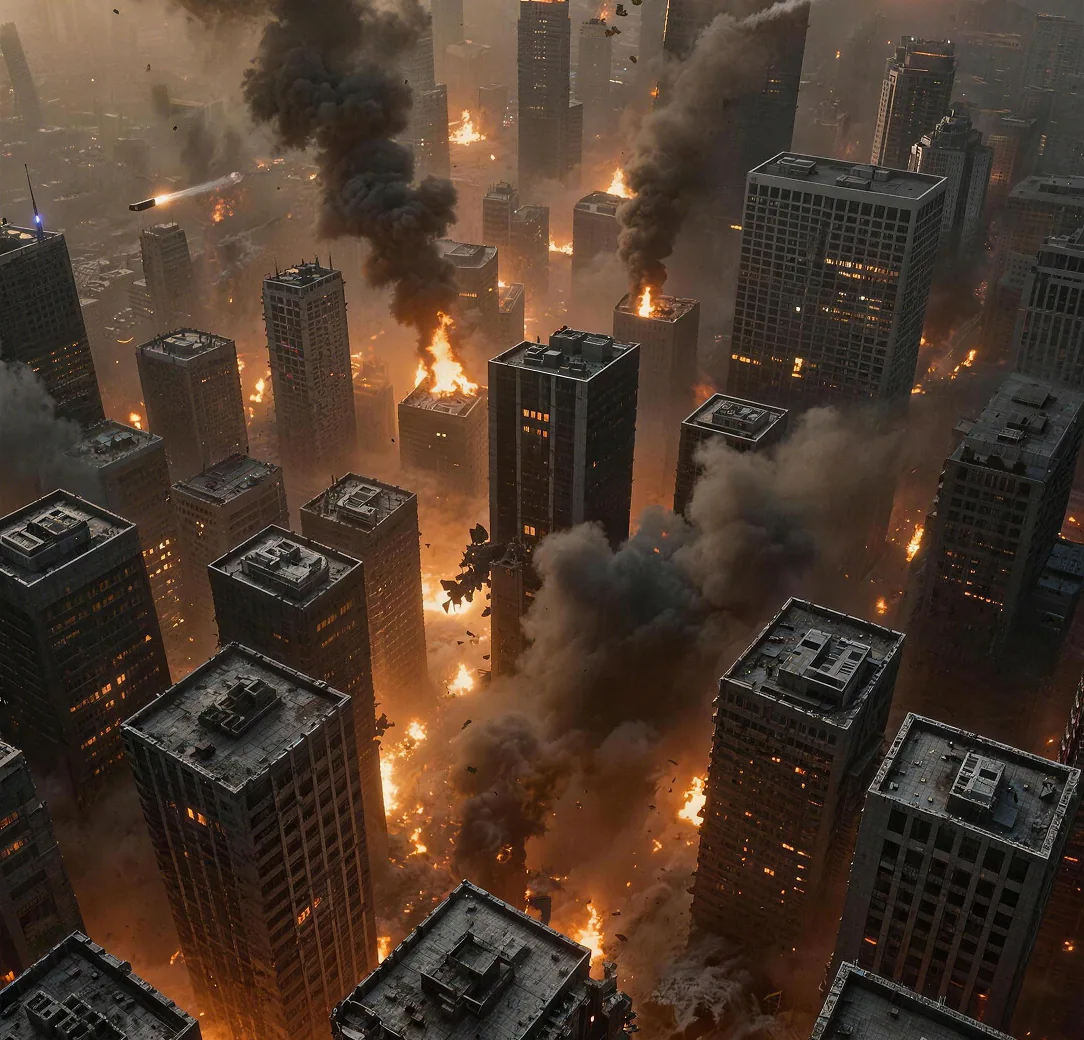
Combine up to three source images. Give each reference image a clear role, such as character, product, or setting. The model can combine those sources into a new composition while keeping important identities and shapes recognizable.
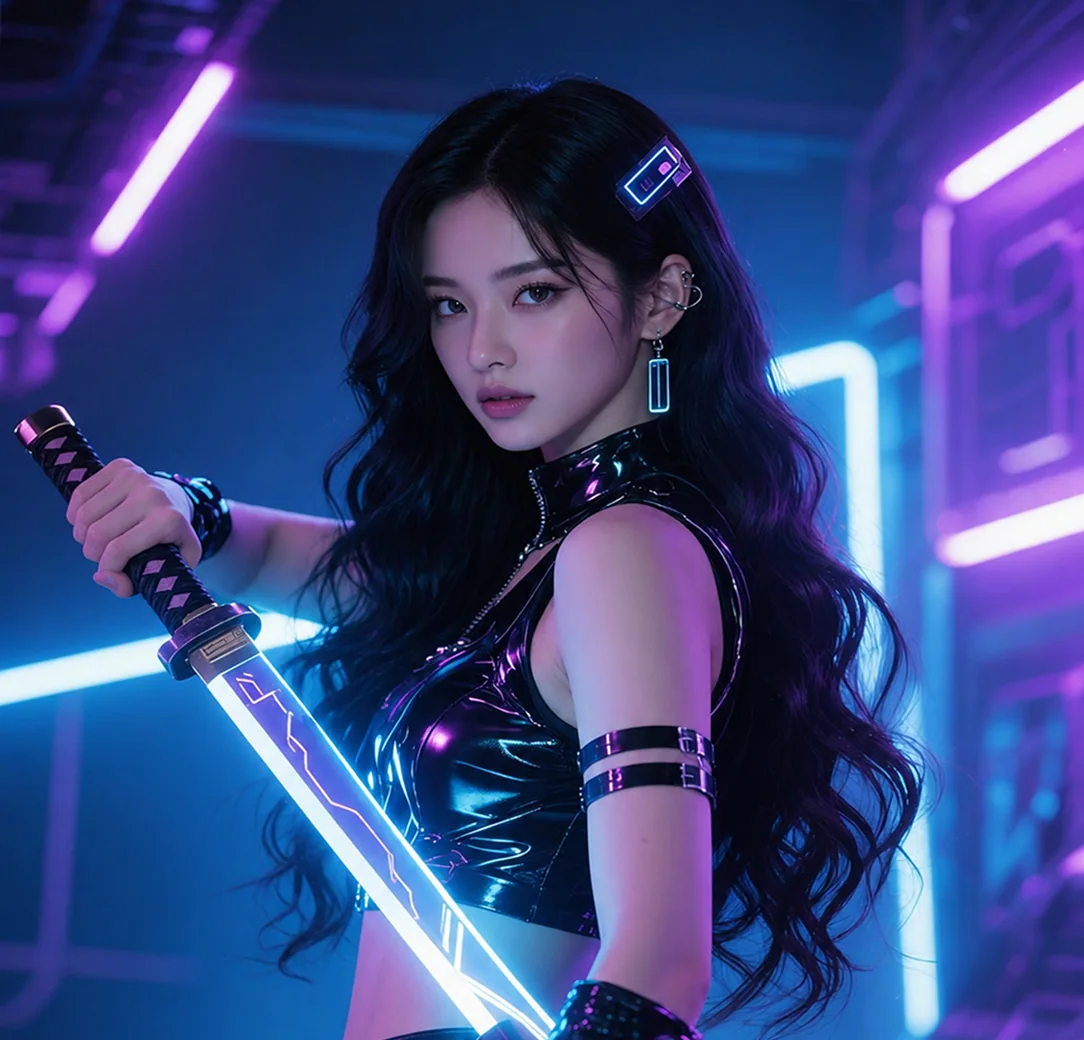
Pick the detail level for each project. Choose a 1K, 2K, 3K, or 4K size tier and a supported aspect ratio for the intended placement. Review the generated image at its native dimensions before cropping or resizing it for a final channel.
| Capability | BotGo Image 2.5 Flash | GPT Image 2 | Nano Banana 2 | Seedream 5.0 Pro |
|---|---|---|---|---|
| Max Resolution | 1K, 2K, 3K, 4K | 1K, 2K, 4K | 1K, 2K, 4K | 1K, 2K |
| Input Types | Text, Image | Text, Image | Text, Image | Text, Image |
| Aspect Ratios | 1:1, 3:4, 4:3, 16:9, 9:16, 2:3, 3:2, 21:9 | Auto, 1:1, 2:3, 3:2, 3:4, 4:3, 4:5, 5:4, 9:16, 16:9, 1:2, 2:1, 9:21, 21:9 | Auto, 1:1, 1:4, 1:8, 2:3, 3:2, 3:4, 4:1, 4:3, 4:5, 5:4, 8:1, 9:16, 16:9, 21:9 | 1:1, 4:3, 3:4, 16:9, 9:16, 3:2, 2:3, 21:9 |
| Function Mode | General, Editing | General, Editing | General, Editing | General, Editing |
| Max References | Up to 3 | Up to 16 | Up to 14 | Up to 10 |
Get started in three clear steps. No editing experience is required.
1Open the generator with BotGo Image 2.5 Flash selected and confirm the workflow mode.
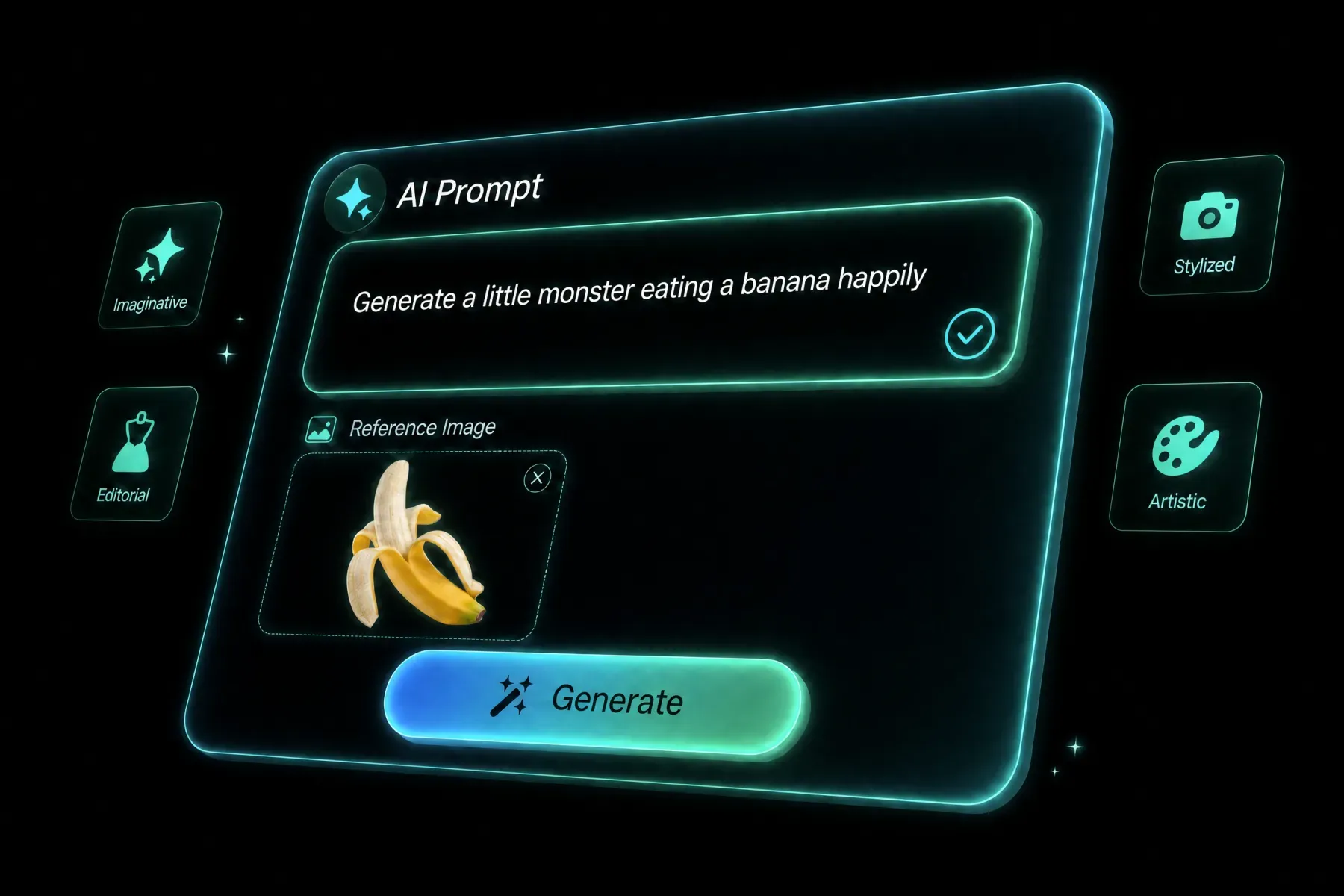 2
Write a focused prompt and upload any source media required by the workflow.
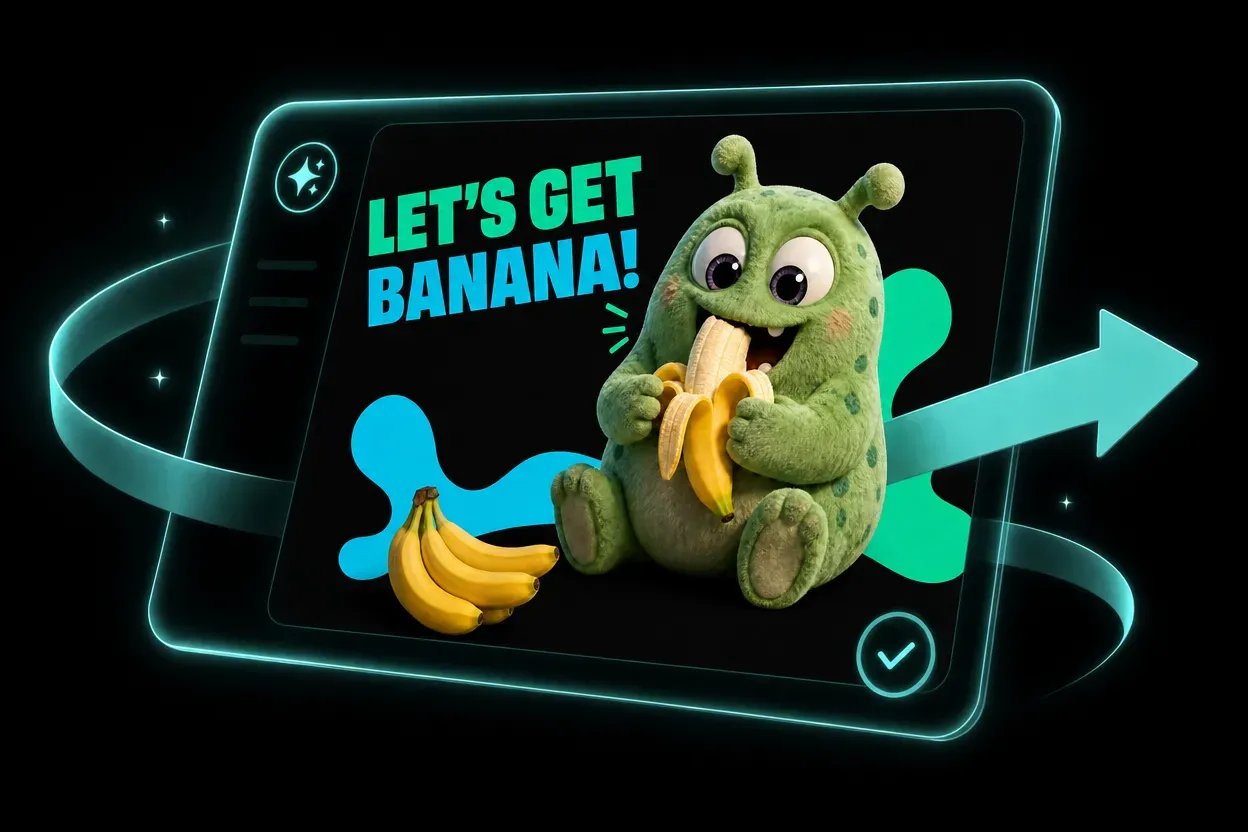 3
Review the settings, generate, then refine the prompt or model for another variation.
BotGo Image 2.5 Flash helps solo creators and teams explore more directions without adding more production tools.
Develop social concepts, series formats, and visual experiments faster.
Create campaign directions, channel variations, and localized assets from one workflow.
Prototype product media, launch concepts, and seasonal variations before full production.
Use AI for previsualization, mood development, storyboards, and option exploration.
High-quality visuals, generated instantly. Create from a text prompt, transform an existing image, or combine reference images in one workflow. The model is tuned for detailed scenes and stronger prompt alignment while preserving the source composition during guided edits.
Open the generator, choose BotGo Image 2.5 Flash, add a prompt and any required source media, review the settings, and generate. Describe the subject, environment, lighting, and composition to direct the result. For dense scenes, name the main subject and important secondary details so the visual hierarchy stays clear.
The available inputs appear directly in the generator and change with the selected model and workflow mode. Give each reference image a clear role, such as character, product, or setting. The model can combine those sources into a new composition while keeping important identities and shapes recognizable.
You can use the settings exposed by the model, including supported aspect ratios, resolution, duration, and reference limits.
Yes. Sora 2 keeps leading models in one workspace so you can compare inputs, formats, and workflow modes.
Rights can depend on the model, source media, plan, and local law. Review the terms and use only assets you have permission to upload.
Write a concrete brief with subject, composition, action, camera or lighting, style, and final use. For edits, state what must stay unchanged.
Compare other AI models available in the Sora 2 creative workspace.
Start creating with BotGo Image 2.5 Flash in the Sora 2 workspace.
Try BotGo Image 2.5 Flash NowHigh-quality visuals, generated instantly.