Nano Banana 2 Lite

×Sora 2
NANO BANANA 2 LITELightweight image generation for quick drafts
Nano Banana 2 Lite is tuned for fast image drafts and edits when creators need efficient visual iteration with Google image model quality.
CREATIVE EXAMPLES
Explore Nano Banana 2 Lite Examples
Open a prompt-bearing template at full size, inspect the creative direction, then use Recreate to move the prompt and settings into the generator.
AI IMAGE WORKFLOW
What is Nano Banana 2 Lite?
Generate and edit AI images with Nano Banana 2 Lite on Sora 2. Create fast drafts, social visuals, and lightweight image variations online.
- Inputs
- Text, Image
- Resolution
- 1K
- Aspect ratios
- auto, 1:1, 1:4, 1:8, 2:3, 3:2, 3:4, 4:1, 4:3, 4:5, 5:4, 8:1, 9:16, 16:9, 21:9
- Reference images
- Up to 10
- Function Mode
- General, Editing
- Generation time
- ~10 sec
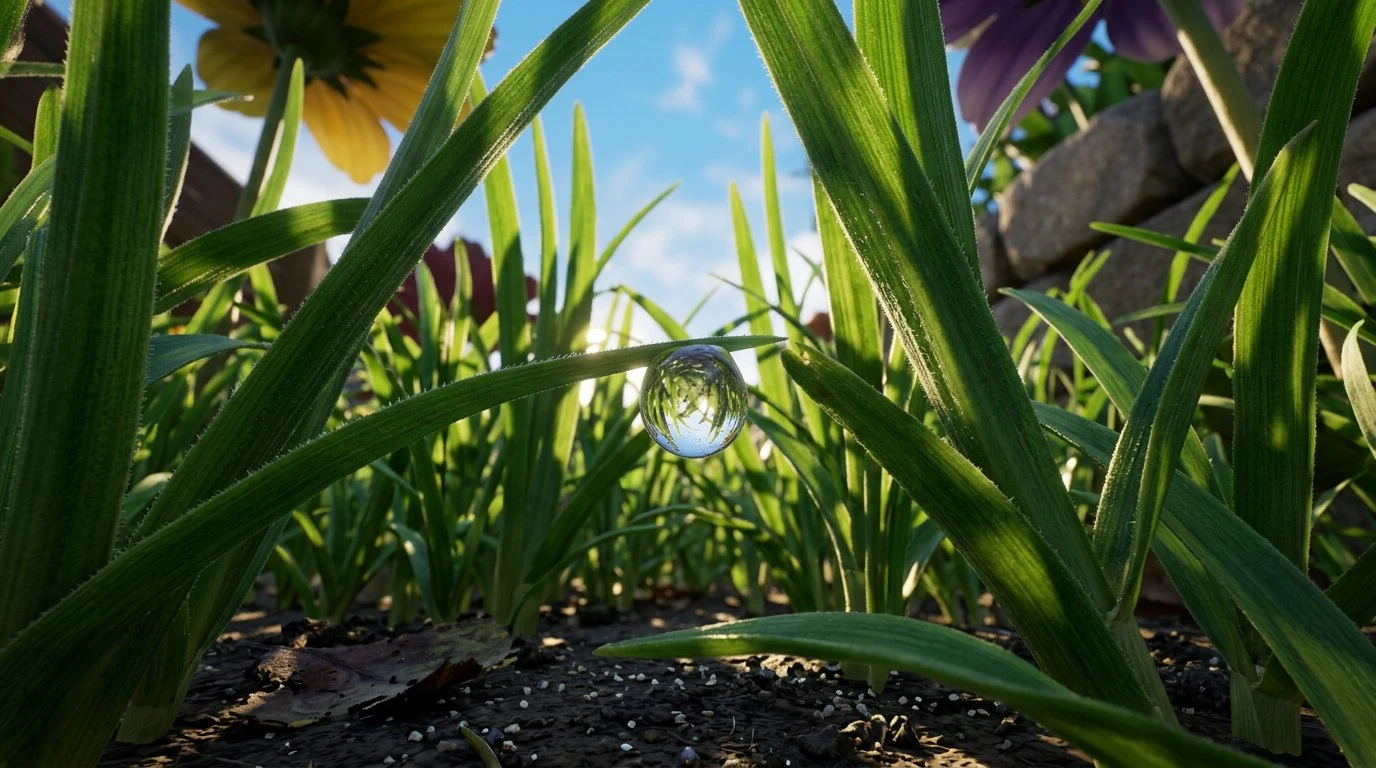
Key Features of Nano Banana 2 Lite
Explore the inputs, controls, and creative workflows available with Nano Banana 2 Lite on Sora 2.
Nano Banana 2 Lite
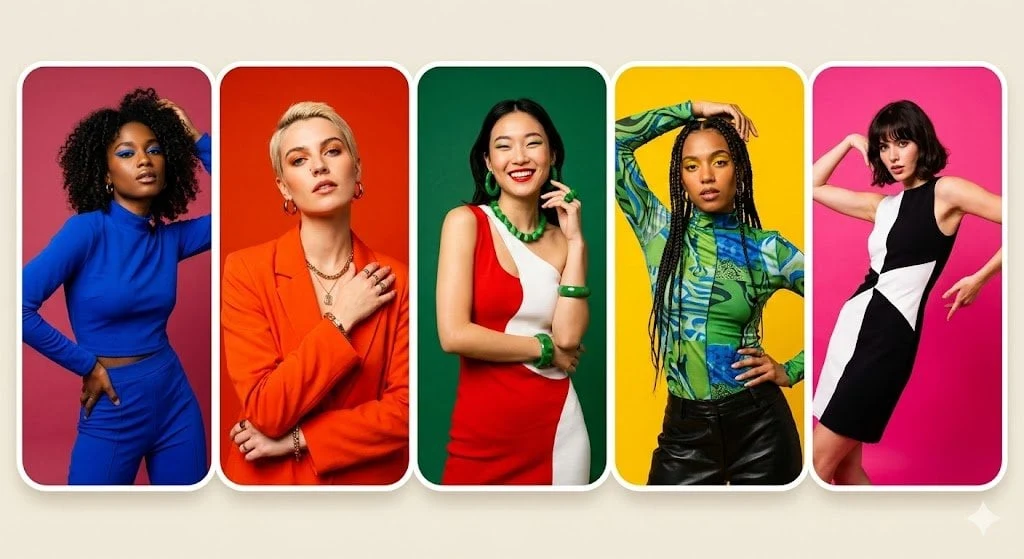
Prompt and reference inputs
Create with text, image inputs inside one focused workflow.
Nano Banana 2 Lite
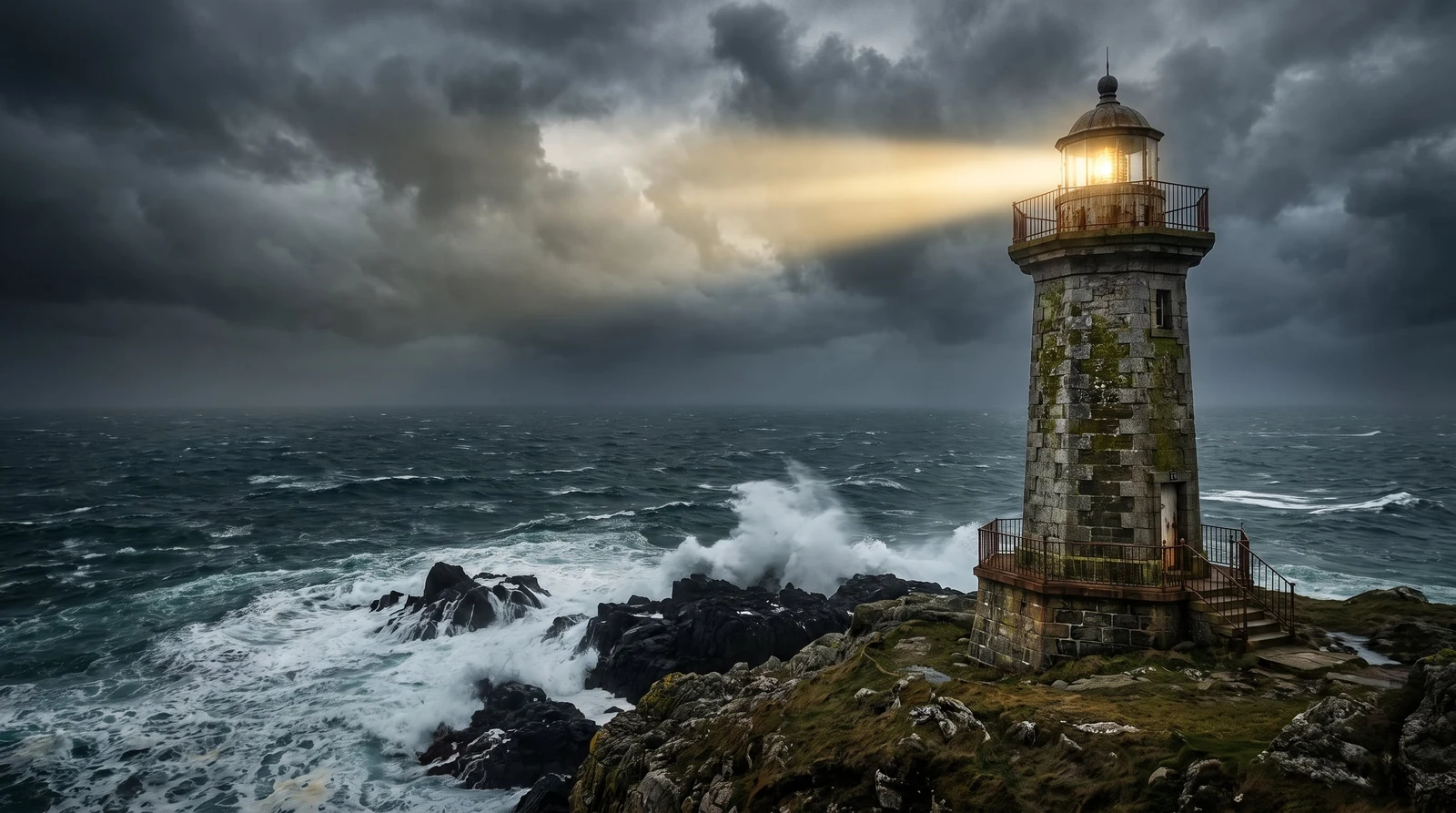
Resolution and framing controls
Choose from 1K output and auto, 1:1, 1:4, 1:8, 2:3, 3:2, 3:4, 4:1, 4:3, 4:5, 5:4, 8:1, 9:16, 16:9, 21:9 framing options.
Nano Banana 2 Lite
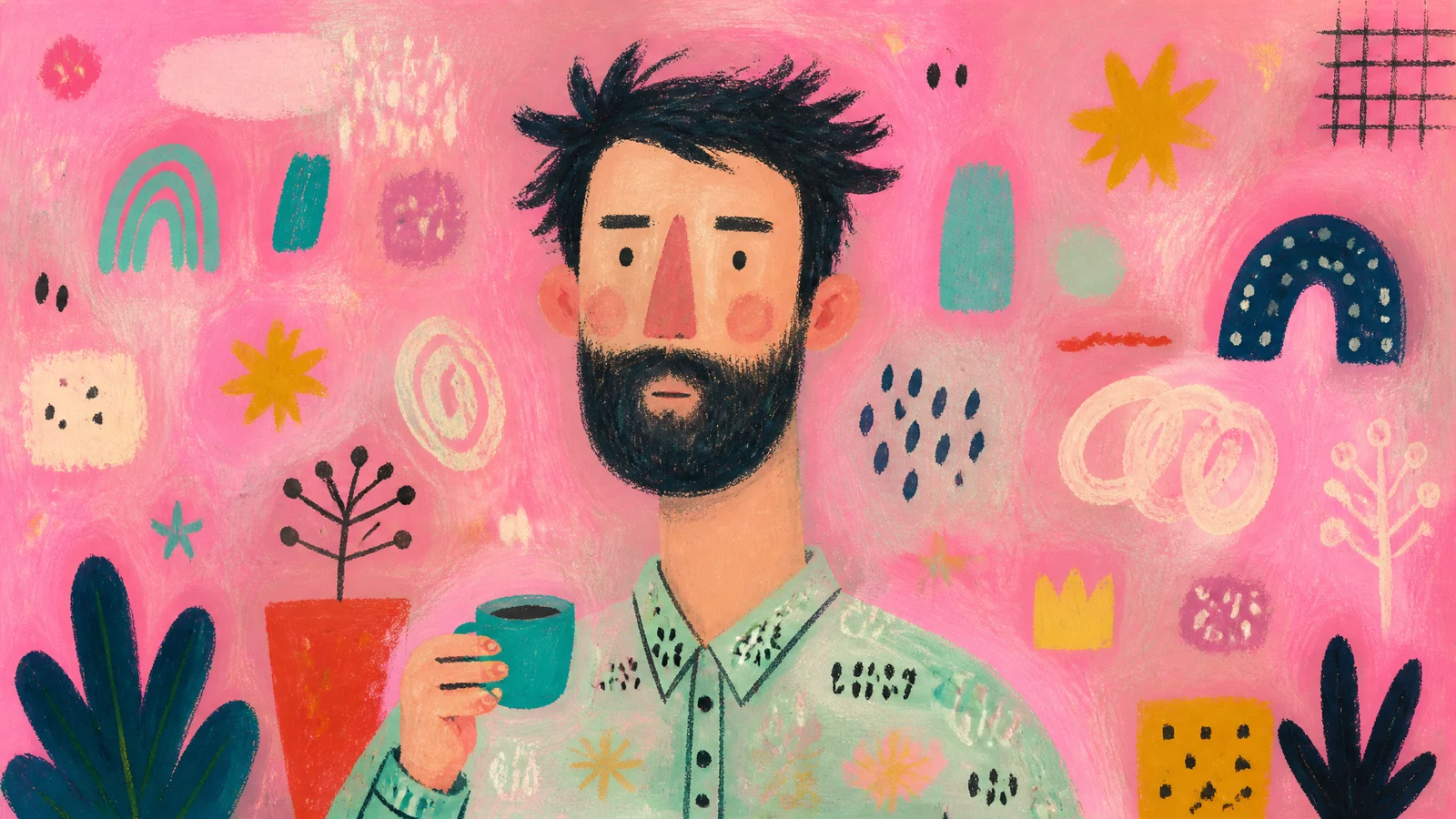
Reference-guided iteration
Use compatible references to guide identity, composition, or style.
Nano Banana 2 Lite
One workspace for generation and editing
Keep prompts, references, model settings, and generated alternatives together for faster creative review.
Nano Banana 2 Lite vs Other AI Image Models
| Capability | Nano Banana 2 Lite | GPT Image 2 | Nano Banana 2 | Seedream 5.0 Pro |
|---|---|---|---|---|
| Max Resolution | 1K | 1K, 2K, 4K | 1K, 2K, 4K | 1K, 2K |
| Input Types | Text, Image | Text, Image | Text, Image | Text, Image |
| Aspect Ratios | auto, 1:1, 1:4, 1:8, 2:3, 3:2, 3:4, 4:1, 4:3, 4:5, 5:4, 8:1, 9:16, 16:9, 21:9 | auto, 1:1, 2:3, 3:2, 3:4, 4:3, 4:5, 5:4, 9:16, 16:9, 1:2, 2:1, 9:21, 21:9 | auto, 1:1, 1:4, 1:8, 2:3, 3:2, 3:4, 4:1, 4:3, 4:5, 5:4, 8:1, 9:16, 16:9, 21:9 | 1:1, 4:3, 3:4, 16:9, 9:16, 3:2, 2:3, 21:9 |
| Function Mode | General, Editing | General, Editing | General, Editing | General, Editing |
| Max References | Up to 10 | Up to 16 | Up to 14 | Up to 10 |
How to Create Images with Nano Banana 2 Lite
Get started in three clear steps. No editing experience is required.
 1
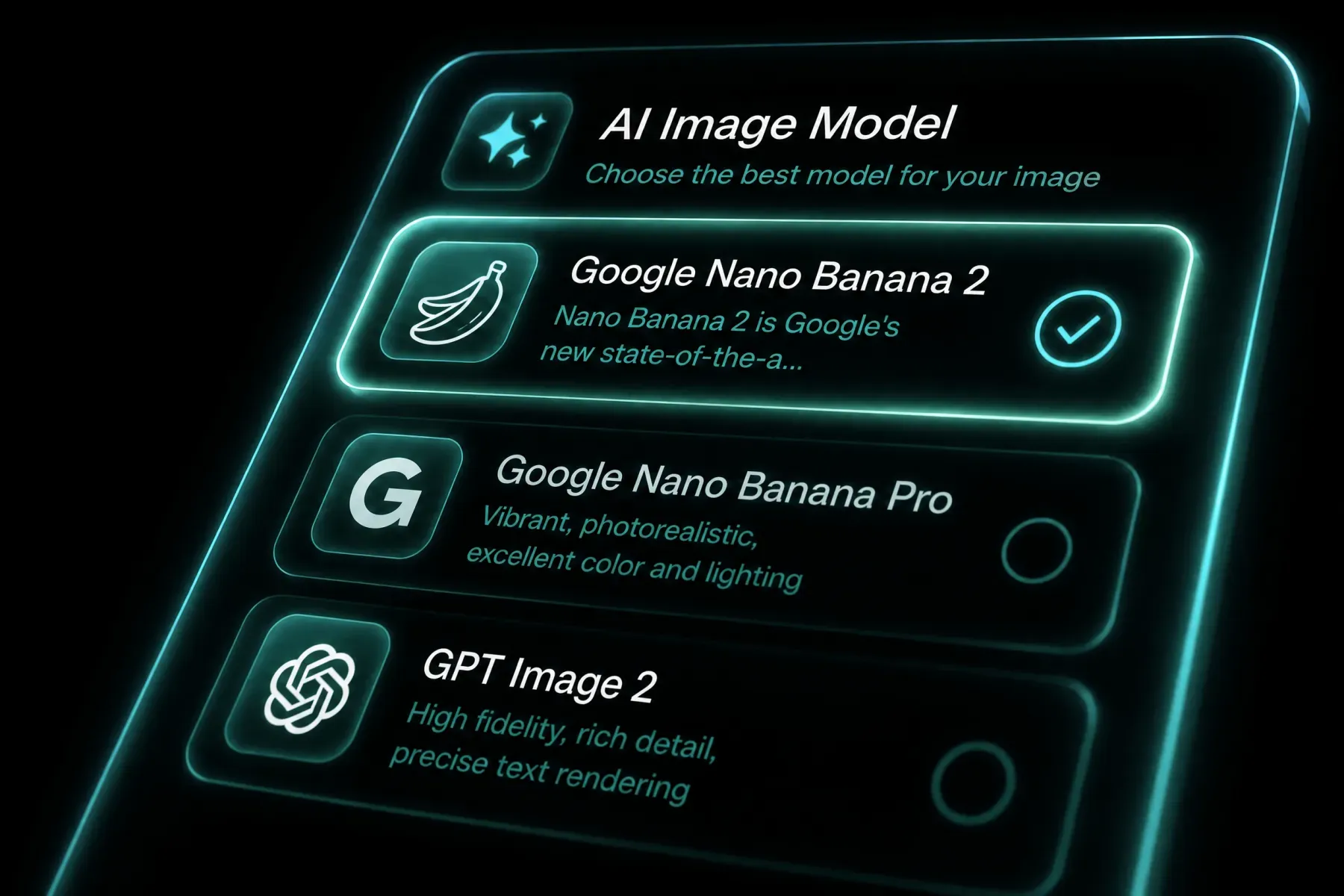
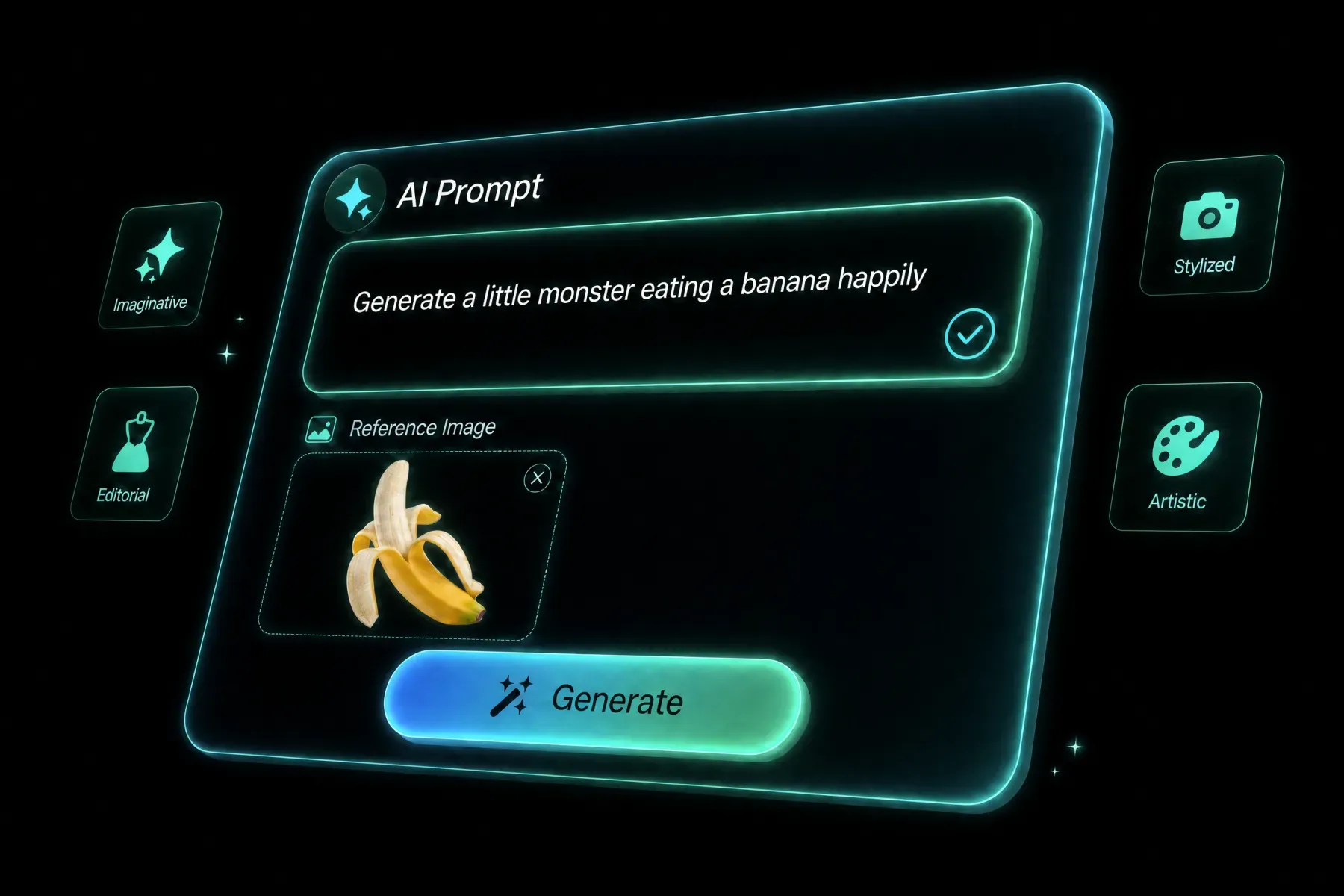
1Choose the model
Open the generator with Nano Banana 2 Lite selected, then confirm the workflow mode that matches your starting point.
 2
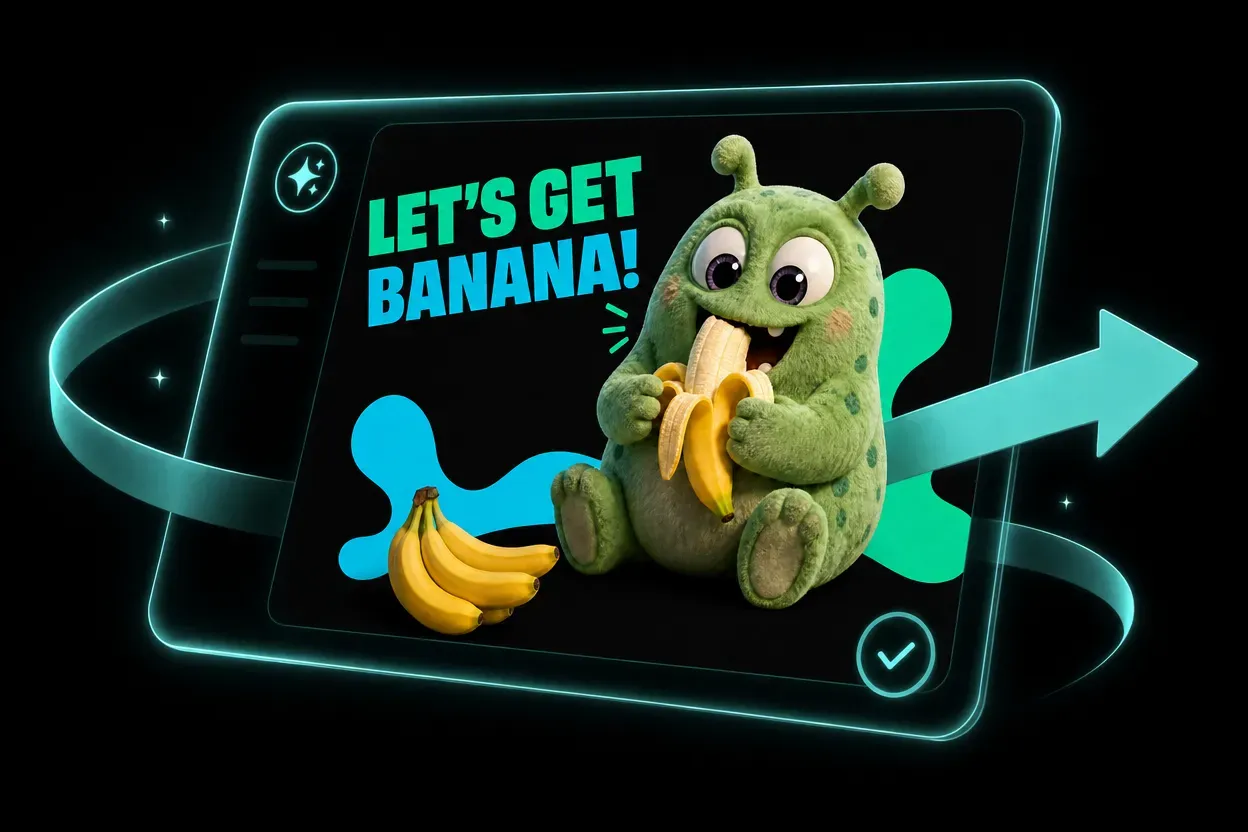
2Add your creative direction
Write a focused prompt and upload any image, video, audio, or reference media required by the selected workflow.
 3
3Generate your image
Review format and quality settings, generate the result, then refine the prompt or model choice for another variation.
Popular Nano Banana 2 Lite Use Cases
See how prompts, references, formats, and model choices become practical creative directions.
BUILT FOR REAL CREATIVE WORK
Who Should Use Nano Banana 2 Lite?
Nano Banana 2 Lite helps solo creators and teams explore more directions without adding more production tools.
CREATORS
Content creators
Develop social concepts, series formats, and visual experiments faster.
MARKETING
Marketing teams
Create campaign directions, channel variations, and localized assets from one workflow.
COMMERCE
Brands and ecommerce
Prototype product media, launch concepts, and seasonal variations before full production.
STUDIOS
Design and production studios
Use AI for previsualization, mood development, storyboards, and option exploration.
Frequently Asked Questions
Nano Banana 2 Lite is available on Sora 2 as an AI creation workflow with model controls, source inputs, and output settings in one browser workspace.
Open the generator, choose Nano Banana 2 Lite, add a prompt and any required source media, review the settings, and generate.
The available inputs appear directly in the generator and change with the selected model and workflow mode.
You can use the settings exposed by the model, including supported aspect ratios, resolution, duration, and reference limits.
Yes. Sora 2 keeps leading models in one workspace so you can compare inputs, formats, and workflow modes.
Rights can depend on the model, source media, plan, and local law. Review the terms and use only assets you have permission to upload.
Write a concrete brief with subject, composition, action, camera or lighting, style, and final use. For edits, state what must stay unchanged.
Explore More AI Models
Compare other AI models available in the Sora 2 creative workspace.
NOW LIVE ON SORA 2
THE FUTURE OF IMAGE:NANO BANANA 2 LITE CREATIVE ENGINE
Start creating with Nano Banana 2 Lite in the Sora 2 workspace.
Try Nano Banana 2 Lite Now