
 1
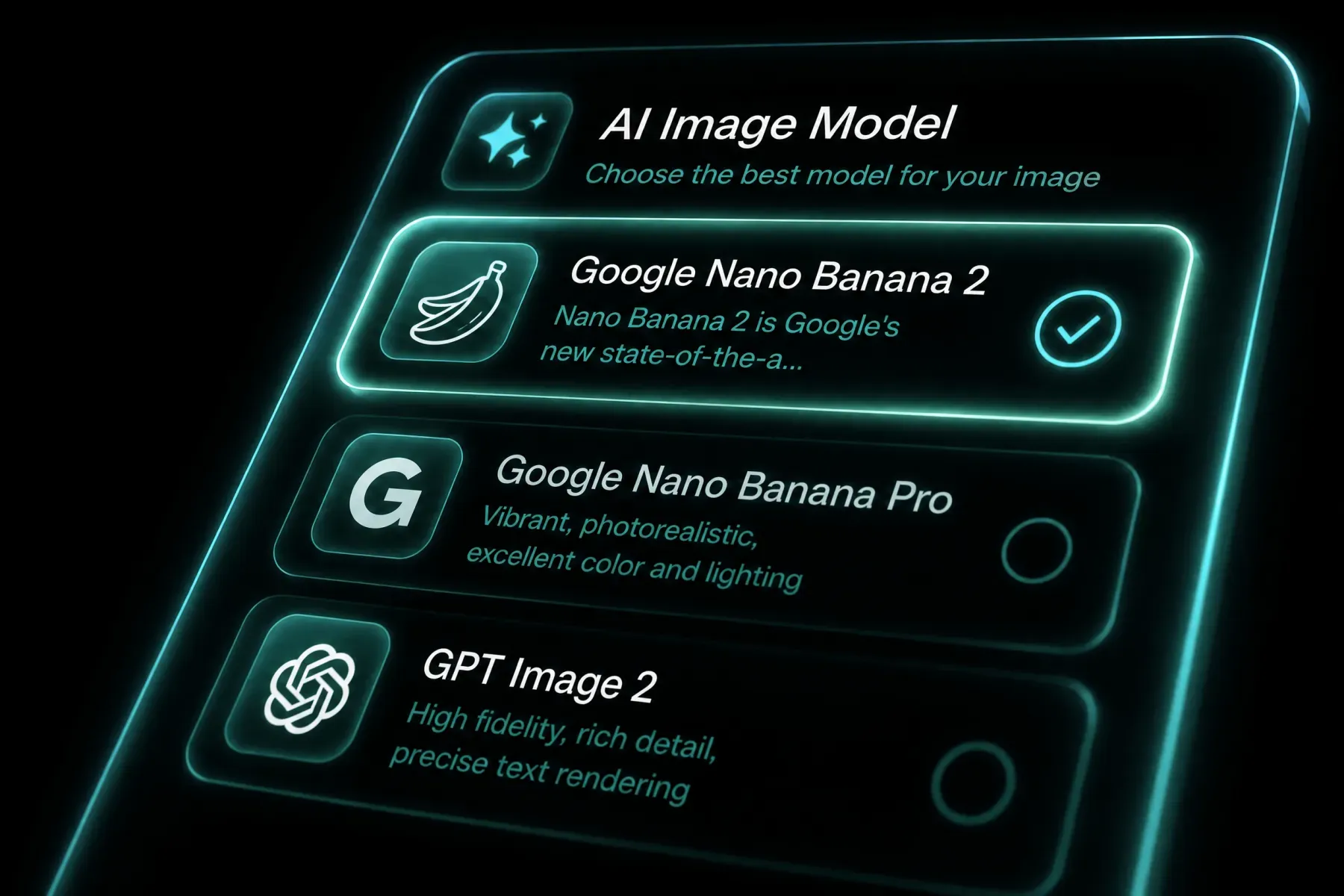
Choose the model
Open the generator with GPT Image 2.5 selected and confirm the workflow mode.
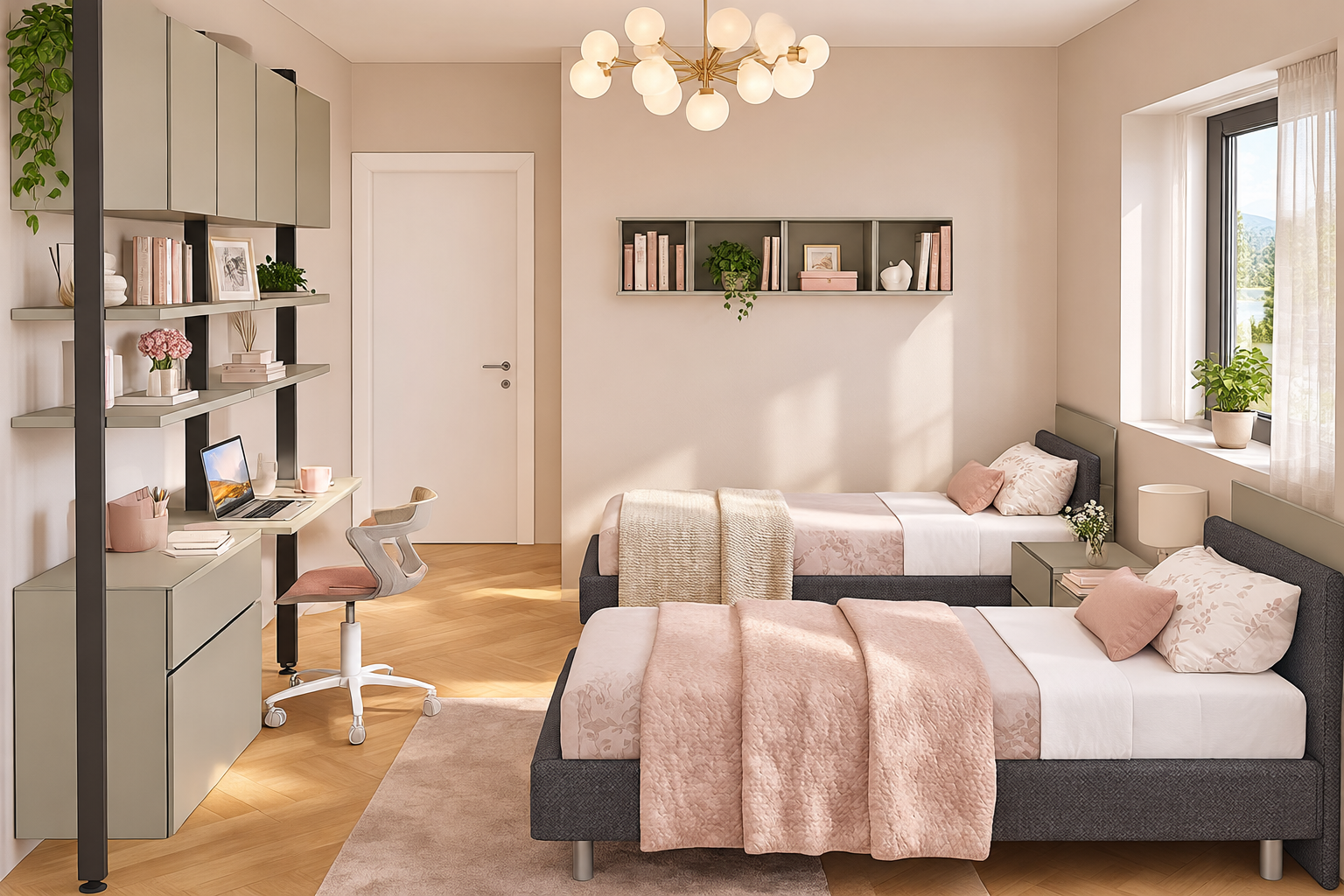
Create sharper, more natural images with faster generation, consistent details, and precise edits. Go Unlimited with every plan. Natural detail: Render richer textures and lighting.
AI IMAGE WORKFLOW
Create sharper, more natural images with faster generation, consistent details, and precise edits. Go Unlimited with every plan. GPT Image 2.5 focuses on natural texture, reliable reference fidelity, and targeted edits that leave unrelated parts of an image intact. It also handles complex layouts and repeated edits across a creative conversation.
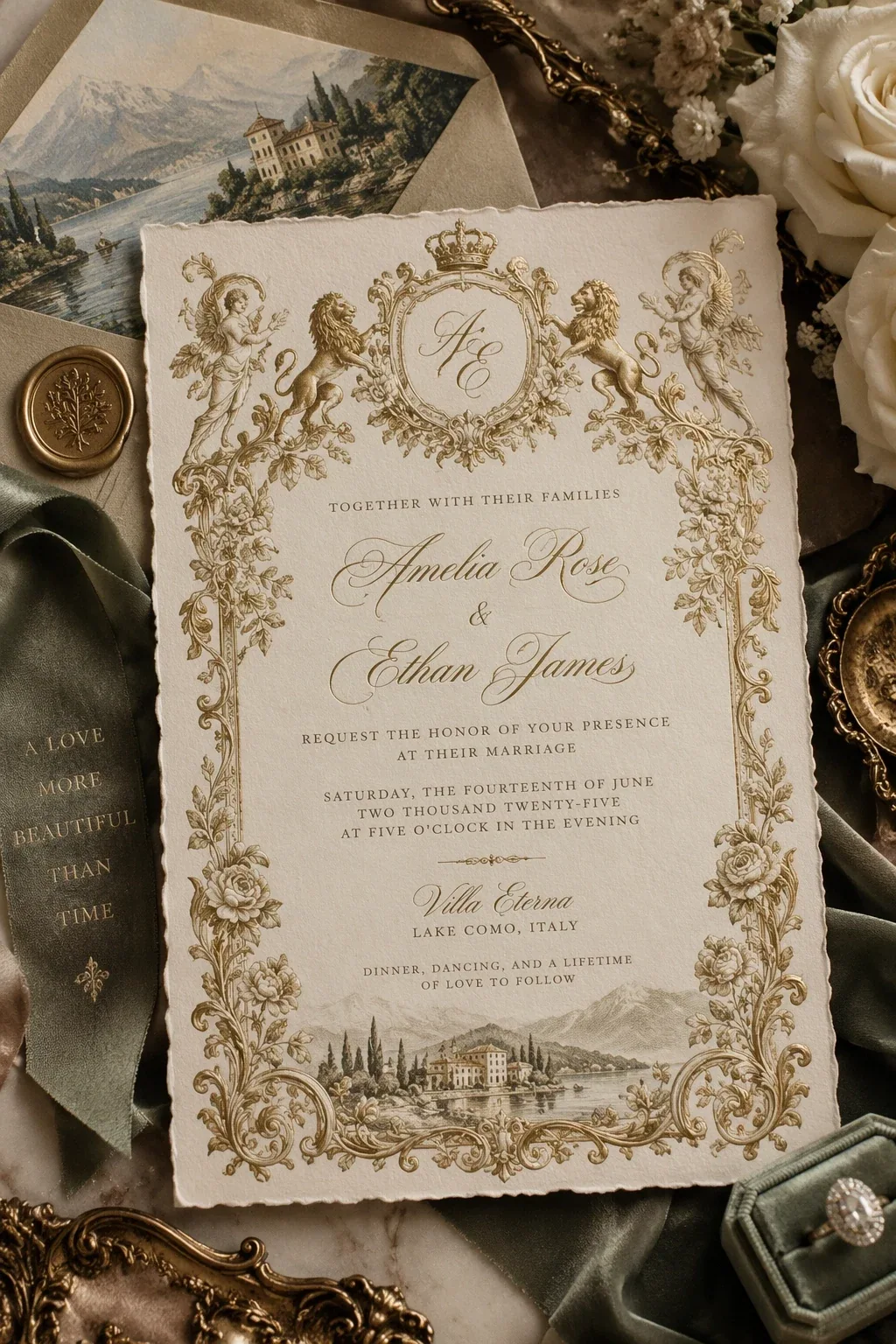
Explore the inputs, controls, and creative workflows available with GPT Image 2.5 on Sora 2.
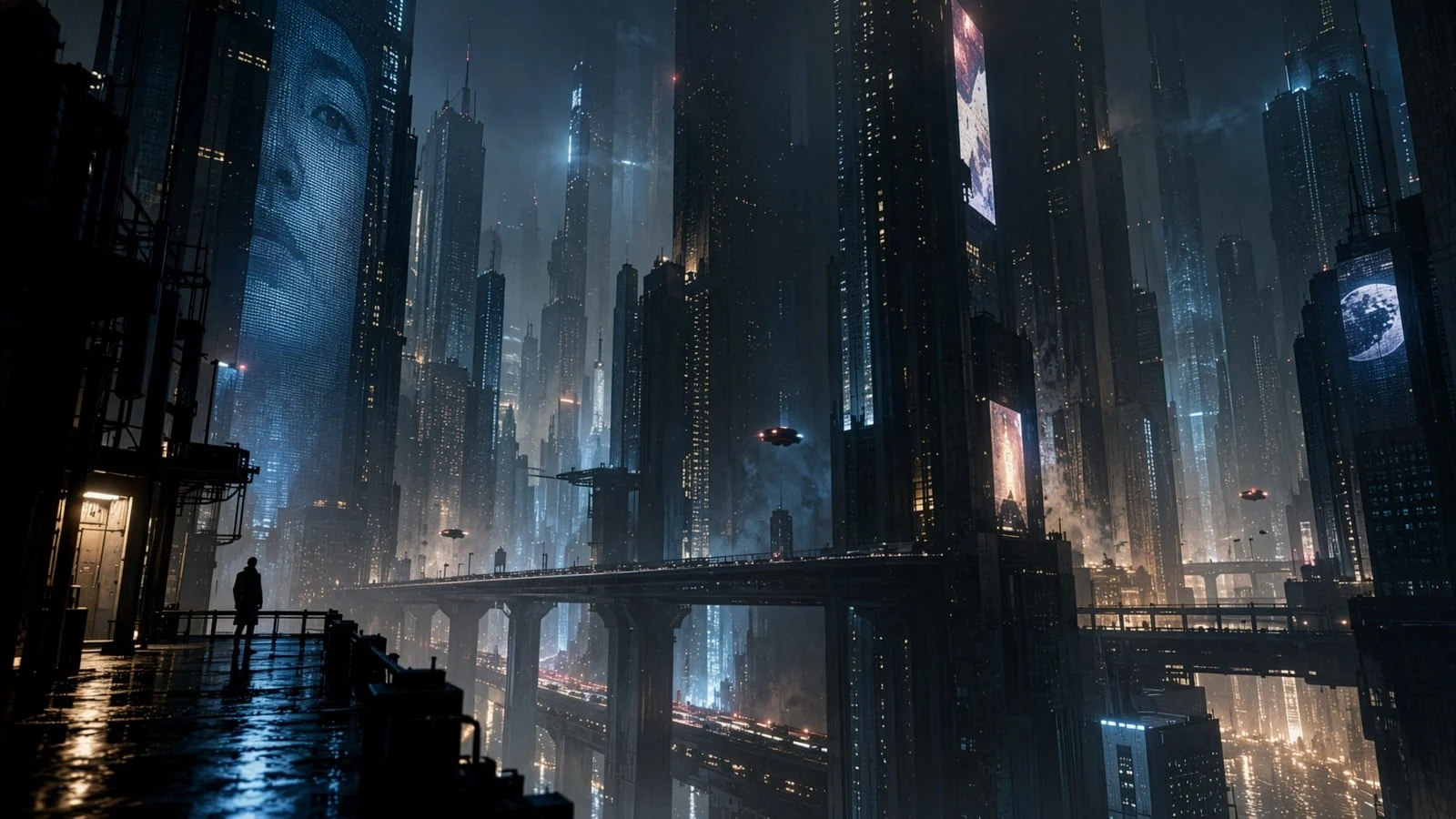
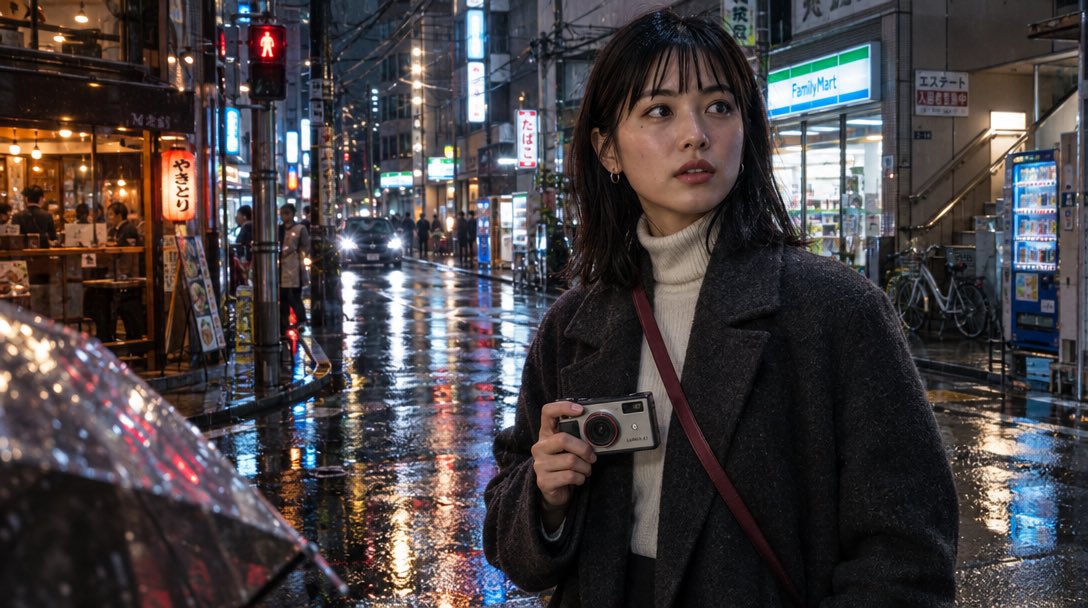
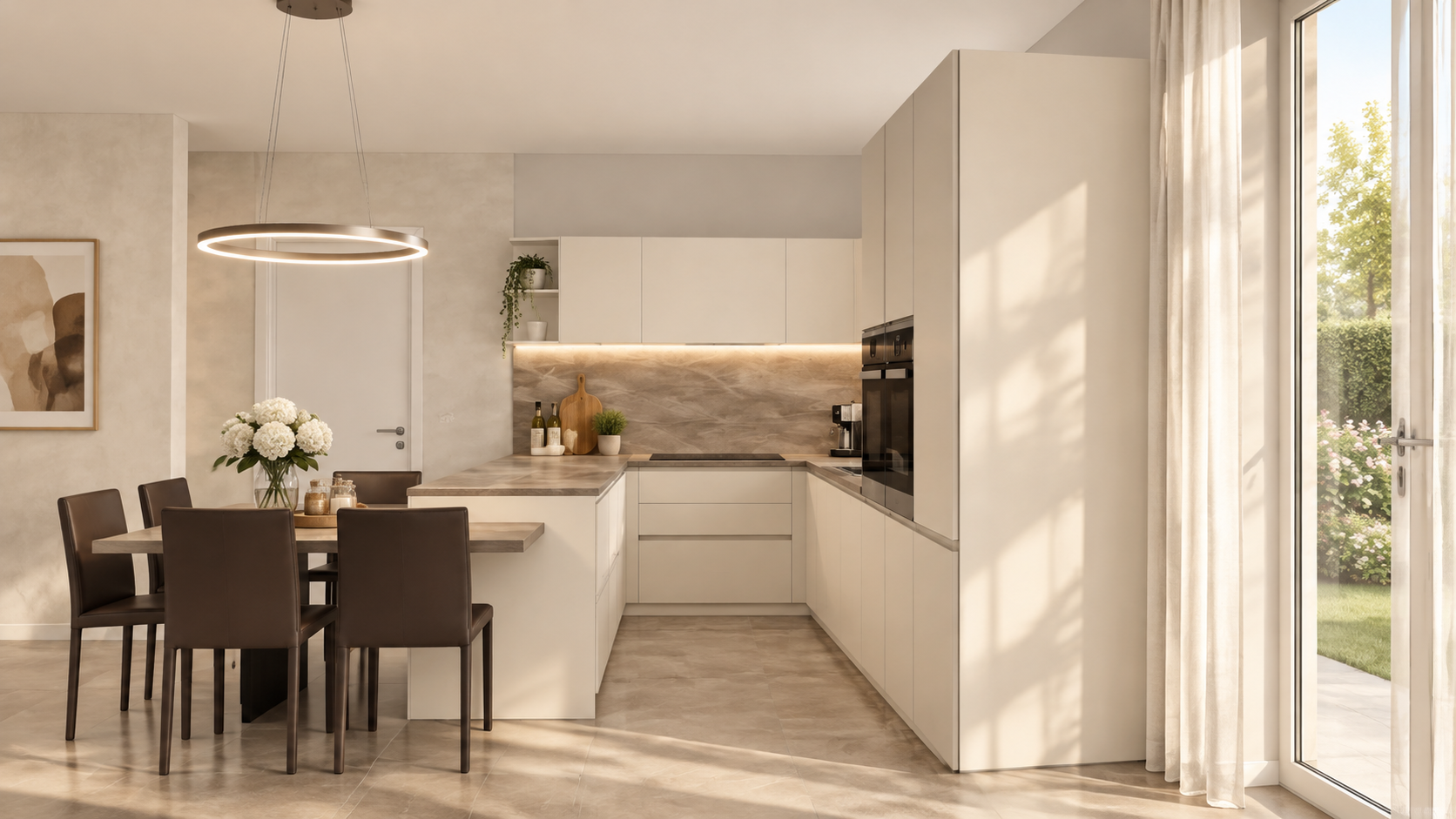
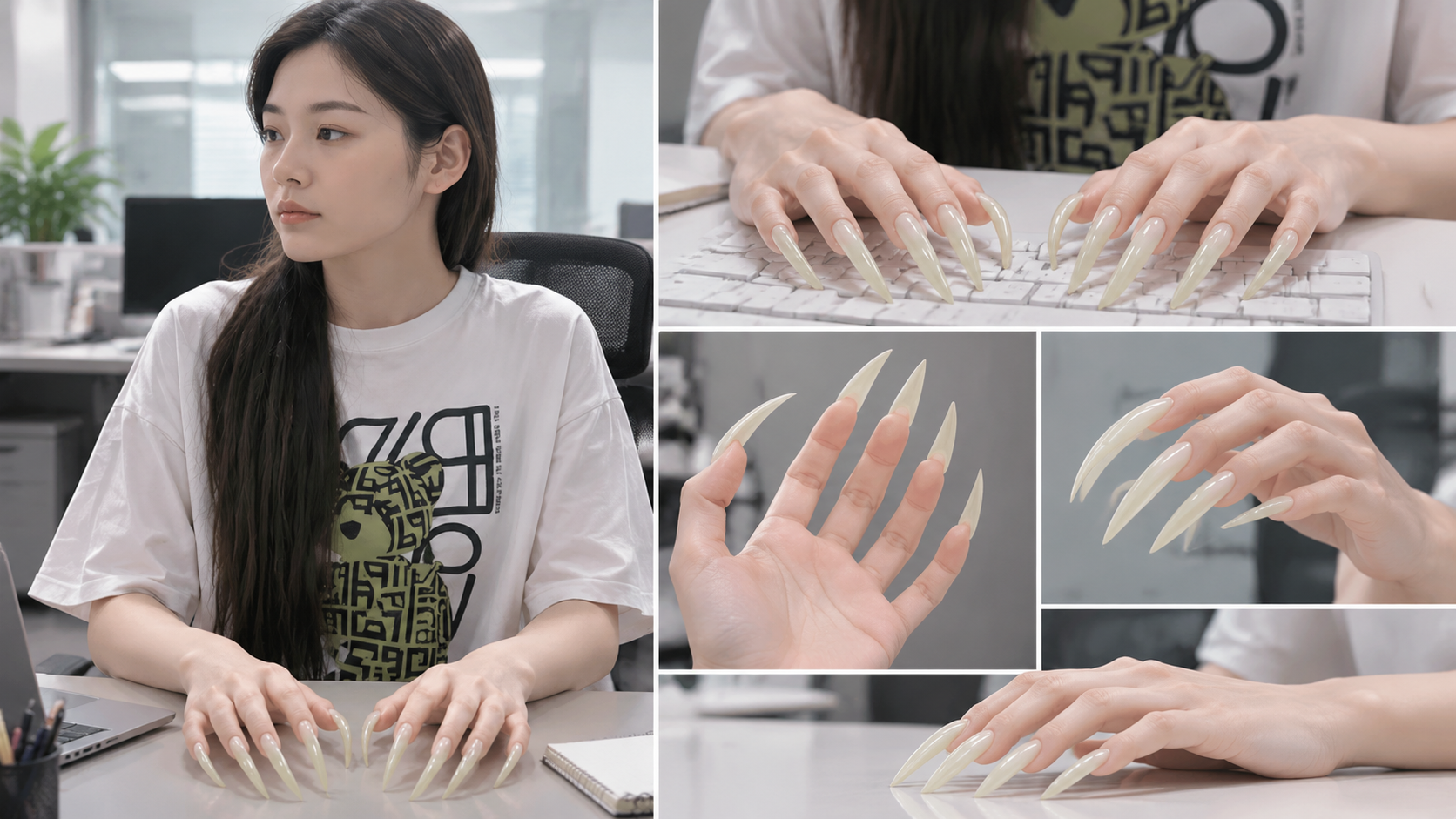
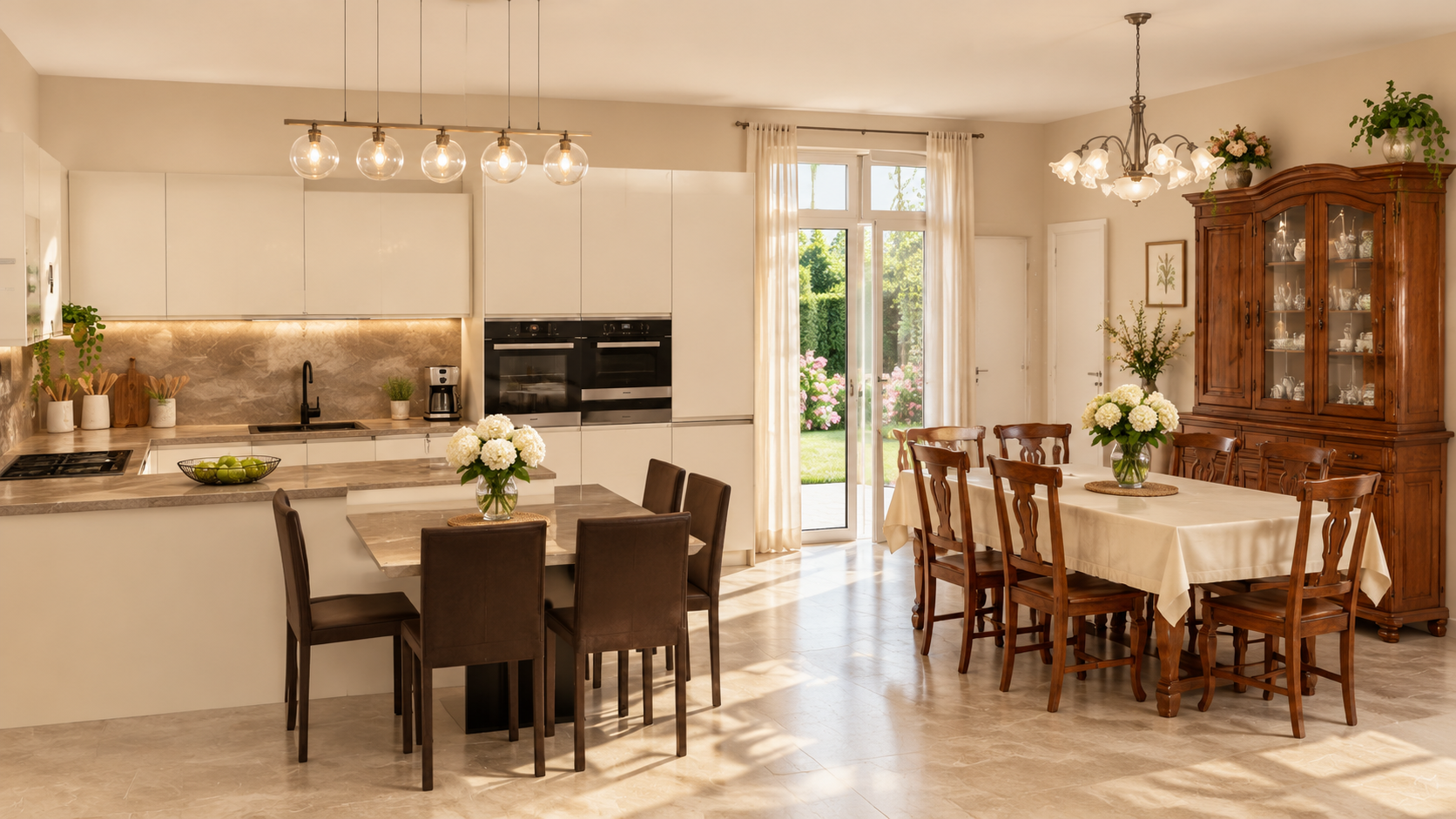
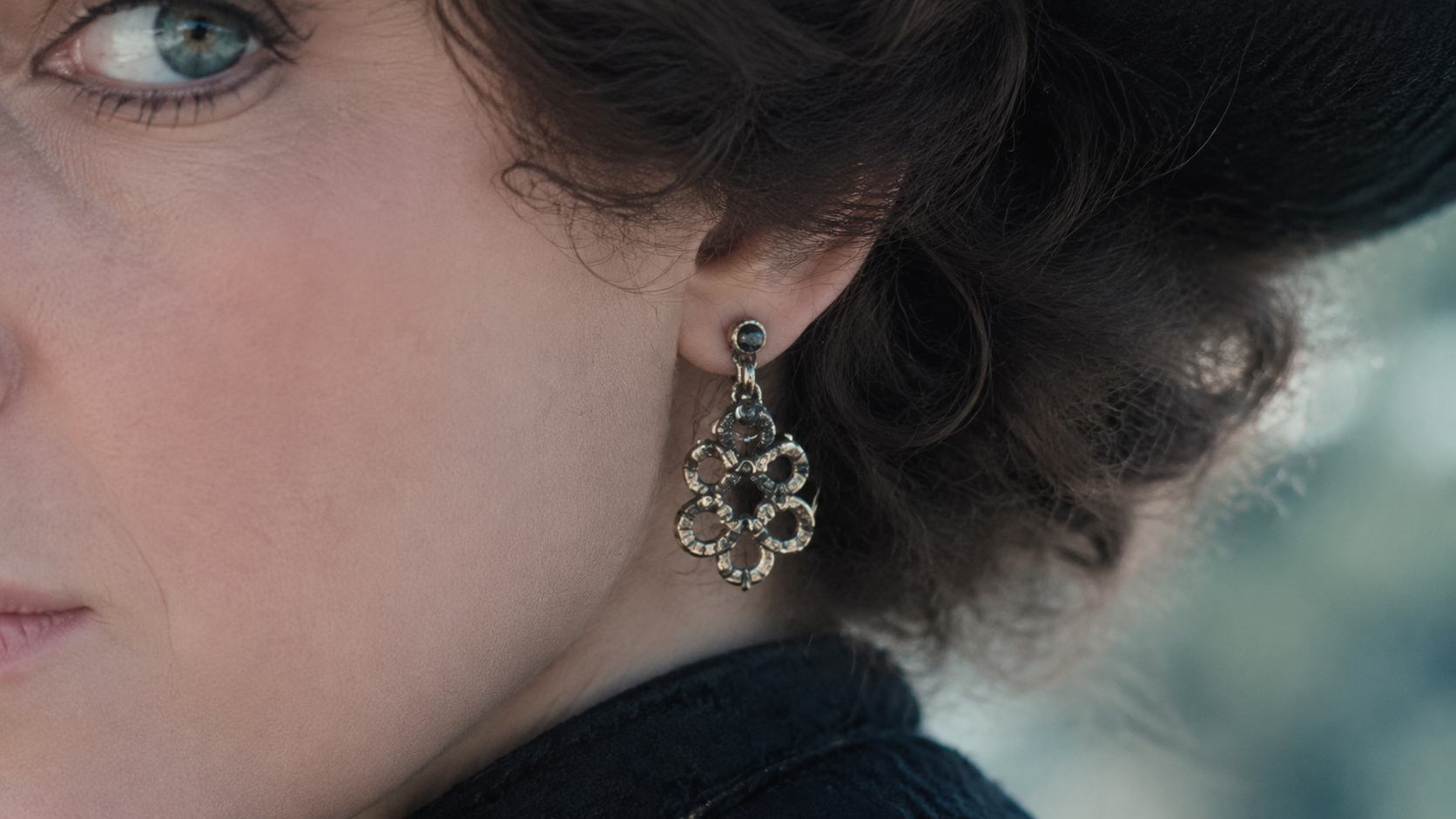
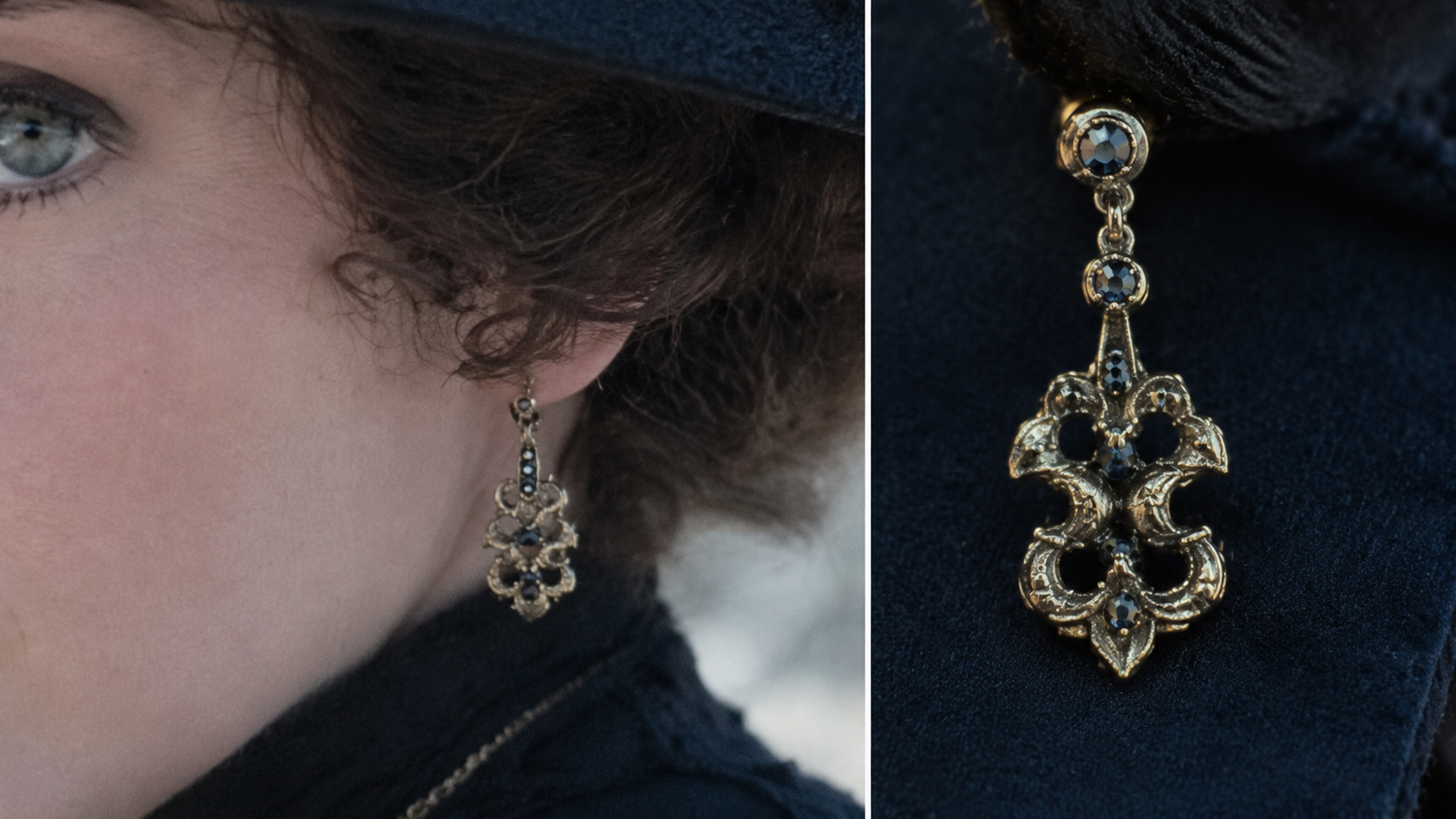
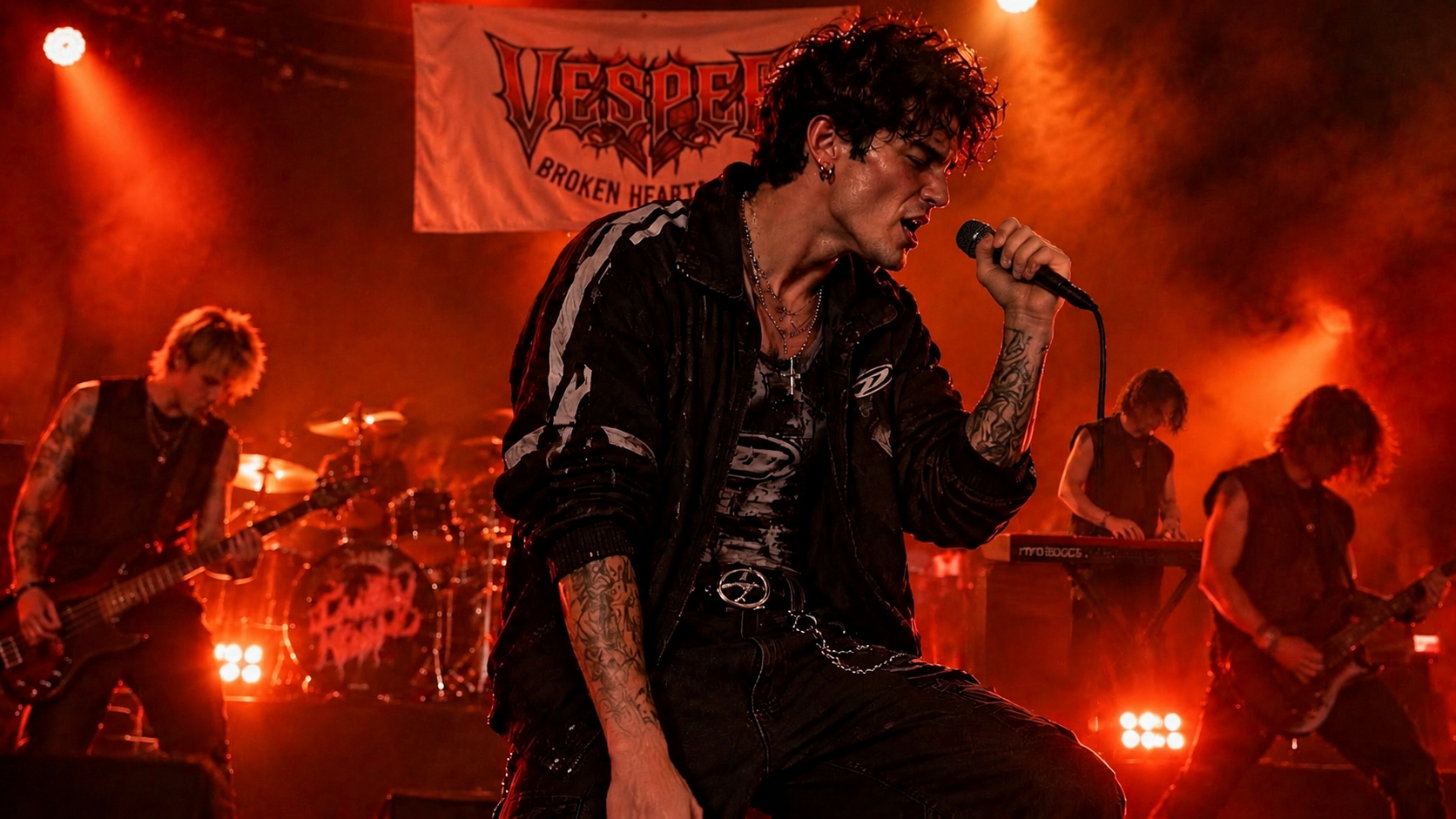
Render richer textures and lighting. Specify the material, light source, and small surface details that make a scene believable. Review faces, hands, product texture, and shadows at full size before choosing a final image.
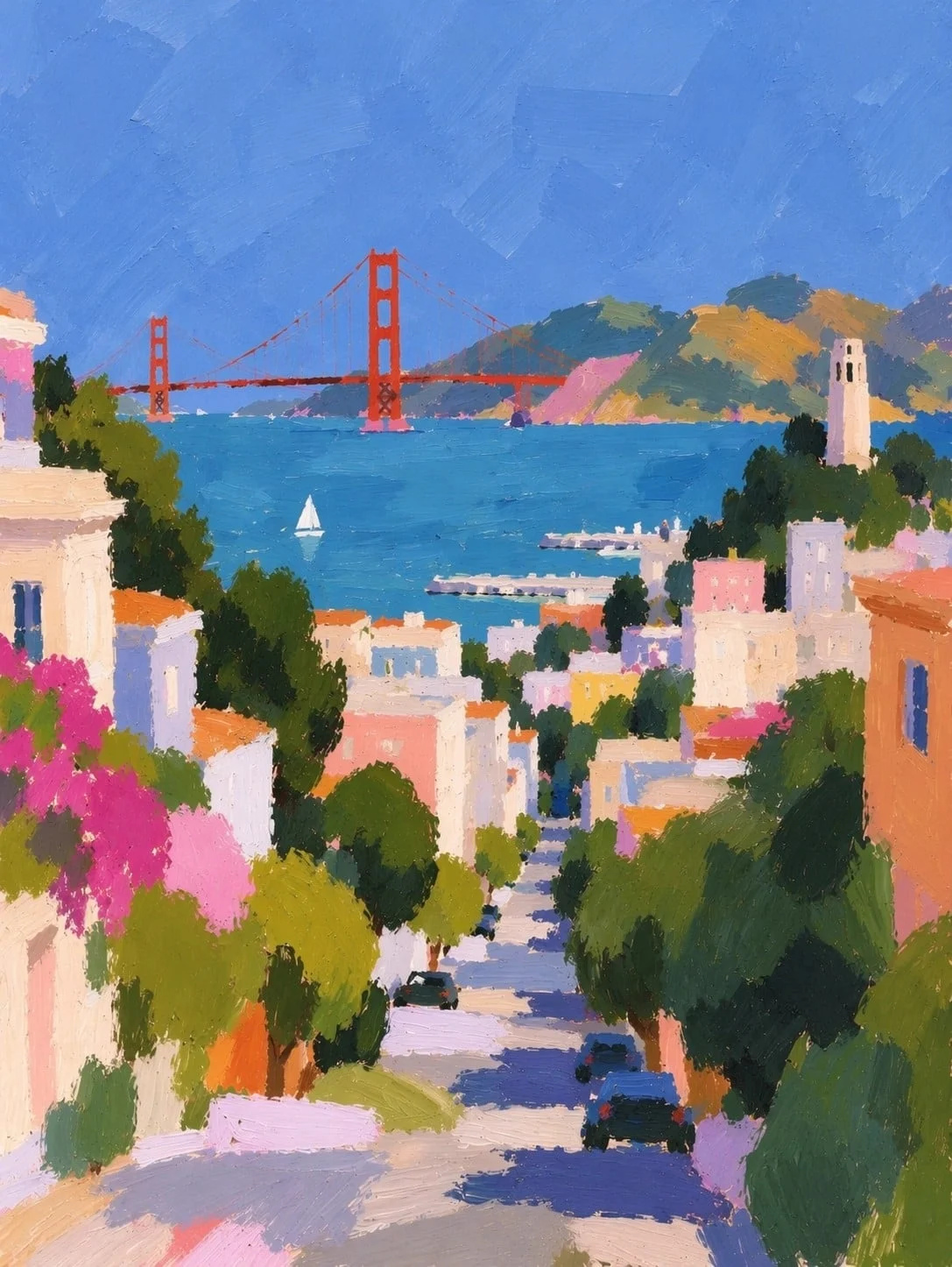
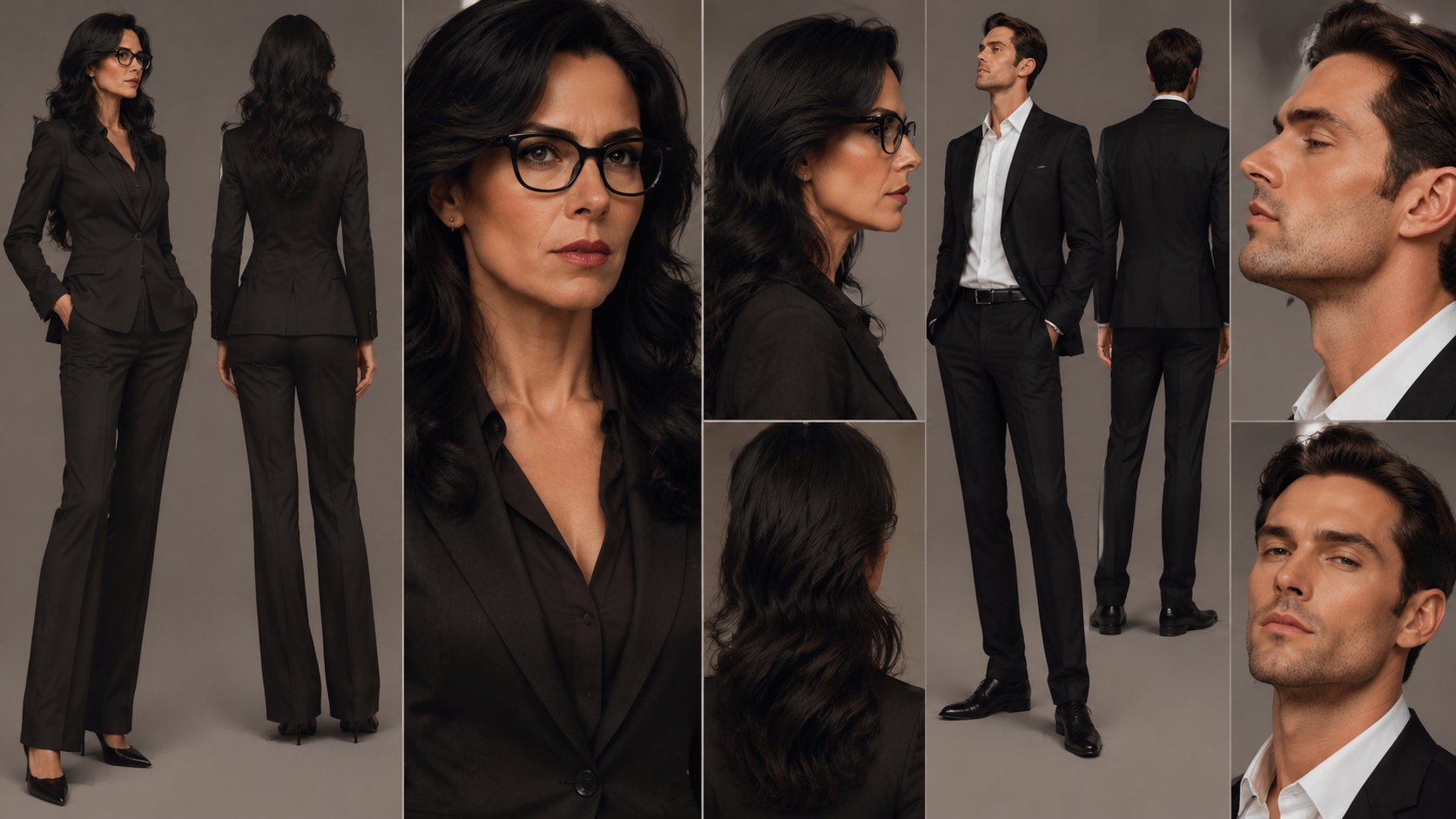
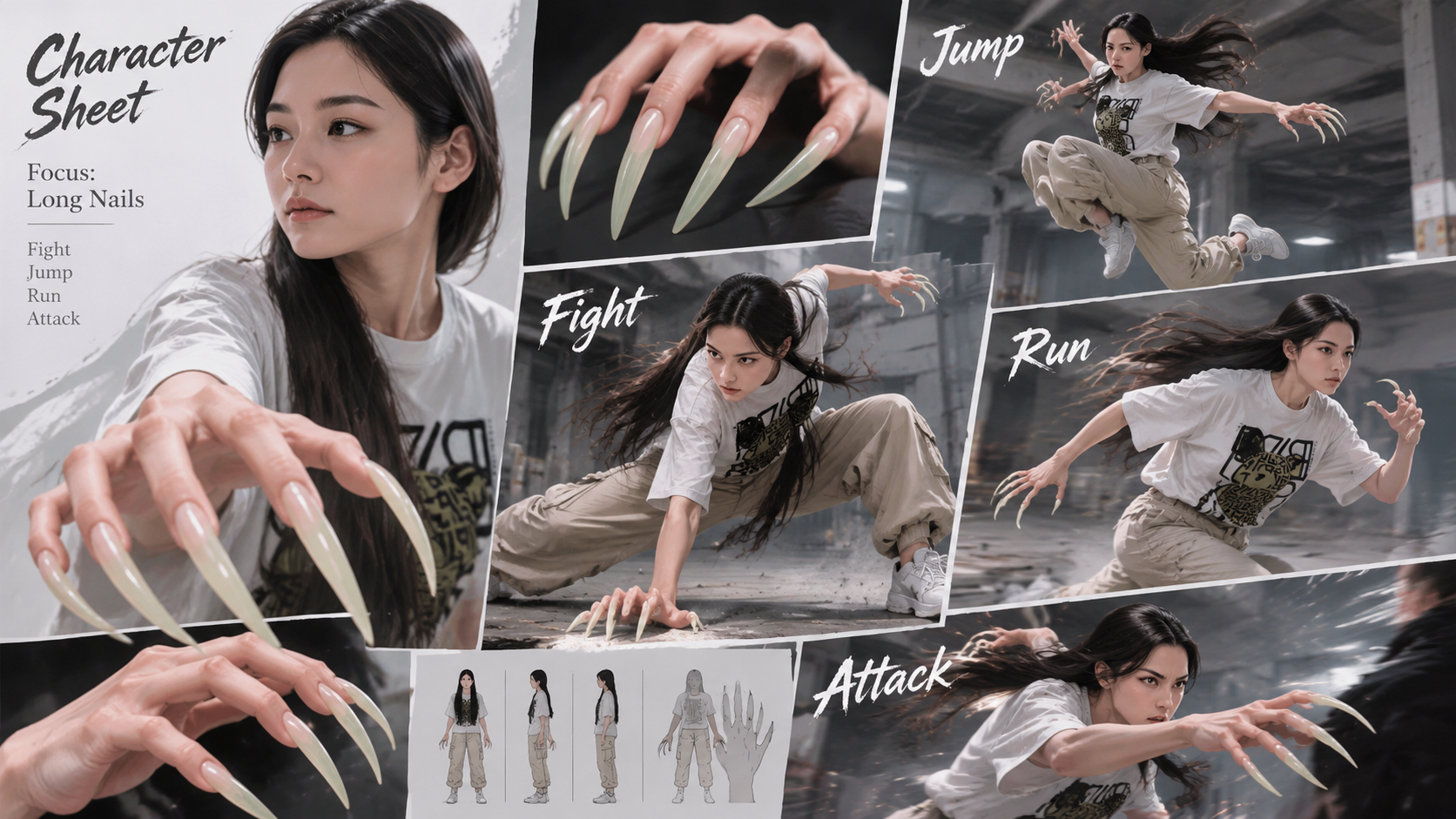
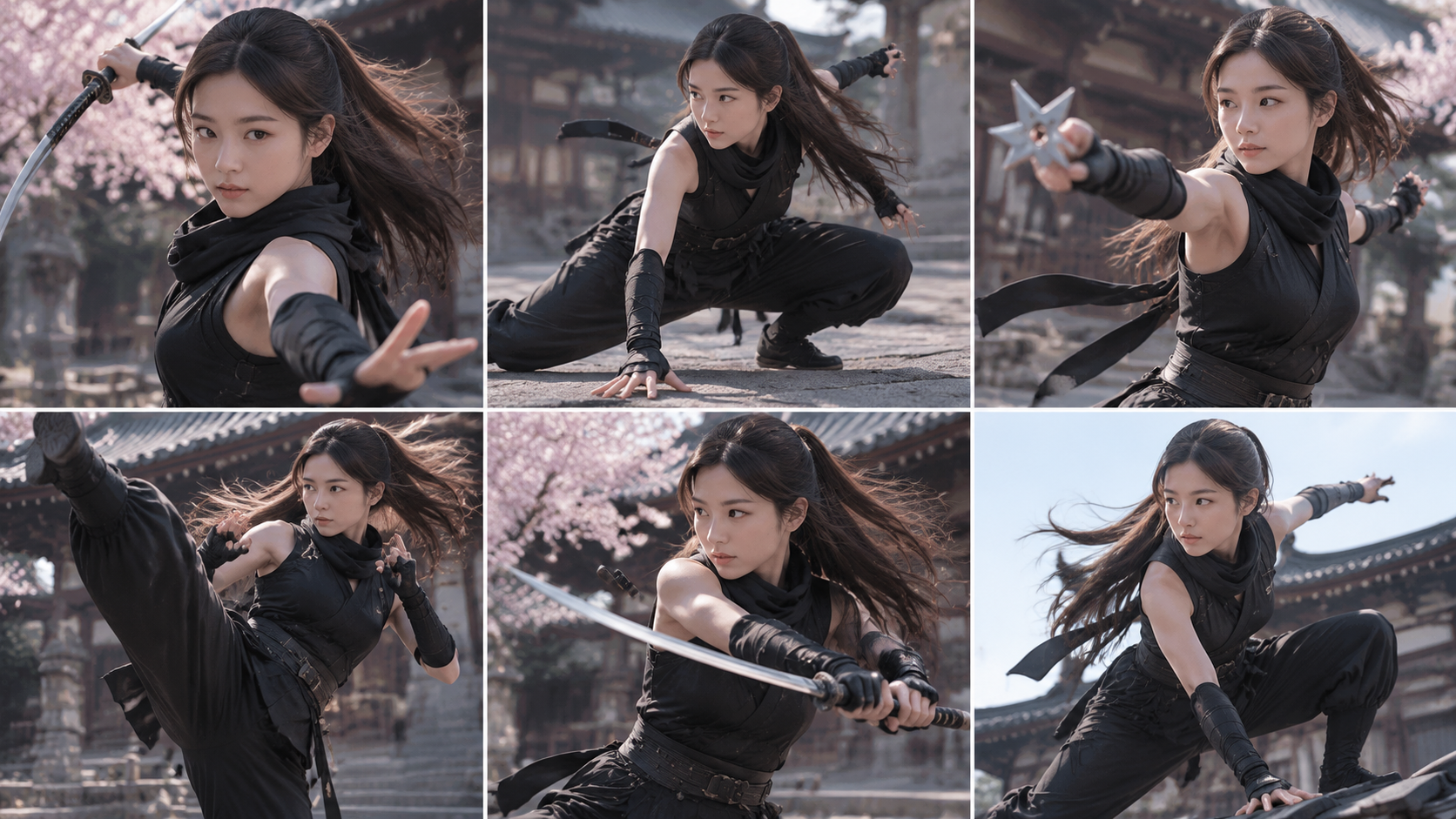
Keep familiar subjects recognizable. Use a reference image to establish the subject or product you need to keep. Describe which identity, shape, or styling cues should survive when the scene or art direction changes.
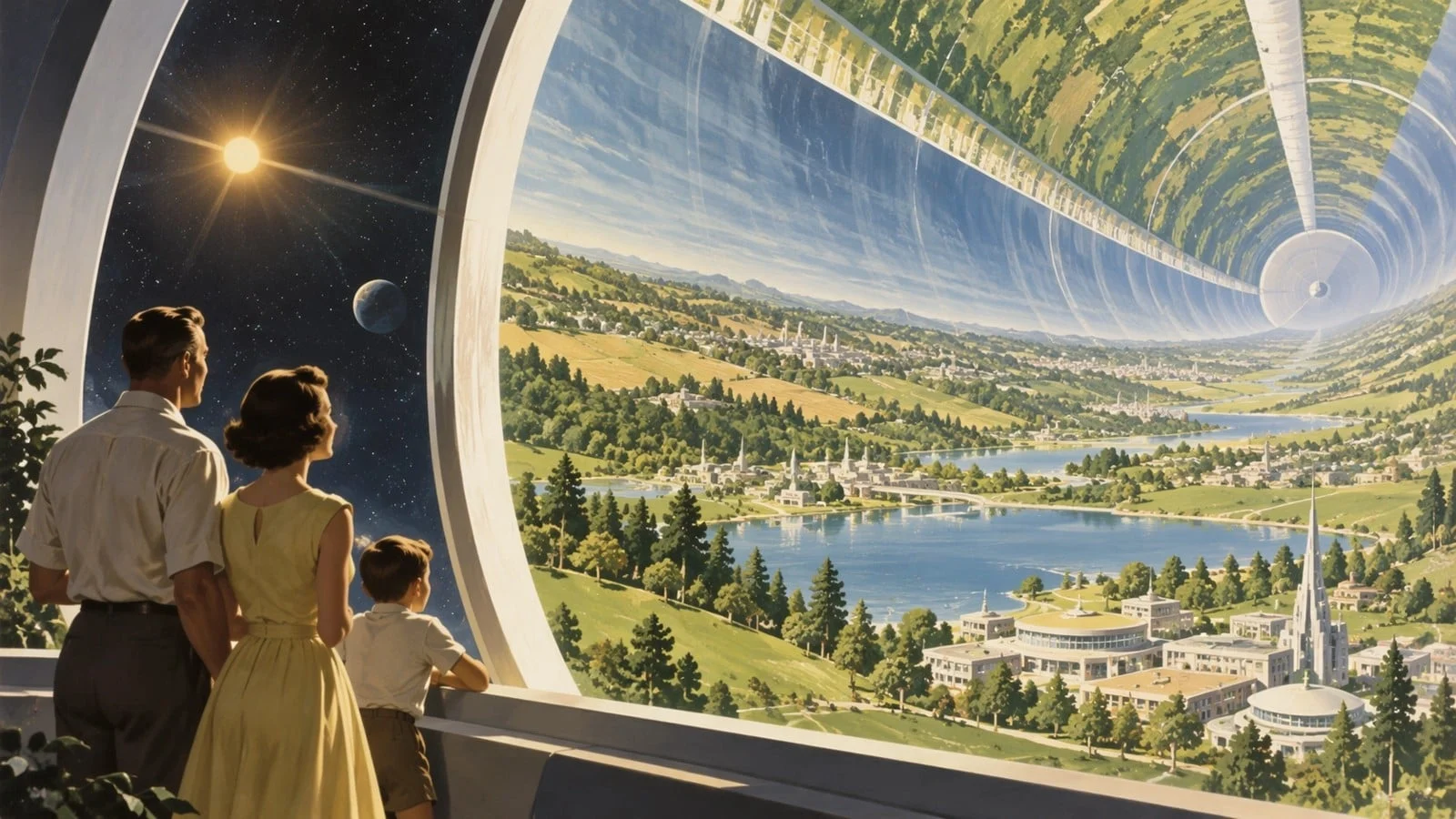
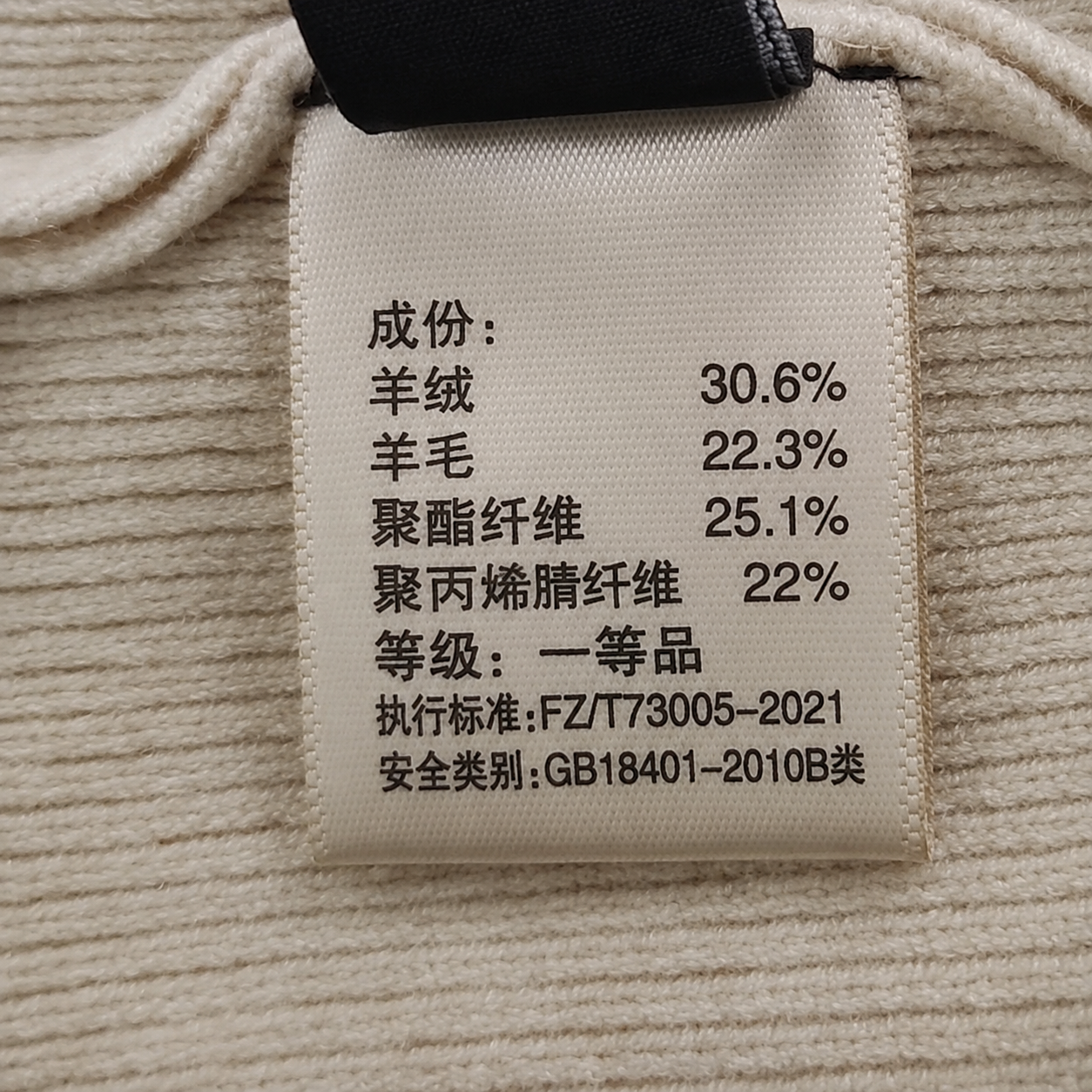
Change details while preserving the rest. Point to the exact region or object to change and describe the replacement in plain language. The model is designed to keep the surrounding scene, composition, and recognizable subject details stable.
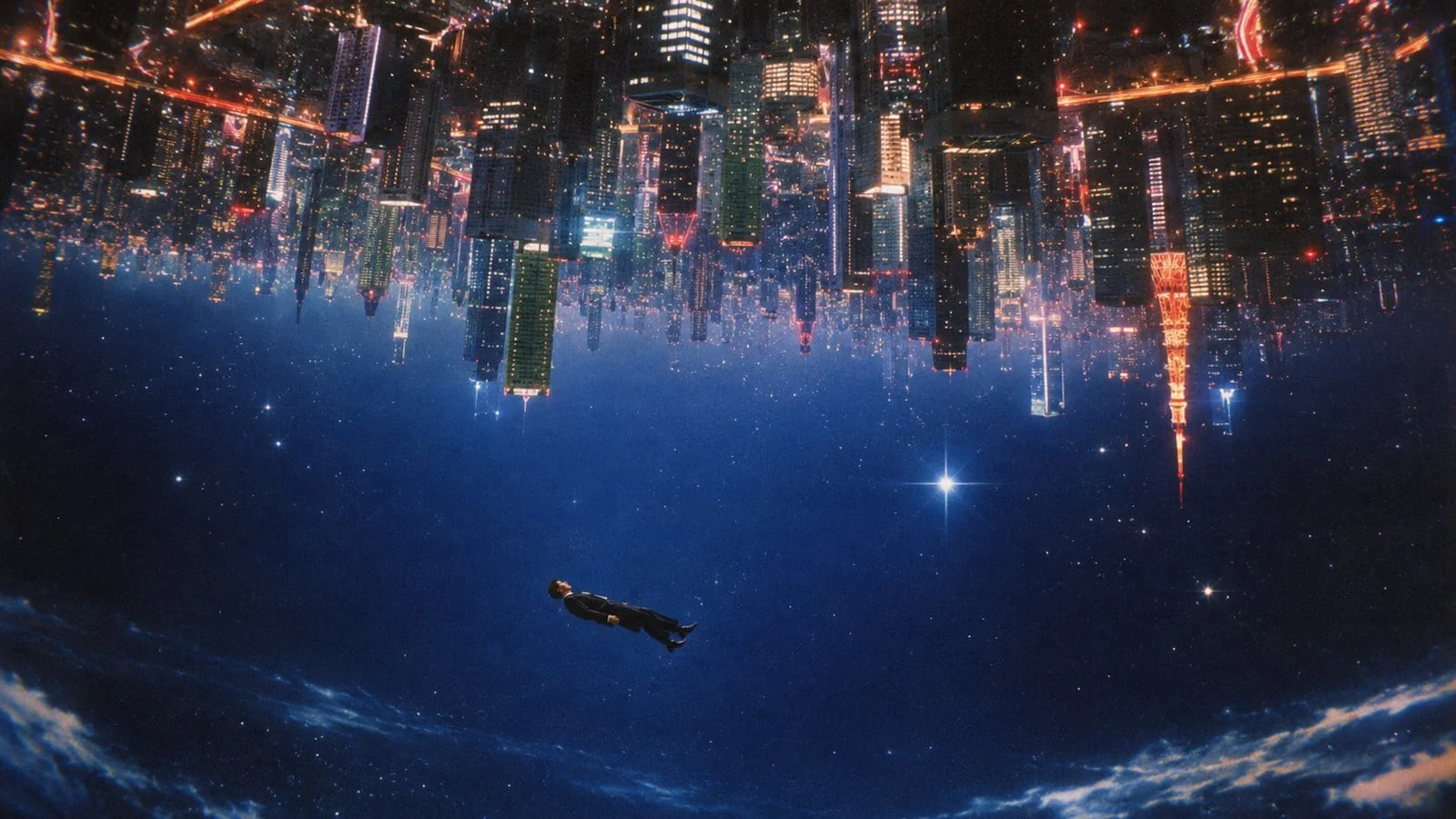
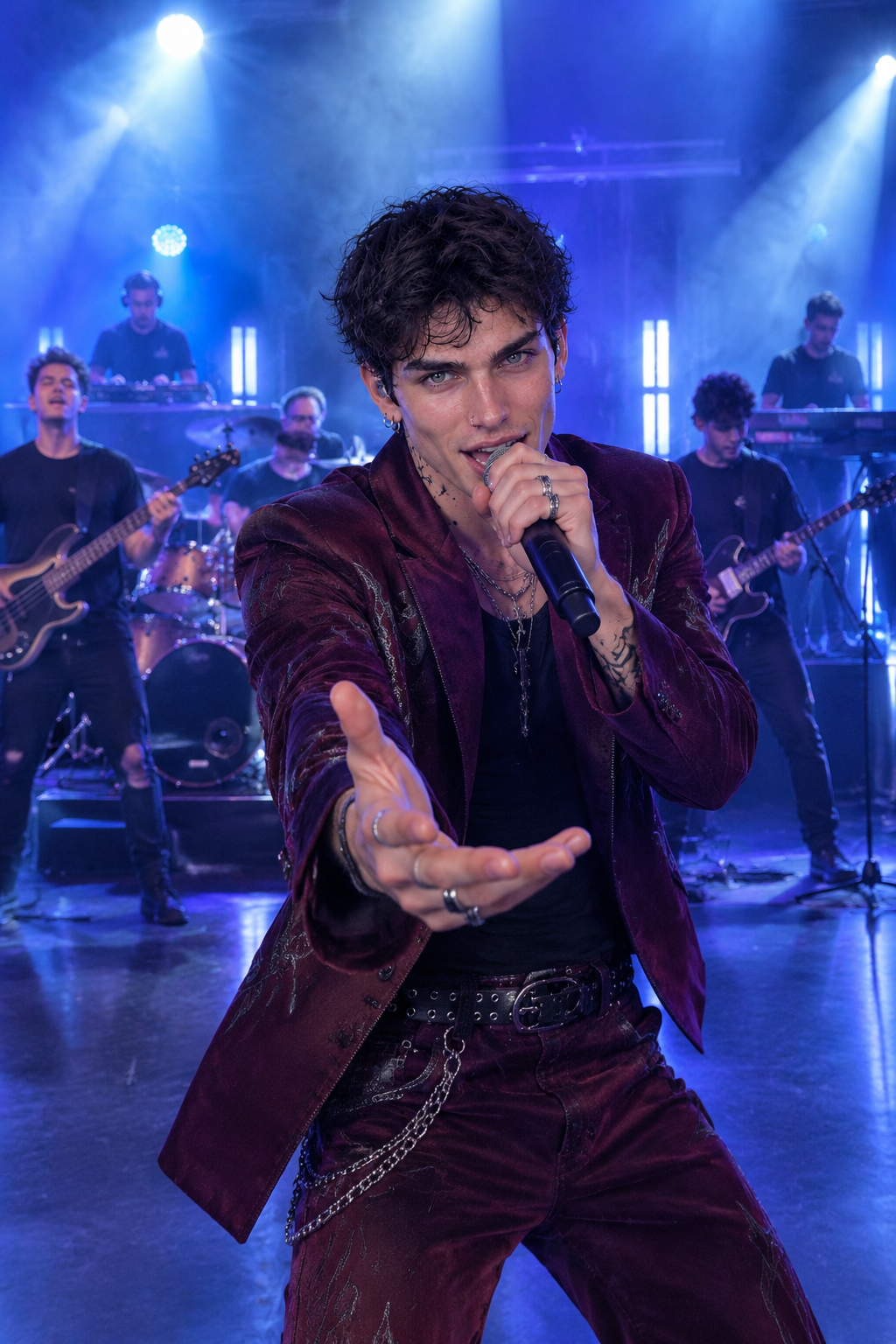
Explore variations with lower latency. Try several directions without rebuilding the brief each time. Carry forward the strongest result, then refine lighting, text, layout, or color in smaller steps.
| Capability | GPT Image 2.5 Special | GPT Image 2 | Nano Banana 2 | Seedream 5.0 Pro |
|---|---|---|---|---|
| Max Resolution | 1K | 1K, 2K, 4K | 1K, 2K, 4K | 1K, 2K |
| Input Types | Text, Image | Text, Image | Text, Image | Text, Image |
| Aspect Ratios | Auto, 1:1, 3:2, 2:3, 4:3, 3:4, 5:4, 4:5, 16:9, 9:16, 2:1, 1:2, 21:9, 9:21, 3:1, 1:3 | Auto, 1:1, 2:3, 3:2, 3:4, 4:3, 4:5, 5:4, 9:16, 16:9, 1:2, 2:1, 9:21, 21:9 | Auto, 1:1, 1:4, 1:8, 2:3, 3:2, 3:4, 4:1, 4:3, 4:5, 5:4, 8:1, 9:16, 16:9, 21:9 | 1:1, 4:3, 3:4, 16:9, 9:16, 3:2, 2:3, 21:9 |
| Function Mode | General, Editing | General, Editing | General, Editing | General, Editing |
| Max References | Up to 16 | Up to 16 | Up to 14 | Up to 10 |
Get started in three clear steps. No editing experience is required.
1Open the generator with GPT Image 2.5 selected and confirm the workflow mode.
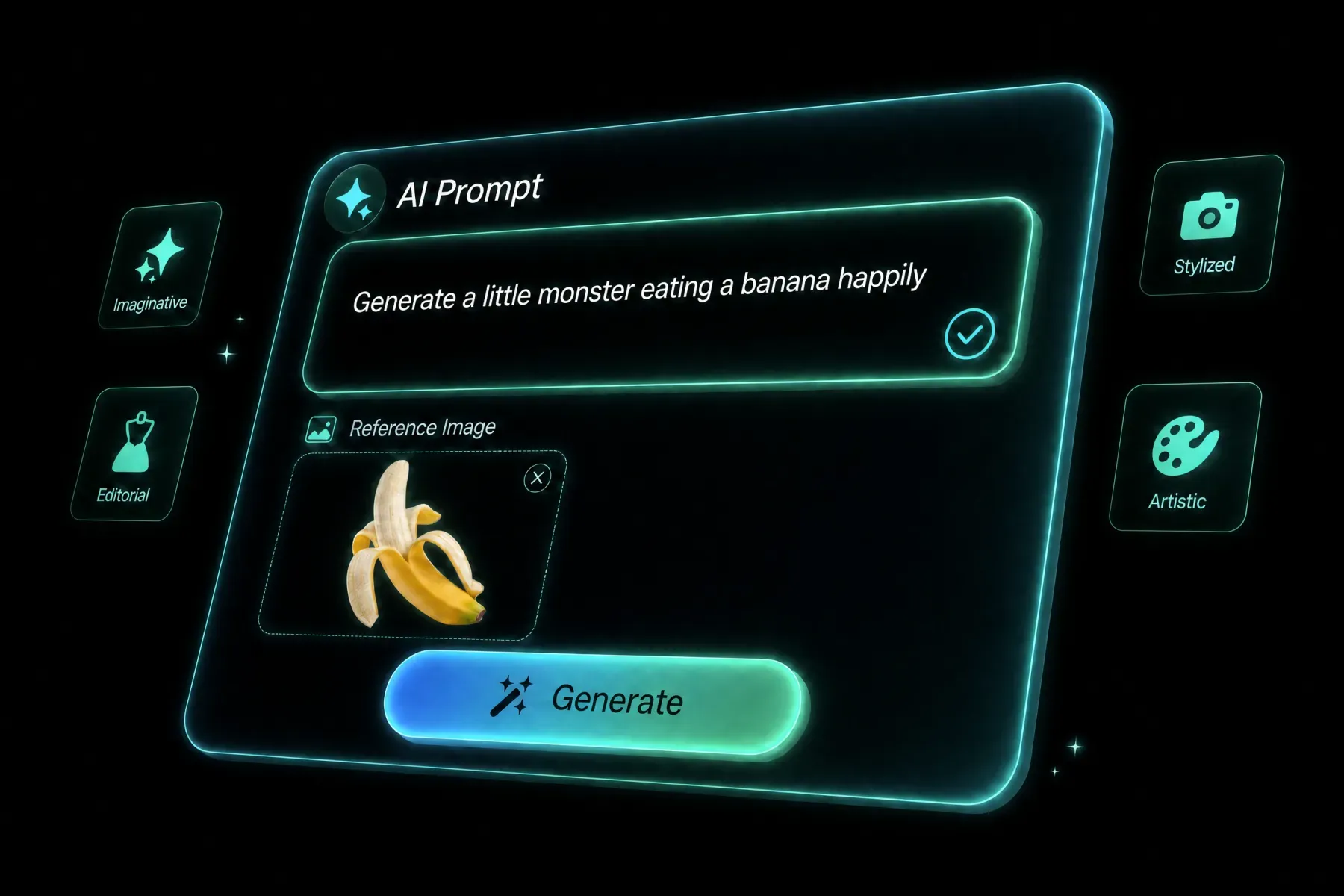 2
Write a focused prompt and upload any source media required by the workflow.
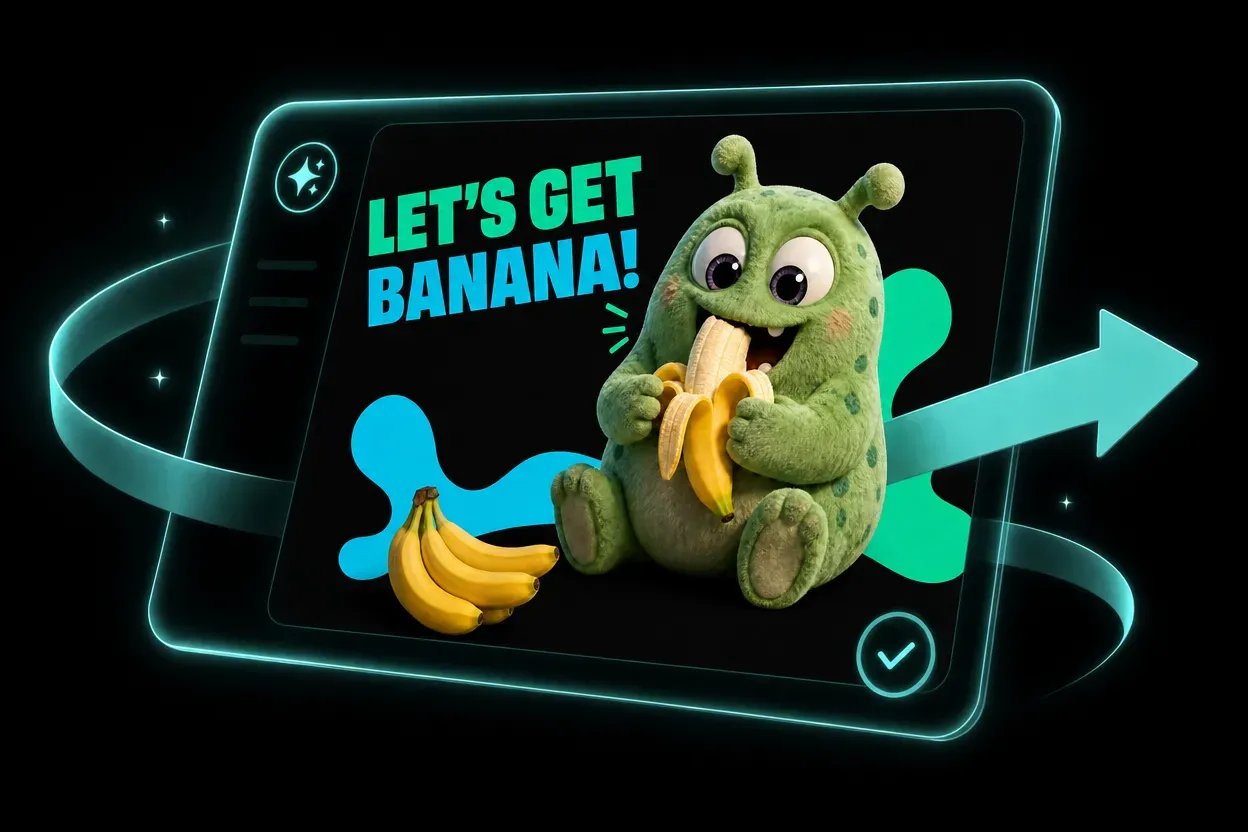 3
Review the settings, generate, then refine the prompt or model for another variation.
See how prompts, references, formats, and model choices become practical creative directions.
GPT Image 2.5 helps solo creators and teams explore more directions without adding more production tools.
Develop social concepts, series formats, and visual experiments faster.
Create campaign directions, channel variations, and localized assets from one workflow.
Prototype product media, launch concepts, and seasonal variations before full production.
Use AI for previsualization, mood development, storyboards, and option exploration.
Create sharper, more natural images with faster generation, consistent details, and precise edits. Go Unlimited with every plan. GPT Image 2.5 focuses on natural texture, reliable reference fidelity, and targeted edits that leave unrelated parts of an image intact. It also handles complex layouts and repeated edits across a creative conversation.
Open the generator, choose GPT Image 2.5, add a prompt and any required source media, review the settings, and generate. Specify the material, light source, and small surface details that make a scene believable. Review faces, hands, product texture, and shadows at full size before choosing a final image.
The available inputs appear directly in the generator and change with the selected model and workflow mode. Point to the exact region or object to change and describe the replacement in plain language. The model is designed to keep the surrounding scene, composition, and recognizable subject details stable.
You can use the settings exposed by the model, including supported aspect ratios, resolution, duration, and reference limits.
Yes. Sora 2 keeps leading models in one workspace so you can compare inputs, formats, and workflow modes.
Rights can depend on the model, source media, plan, and local law. Review the terms and use only assets you have permission to upload.
Write a concrete brief with subject, composition, action, camera or lighting, style, and final use. For edits, state what must stay unchanged.
Compare other AI models available in the Sora 2 creative workspace.
Start creating with GPT Image 2.5 in the Sora 2 workspace.
Try GPT Image 2.5 NowCreate sharper, more natural images with faster generation, consistent details, and precise edits. Go Unlimited with every plan.